ENGLISH
67 / 73
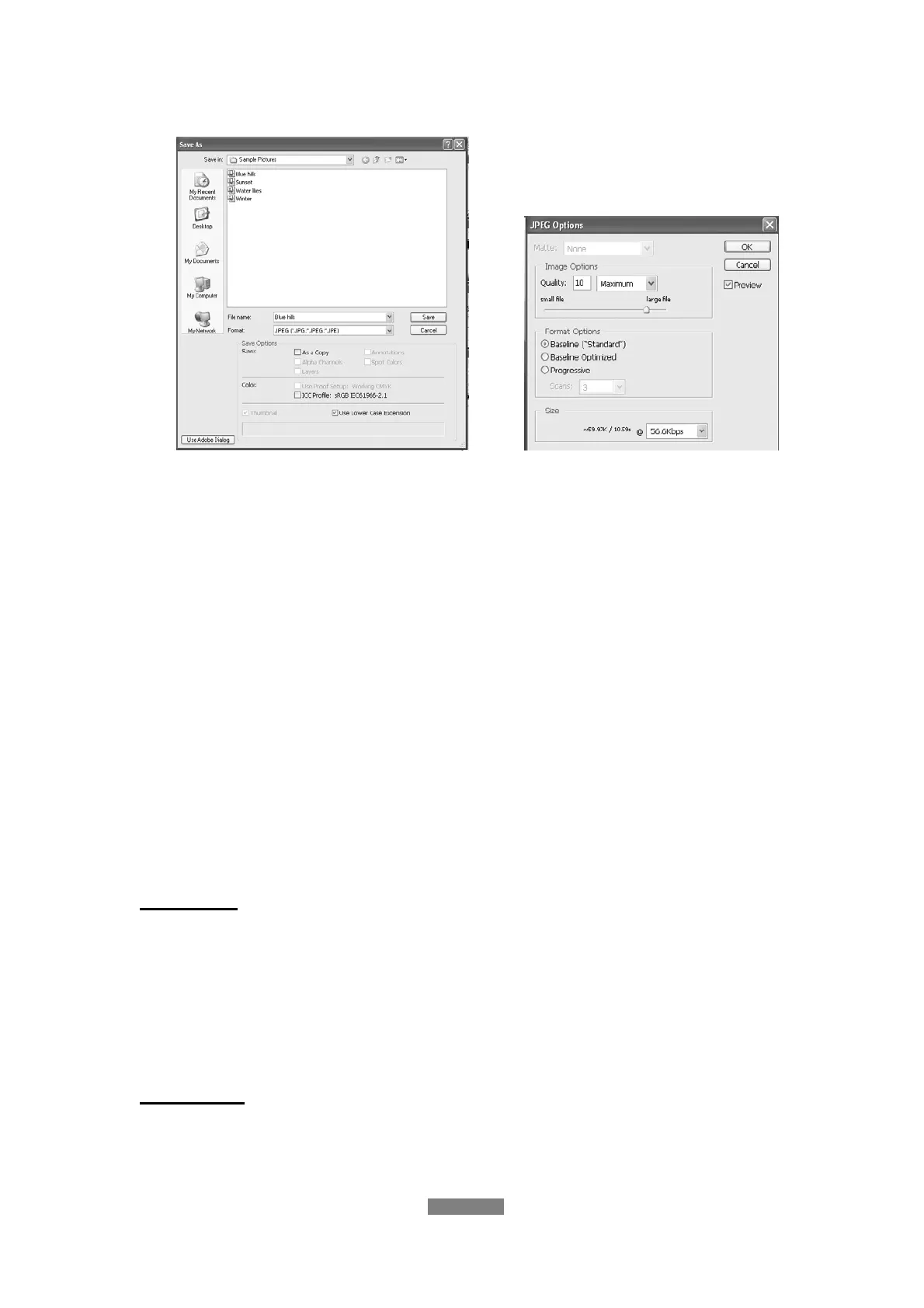
the right hand side shows, select “Baseline (standard)” or “Baseline optimized”;
(4) Click the “OK” icon.
Question14. Why couldn’t the player find the hard disc?
Answer:
Make sure the firmware is installed correctly, and no system partitions on the
HDD were deleted. If hard disc failure occurs, please backup your data and
reinstall the firmware.
Question15. Some functions like recording, time shift etc. do not work.
What should I do?
Answer:
If you find some functions do not work properly on the player, please change
system settings to the default (Refer to 3.6 for changing system settings).
13.3 Copyrights and Trademarks
Copyrights
All rights reserved. No part of this manual may be reproduced, or transmitted
in any form or by any means, whether by electronically or mechanically,
without the express written permission from the copyright holder.
Copyrighted materials, such as software, music files, or movies, are protected
by local law, and may not be illegally copied or used without permission from
the copyright owner.
Trademarks
Microsoft and Windows are registered trademarks of Microsoft Corporation.
All other trademarks are property of their respective holders.



 To Next Page