ENGLISH
28 / 73
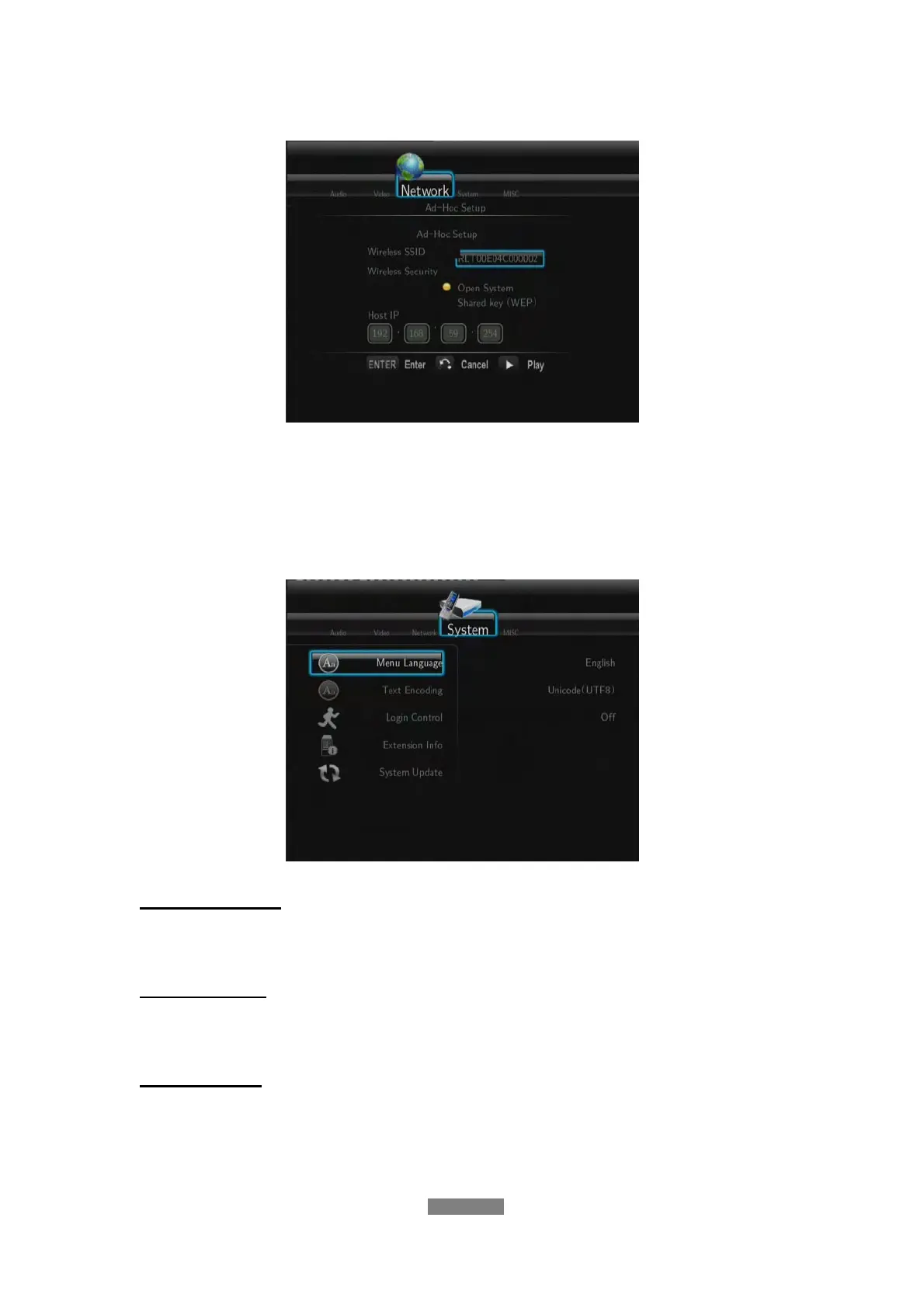
Ad-Hoc Setup
Press ENTER to go to next step, press RETURN to cancel, and press
PLAY to connect.
3.6 Changing System Settings
Use this menu to configure system settings.
Menu Language
- Select to choose the OSD (On-Screen Display) language.
Text Encoding
- Select to set the text encoding option (subtitle display).
Login Control
- Select to turn on / off password protection for the Web server graphic user
interface (Neighbor Web).



 To Next Page