ENGLISH
29 / 73
BT and SAMBA
- Select to turn on / off BitTorrent download, NAS and Web server services.
System Update
- Select Extension Package Upgrade to update extension files for BT
download, NAS, and Web server.
- Select system upgrade to update the firmware via a USB stick.
1) Copy ‘install.img’ to the root directory of a USB stick, and connect it to
the USB HOST port of the player.
2) Press ENTER to confirm.
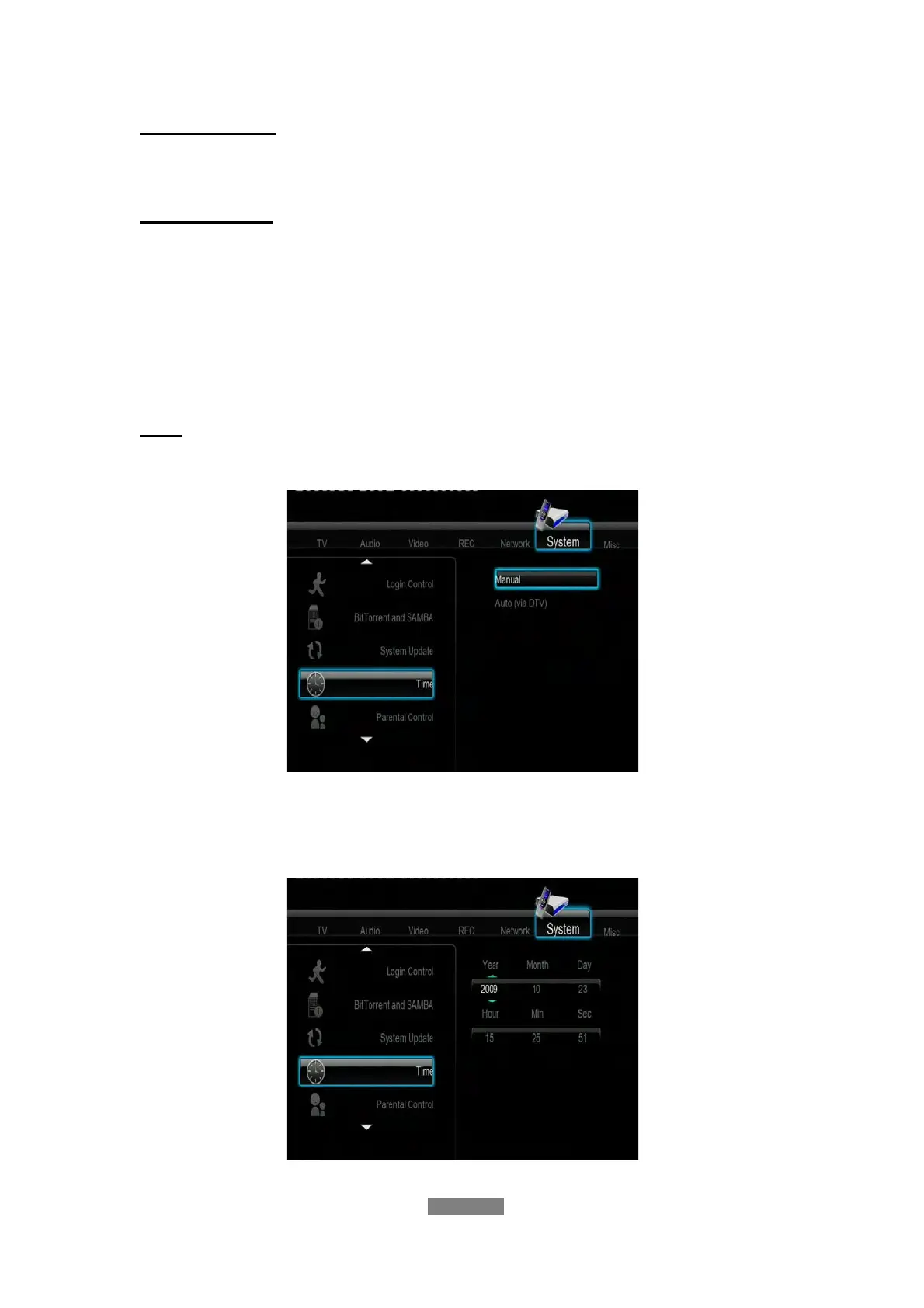
Time
- Select to set the system time.
Press the up / down button to select from Manual and Auto (via DTV). Press
the enter button to confirm.
Manual



 To Next Page