ENGLISH
35 / 73
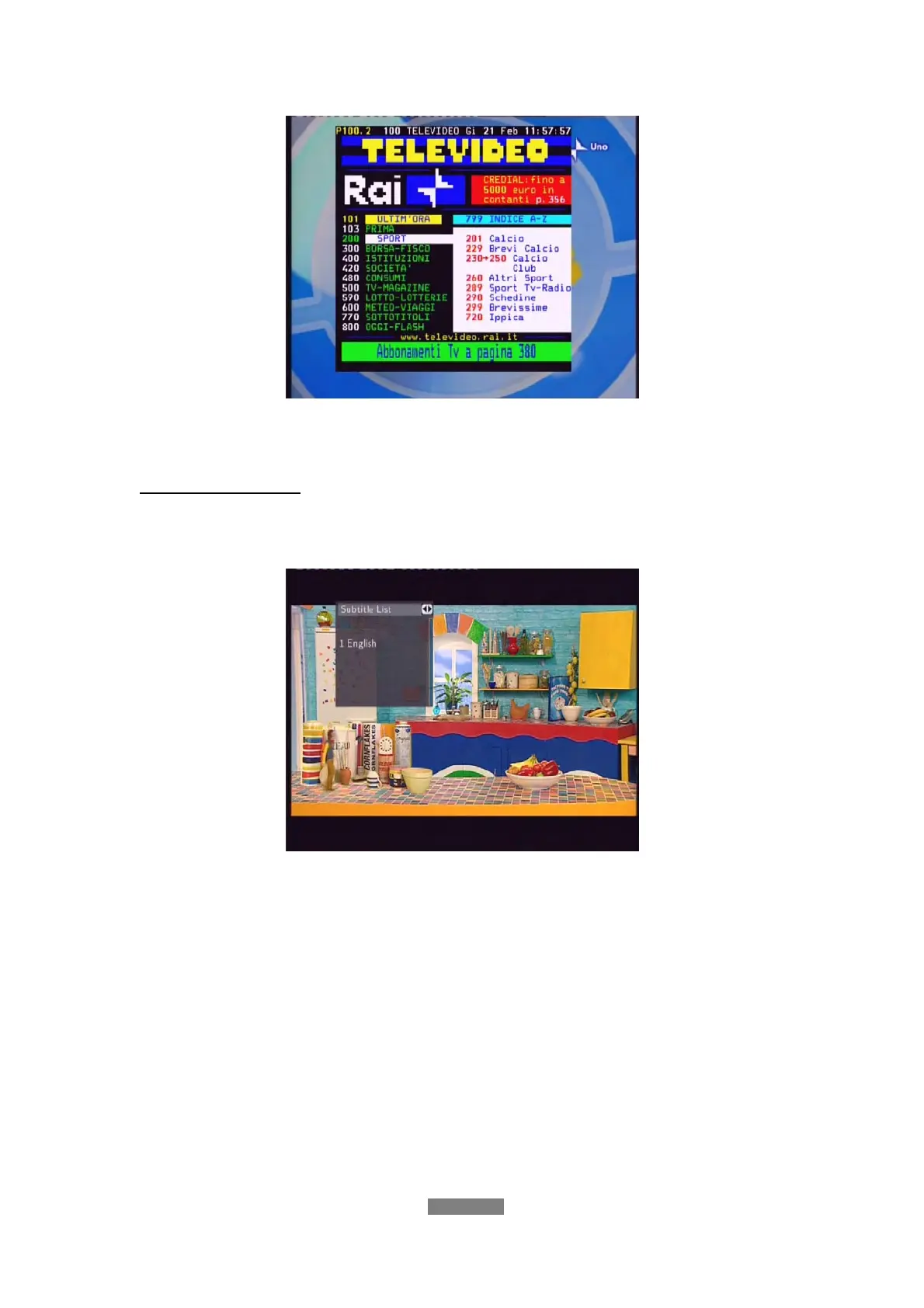
Press the navigational and numeric buttons to view the content in the
Teletext menu.
Subtitle List Menu
Press the subtitle button when watching DVB-T TV programs, the Subtitle List
menu will be displayed.
Press the up / down button to select the subtitle, and press the enter button to
confirm.
5. AV IN Menu
In this menu, you can watch and record audio-visual signal from the A/V IN
jack on the rear panel of the unit, or have the time shift function.
Select the A/V In icon on the main interface to enter this menu.



 To Next Page