ENGLISH
40 / 73
Note:
• Please refer to chapter ‘9.1 Specifications‘for more about the supported
content formats.
• Muisc tracks might not be able to played continously under All filter, please
switch to the Music filter instead.
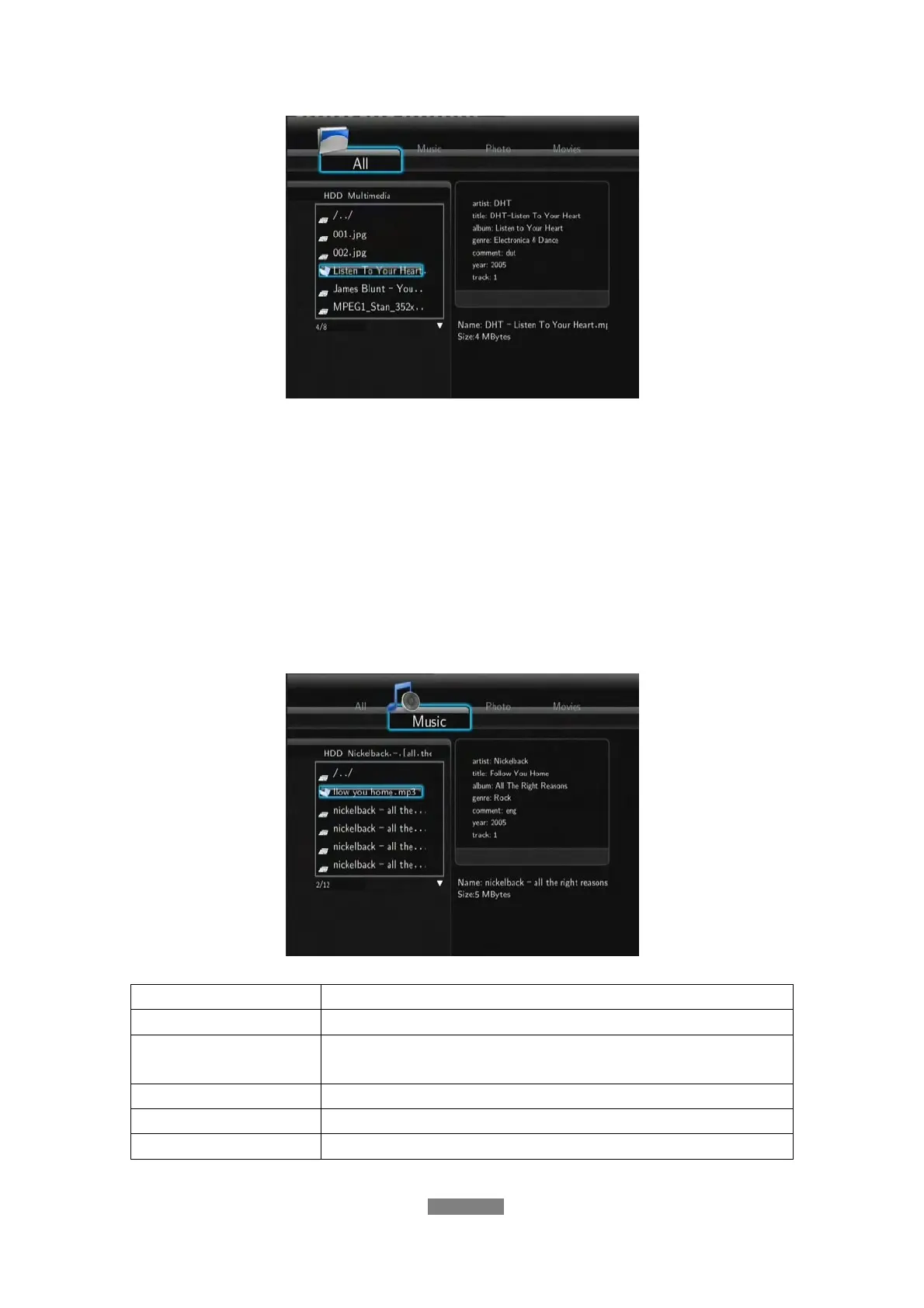
7.2 Browsing Music
In this mode, all folders and supported audio files in current directory will be
displayed.
The following buttons can be used to control music playback.
Button Function
PLAY/PAUSE
Begin/pause playback.
FR / FF
Fast rewind or fast forward. Press repeatedly to select
the speed.
REPEAT Set repeat options: One, All, Shuffle and Off.
INFO
Hide or display the information bar during playback.
STOP
Stop playback.



 To Next Page