ENGLISH
24 / 73
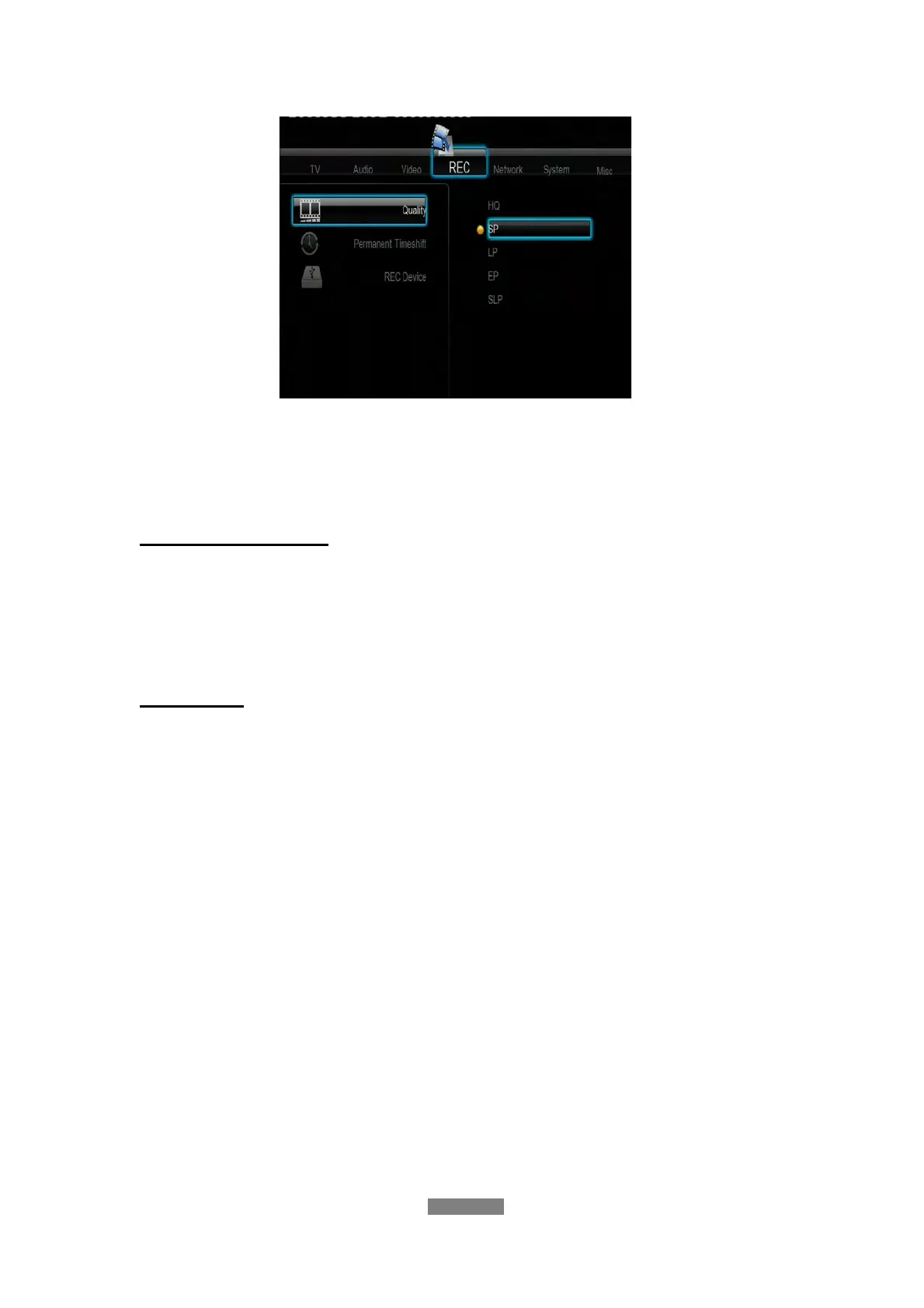
Press the up / down button to select the quality setting you require. The
highest quality setting is HQ which requires the most storage space. The other
settings reduce recording quality sequentially but also require less storage
space.
Permanent Time shift
- Select to set Time Shift mode.
Press the up / down button to select from On and Off. Press the enter button
to confirm. If On, the time shift will start automatically while in Video In mode.
REC Device
- Select to set device to store the recorded files.
Press the up / down button to select from HDD and USB. Press the enter
button to confirm.
3.5 Changing Network Settings
Use this menu to configure Ethernet and WLAN (Wireless Local Area Network)
settings.



 To Next Page