ENGLISH
25 / 73
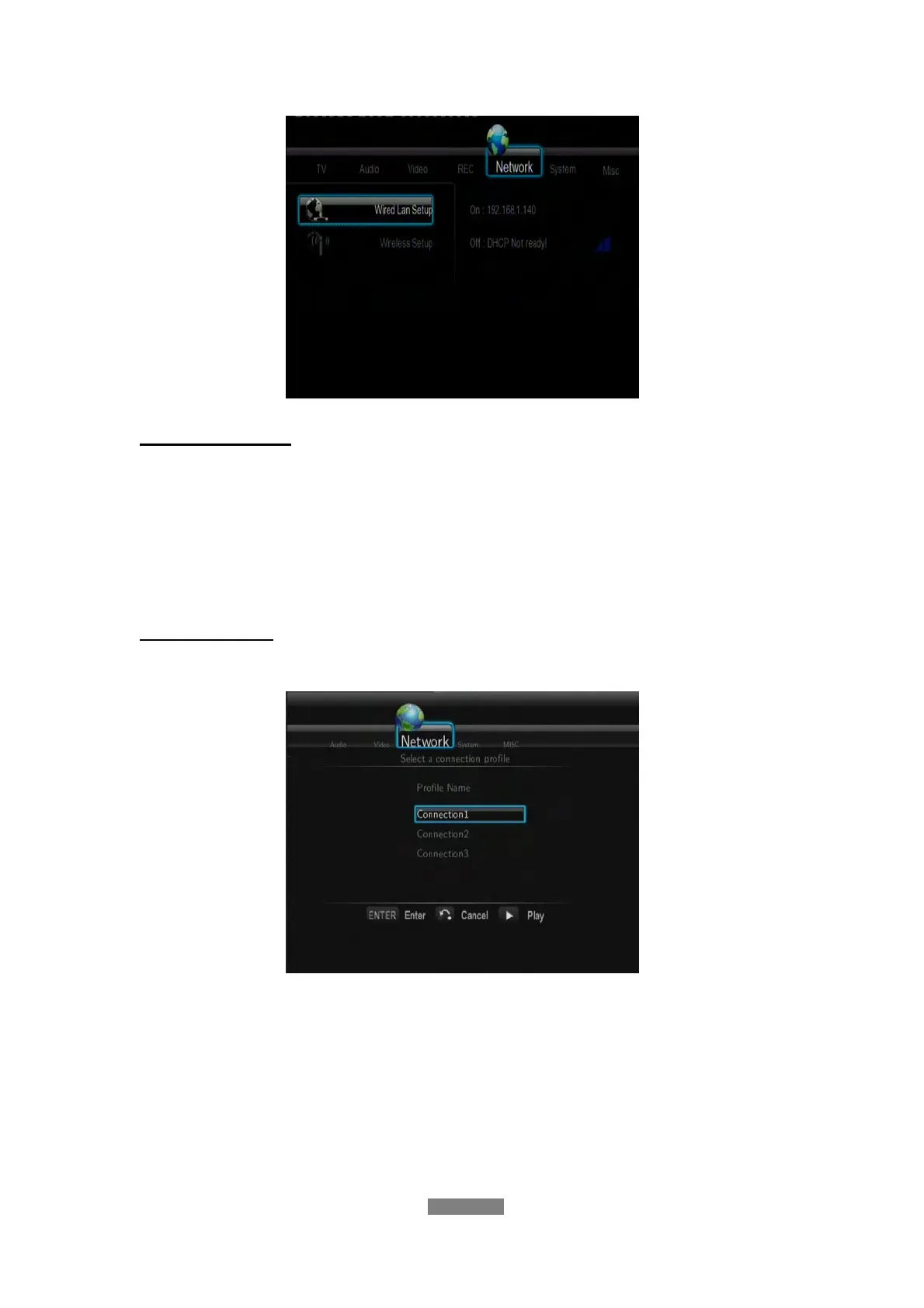
Wired LAN Setup
- DHCP IP (AUTO)
Select to obtain IP address automatically.
- FIX IP (MANUAL)
Select to manually input the IP Address, Subnet Mask, Default Gateway,
and DNS Server IP Address.
Wireless Setup
- Selecting a connection profile
This player can store up to three wireless network connections. Press
ENTER to go to next step, press RETURN to cancel, and press PLAY to
connect.



 To Next Page