ENGLISH
34 / 73
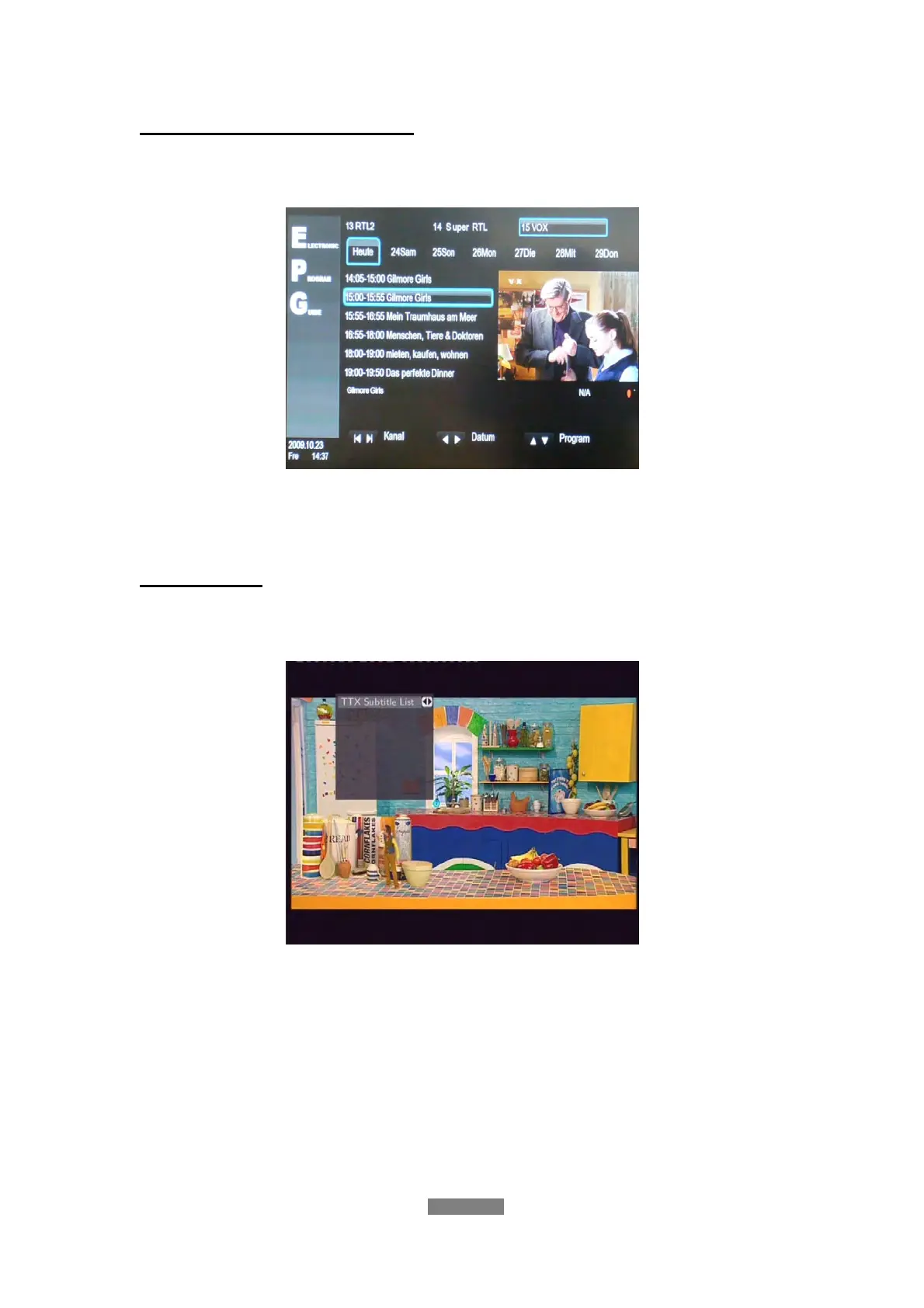
Electronic Programming Guide
Press the EPG button when watching DVB-T TV programs, the Electronic
Programming Guide will be displayed.
Press the prev / next button to change channels. Press the left / right button
to change date. Press the up / down button to change program. Press the
MENU button to add / delete scheduled recording.
Teletext Menu
If the broadcasted stream supports Teletext, press the TTX button to enter the
Teletext menu.



 To Next Page