ENGLISH
33 / 73
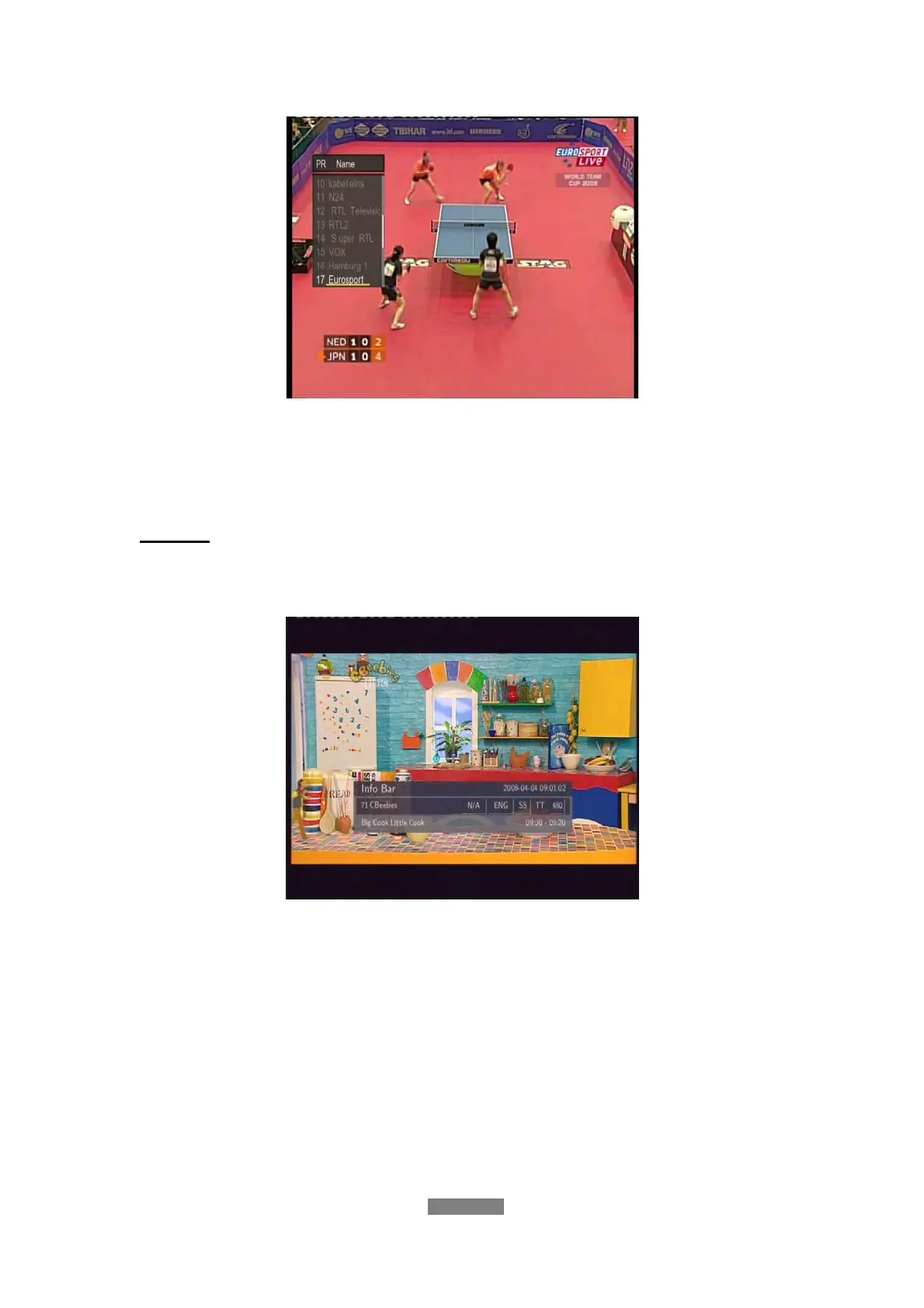
All the TV and Radio programs will be listed on this list. Press the up / down
button to select channels, and press the enter button to confirm. Press the
prev / next button to page up /down.
Info Bar
While switching channels by the up / down button, an info bar will be displayed
to show the channel information.
There’re 4 strings displayed on the bar. Taking the info bar in the above photo
for example:
N/A – Stands for TV rating;
ENG – Stands for the voice language;
SS – Stands for subtitle;
TT – Stands for Teletext;
576 – Stands for resolution (SD - Standard Definition, HD – High Definition).
When the string looks concave, the option will be available.



 To Next Page