ENGLISH
37 / 73
Repeat
Select how often you want the schedule to record. Choose from
Once, Everyday, Mon-Fri, Mon-Sat or for an individual day of the
week.
Device
Select the storage device for records.
Quality
Select the quality for AV IN recording. Choose from HQ, SLP, EP,
LP and SP. The higher the quality, the more space is required on
the hard drive. See HDD Free Space on the left of the screen for
details of how long you can record for using each setting.
Nicam
Not available in Europe
Preview
This small preview window will show the current program of the
selected channel.
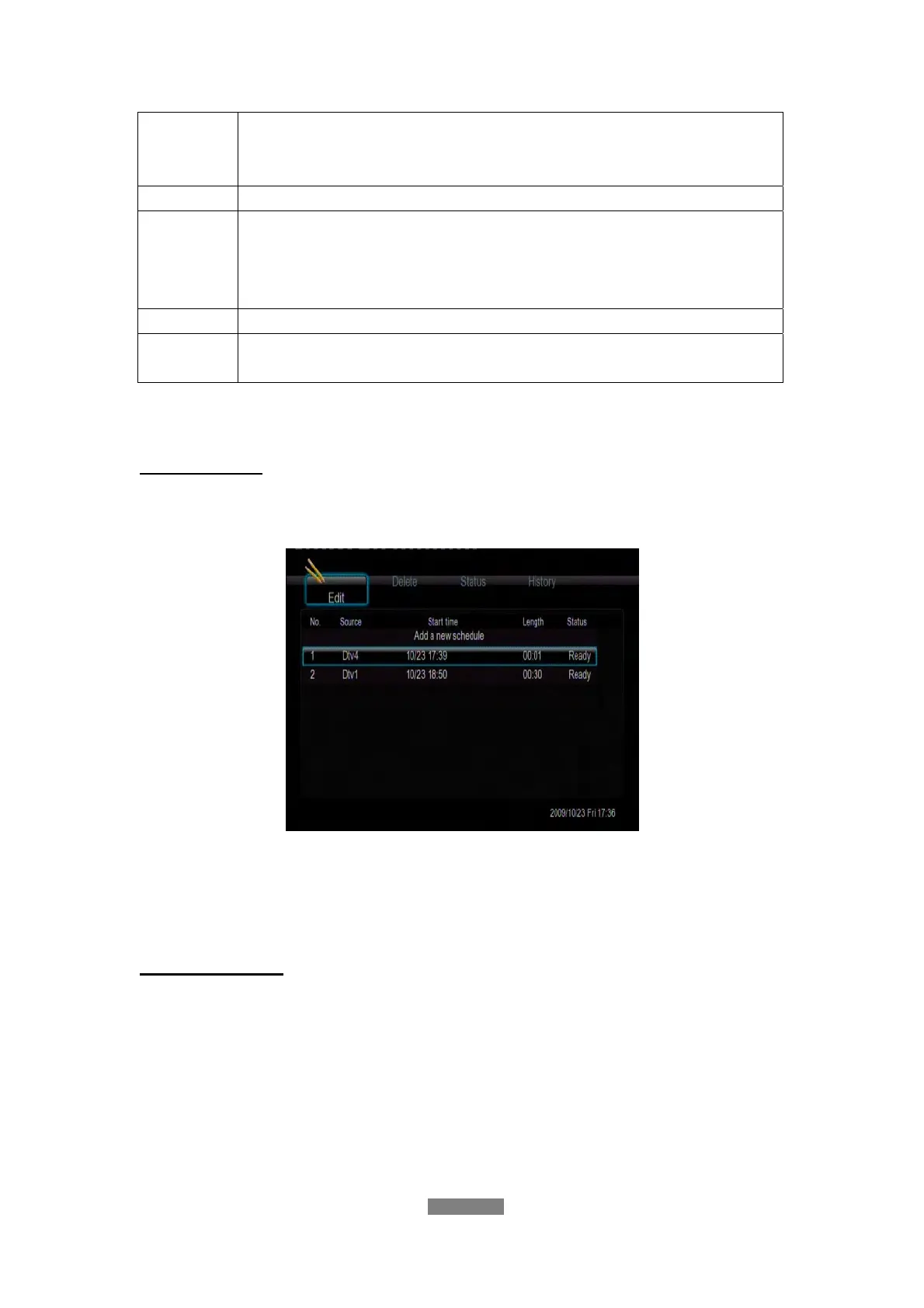
Edit Schedule
Press the left / right button on the remote control to select the Edit tab from
the menu bar.
Select the schedule you want to edit from the list and press the enter button.
The schedule setting screen appears. Modify the schedule as described in
‘Create a New Schedule’.
Delete Schedule
Press the left / right button on the remote control to select the Delete tab from
the menu bar.
Select the schedule you want to delete and press the enter button. A
confirmation message appears.



 To Next Page