ENGLISH
38 / 73
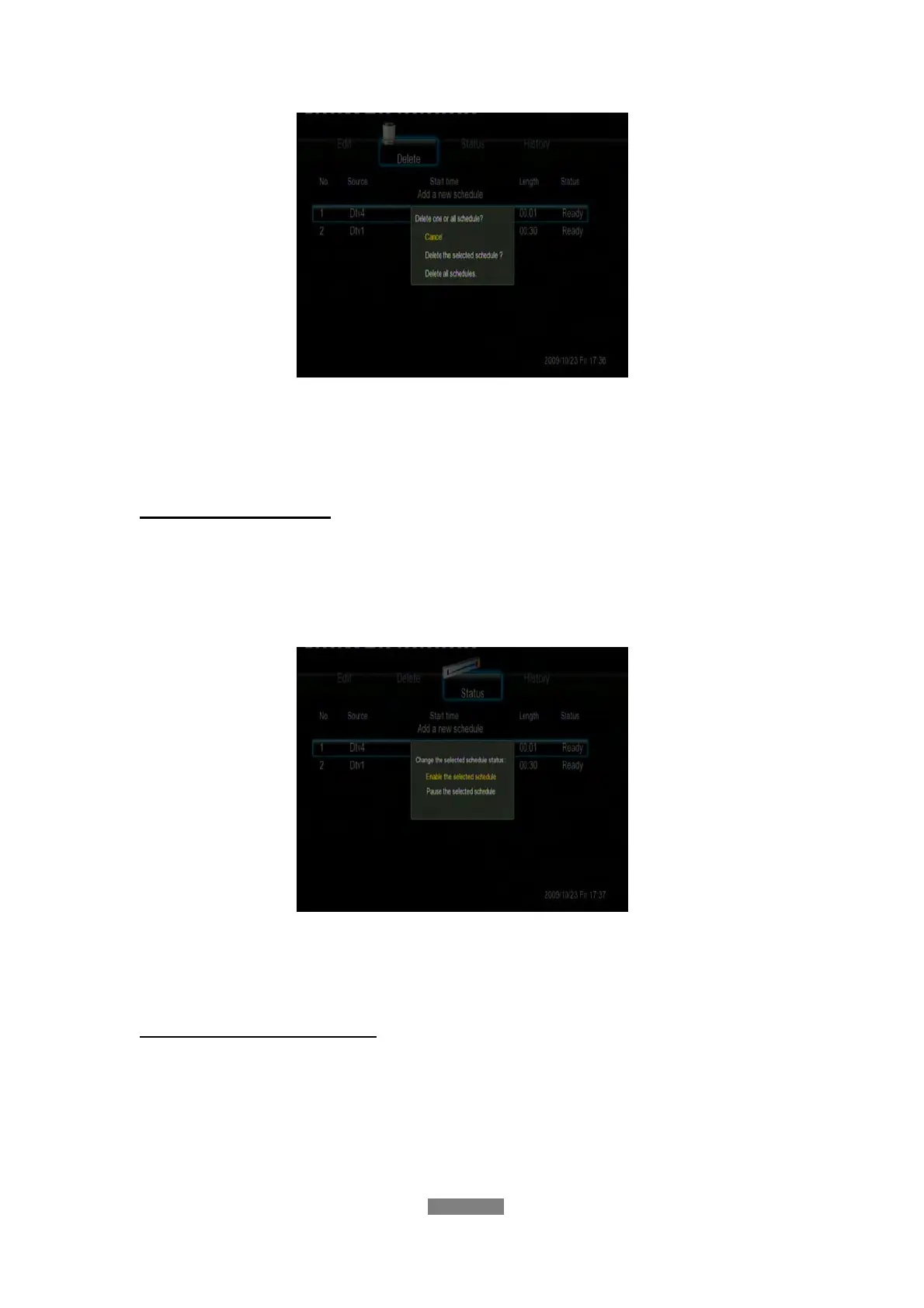
Select CANCEL, Delete the selected schedule, or Delete all schedules.
Press the enter button to confirm.
View Schedule Status
Press the left / right button on the remote control to select the Status tab from
the menu bar.
The schedule list is displayed. Select a schedule and press the enter button.
Select Enable the selected schedule or Pause the selected schedule.
Press the enter button to confirm.
Viewing Recording History
Press the left / right button on the remote control to select the History tab
from the menu bar.
Here you can view a complete history of all recordings that were set.



 To Next Page