ENGLISH
50 / 73
Note:
• Make sure the player is connected properly to a LAN or WLAN with Internet
access, please refer to ‘3.4 Changing Network Settings’ for more details;
• When you enter the Digital Radio menu at the first time, it will take several
seconds to download data from the Internet, please be patient to wait;
• For more about SHOUTcast, please refer to the website:
www.shoutcast.com
• The record tracks are listed under the “livepause” folder on the HDD
The following buttons can be used under this menu.
Button Function
UP / DOWN
Move cursor up / down to select station, channel, and
genre.
PREV / NEXT
Page up / down.
ENTER
Confirm and enter the selected menu.
MENU Add or delete a station to or from Favorite list while it is
highlighted.
PLAY
Begin playback after a channel has been selected.
REC
Start record.
STOP
Stop playback or stop record.
RETURN
Return to the previous menu.
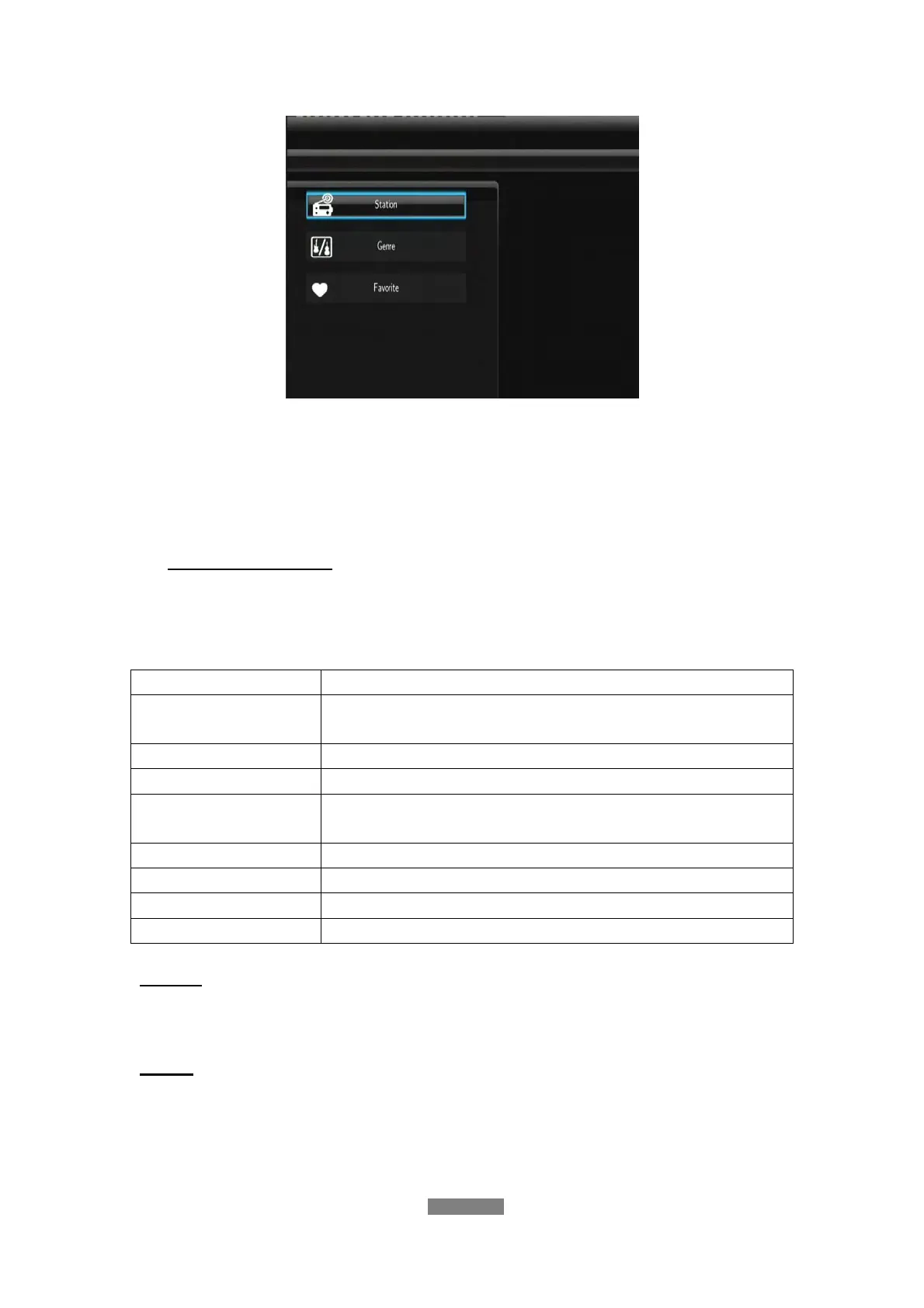
Station
- All downloaded stations will be listed under this menu.
Genre
- Under this menu you can search stations by genre (pop, rock, jazz, etc.).



 To Next Page