ENGLISH
21 / 73
In AUTO SCAN mode, the system will automatically scan for available DVB-T
TV channels.
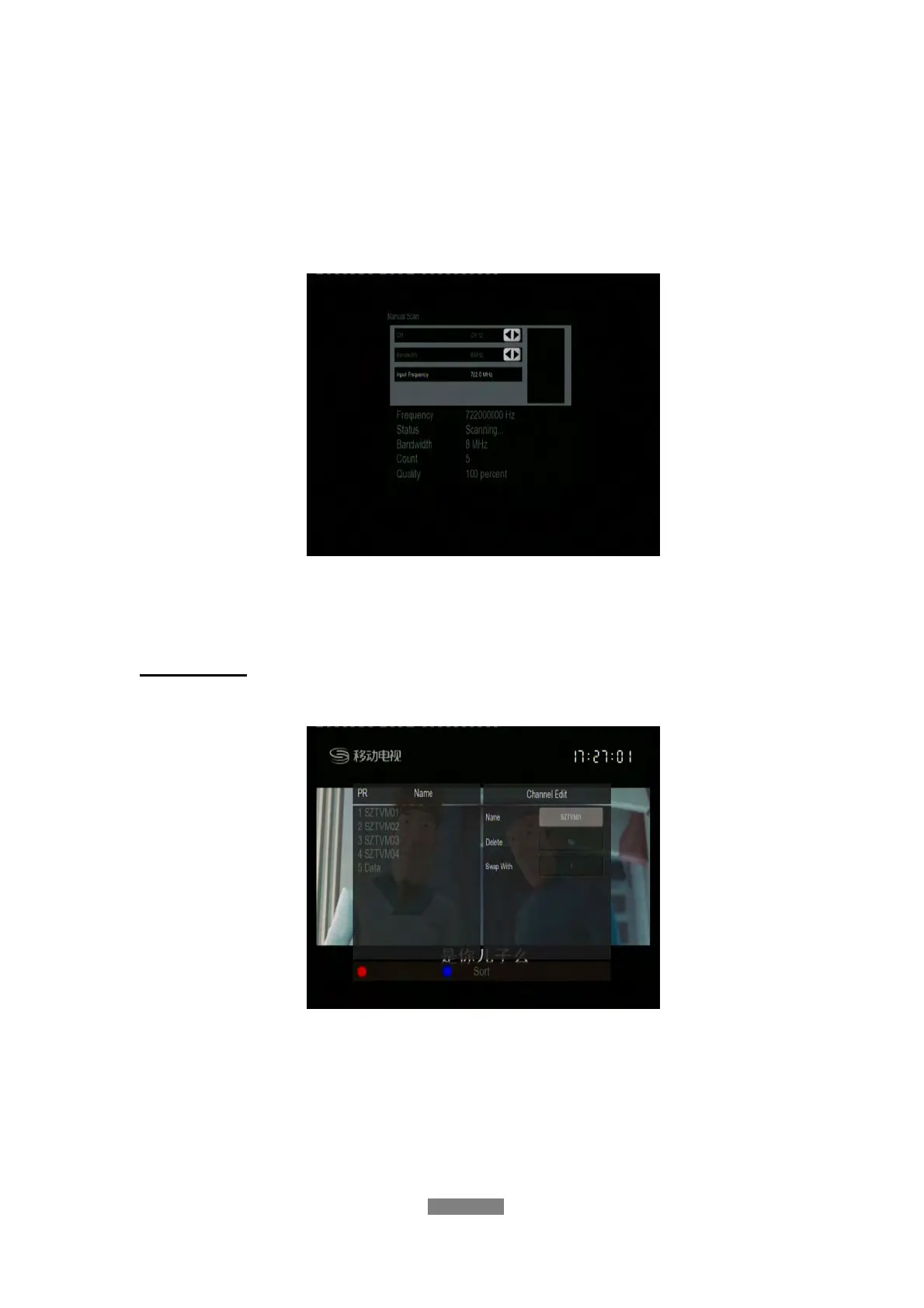
MANUAL SCAN
In MANUAL SCAN mode, you can select the CH name, Bandwidth, and Input
Frequency. Use the navigational and numerical buttons on the remote control
to select or input. Press the enter button to confirm.
Channel Set
- Select to edit channel information.
In this menu, you can edit the Name, and sequence for the DVB-T TV
channels. Use the navigational buttons to select and modify the settings, and
press the enter button to confirm. You can also press the “blue“button to
select Sort.



 To Next Page