ENGLISH
43 / 73
7.5.1 Browsing through Workgroup
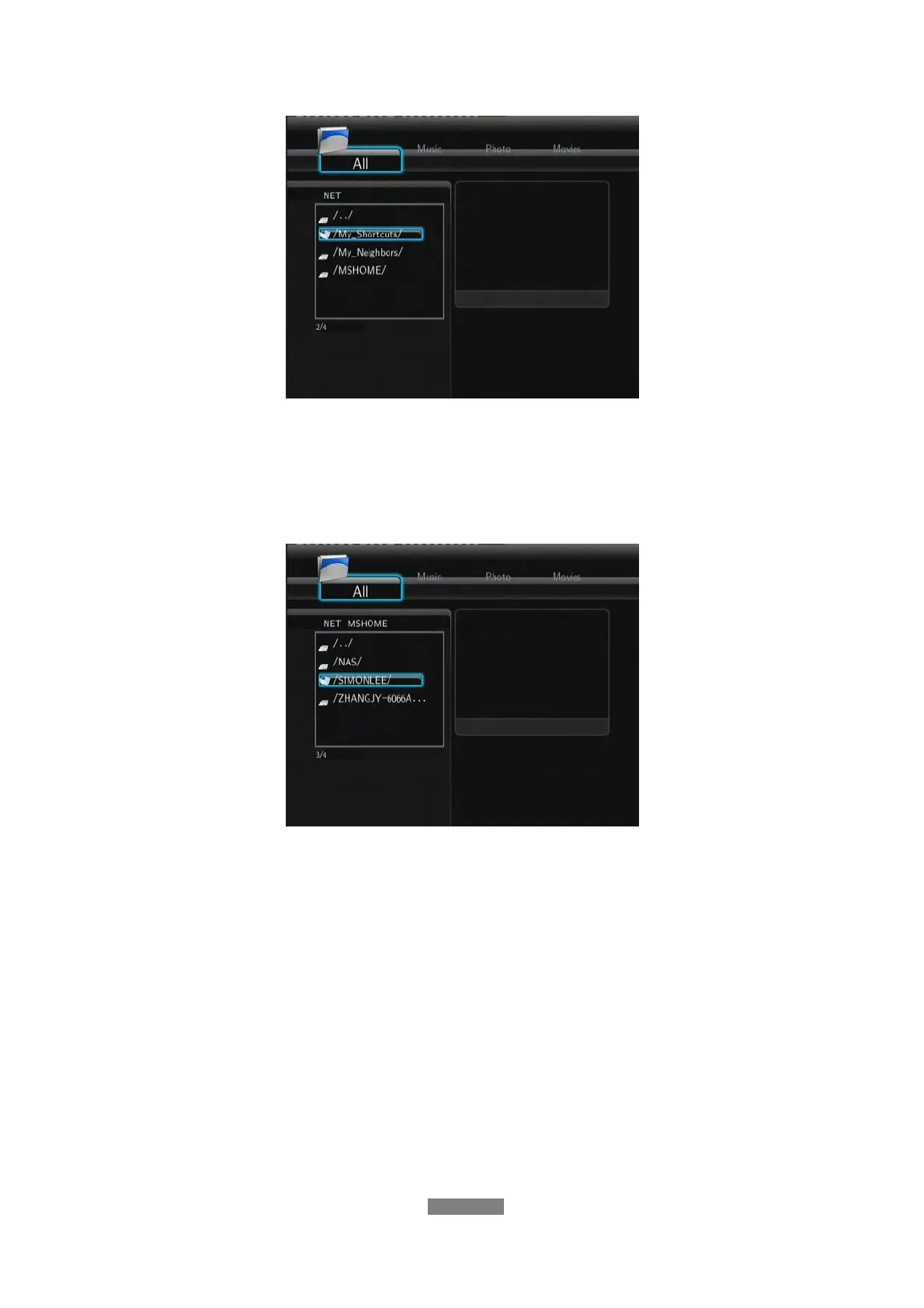
You can choose the workgroup which your PC belongs to from the workgroup
list, find your PC name, and press the ENTER button to confirm. Then you can
select and play the shared media files that you want to browse.
Note:
• While streaming high definition video files (resolution up to 720p / 1080i /
1080p) via Ethernet or WLAN, the video might be flickering. It is normal due
to the limit of network speed or signal strength.
• Due to different network conditions, sometimes the workgroup might not be
accessed or shown in the list. And then you need to use ‘My_Shortcuts’ to
browse shared files.
7.5.2 Browsing through ‘My_Shortcuts’
You can also set ‘Specific File Server IP’ and access it from ‘My_Shortcuts’
in the menu.
- Press the MENU button and a popup menu appears.



 To Next Page