ENGLISH
54 / 73
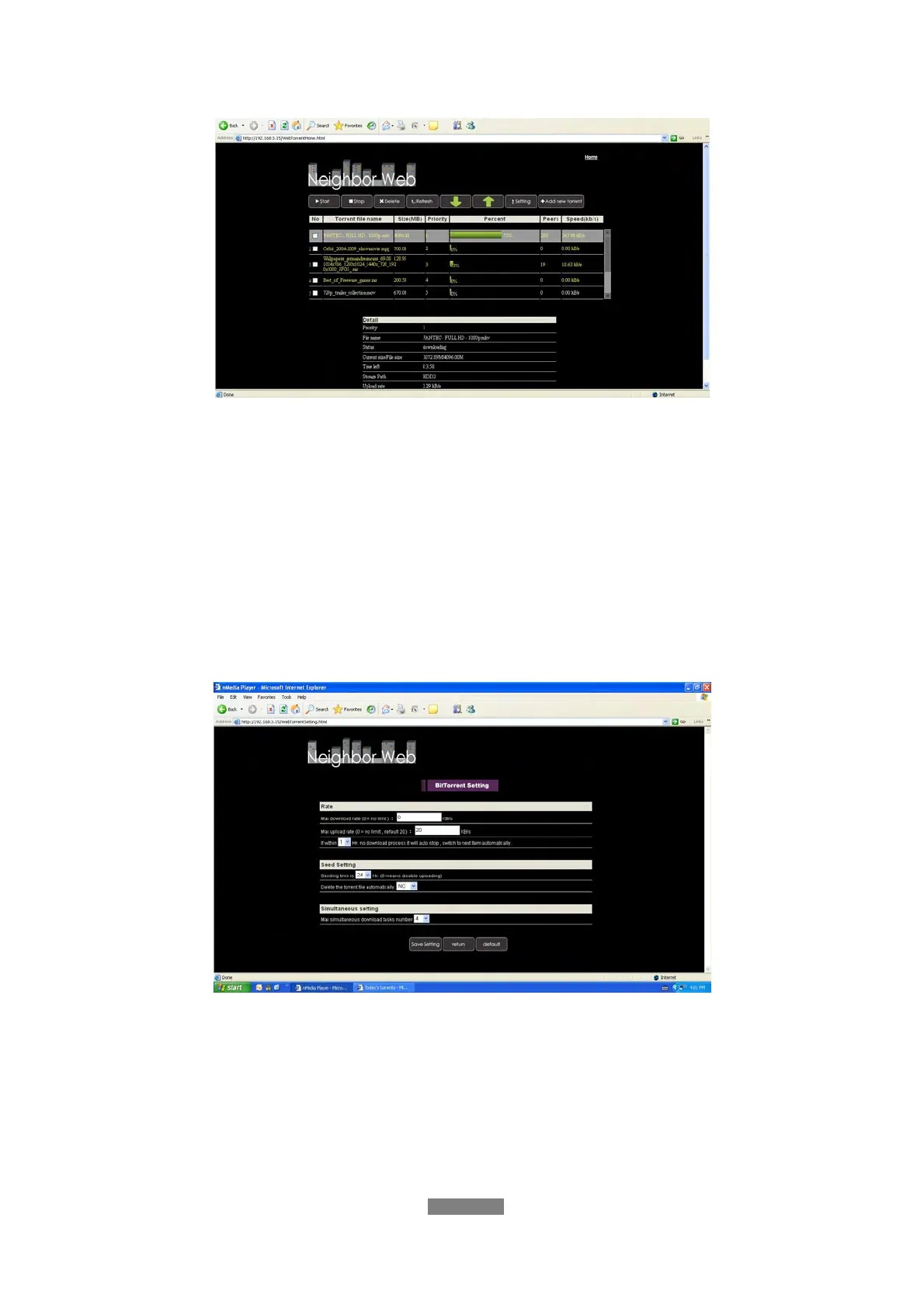
- Click Start to begin download.
- Click Stop to stop download.
- Click Delete to delete the selected torrent.
- Click Refresh to refresh the current status.
- Click Down arrow to decrease the priority for the selected torrent.
- Click Up arrow to increase the priority for the selected torrent.
10.4.3 Settings
- Click Setting on the BitTorrent Download page to enter the BitTorrent
Setting page.
In the BitTorrent Setting page, you can configure the following settings.
- Set the maximum download rate.
- Set the maximum upload rate.
- Set the idle hours to start the next download automatically.
- Set the seeding hours.
- Set to delete the finished torrent files automatically or not.
- Set the maximum number of simultaneous download tasks.



 To Next Page