ENGLISH
8 / 73
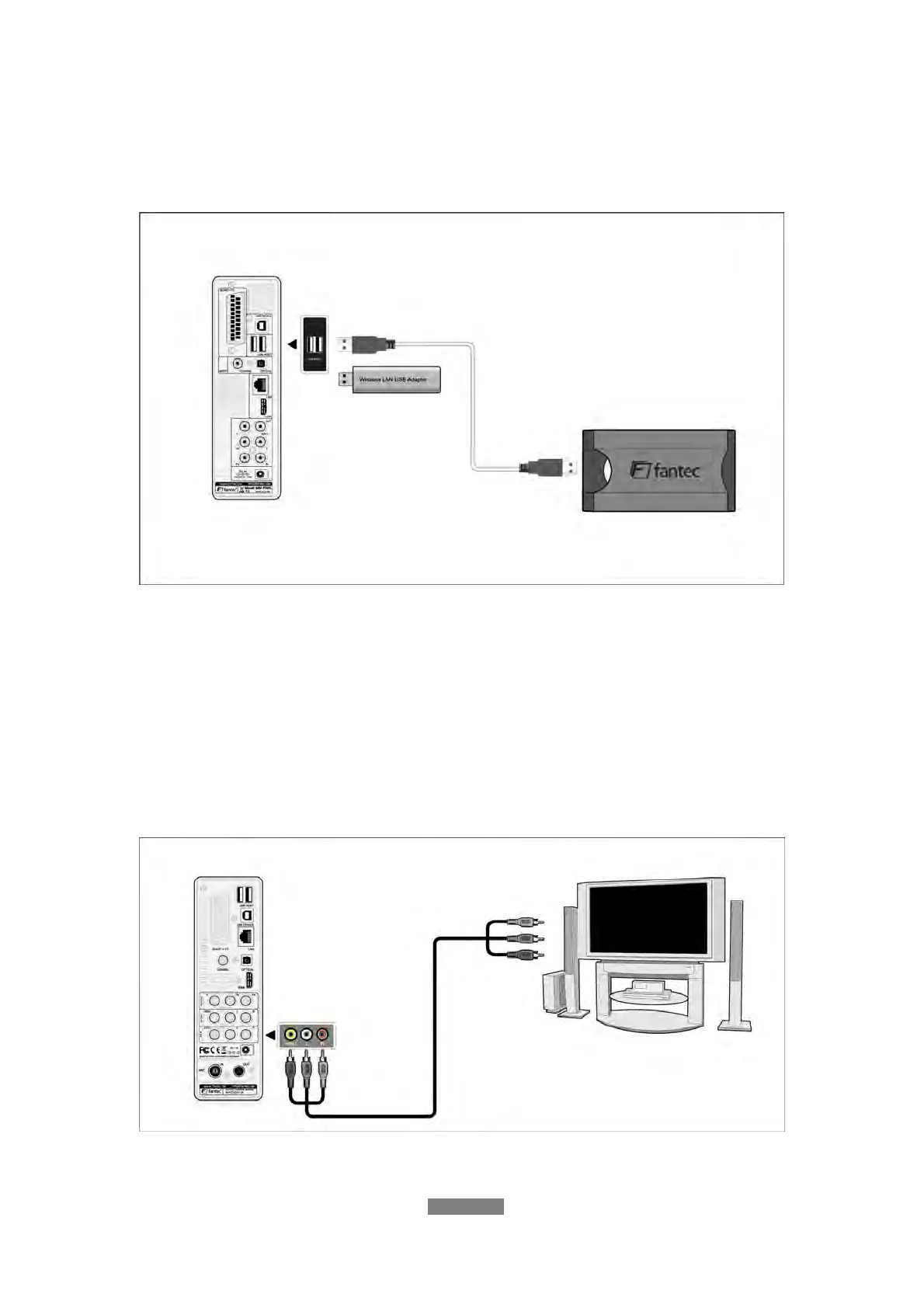
1.4.3 Connecting a USB Device
(1) Make sure the player is powered on;
(2) Plug in the USB stick or USB HDD etc. to the USB HOST port of this player.
In this way, you can browse contents on the USB device.
1.4.4 Connecting to a TV
1.4.4.1 A/V IN
(1) Follow the picture and plug in the 3 color connector to the player’s A/V IN
jack;
(2) Follow the picture and plug in the 3 color connector to the A/V OUT jack of
the TV/IPTV Set-Top Box (STB).
In this way, you can record TV programs from the TV/IPTV Set-Top Box.



 To Next Page