IT
EN
DE
FR
MAIN PARTS
23
– Back to clock screen.
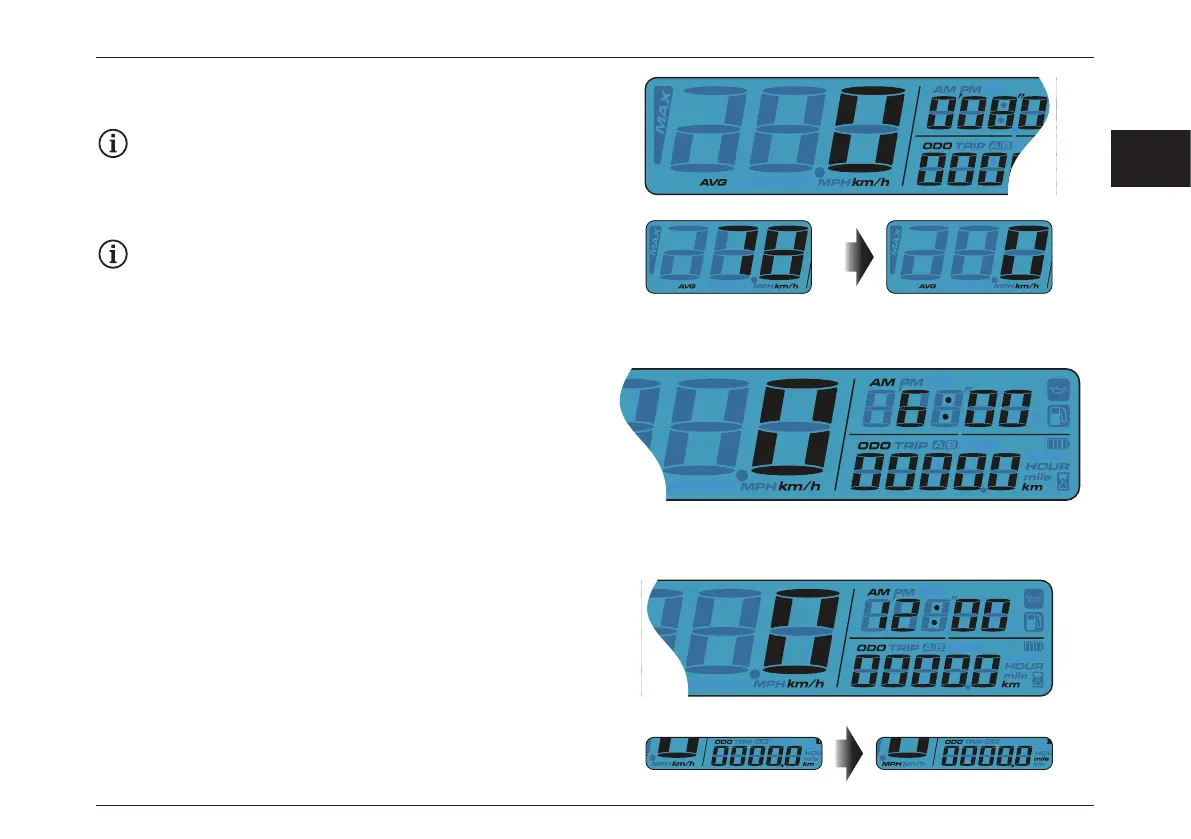
– Press the Select button to switch from Average record to
clock meter.
Average speed and the Max speed display in the 3
seconds rotation.
– Press and hold the Select button for 3 seconds to reset all
records.
When Maintenance Symbol is ON, please reset under
this function screen.
Instructions for adjust button:
– While on odometer screen, press the Adjust button to
switch from odometer to trip A.
– While on odometer screen, press and hold the Adjust
button for 3 seconds to change the speed unit.







 To Next Page