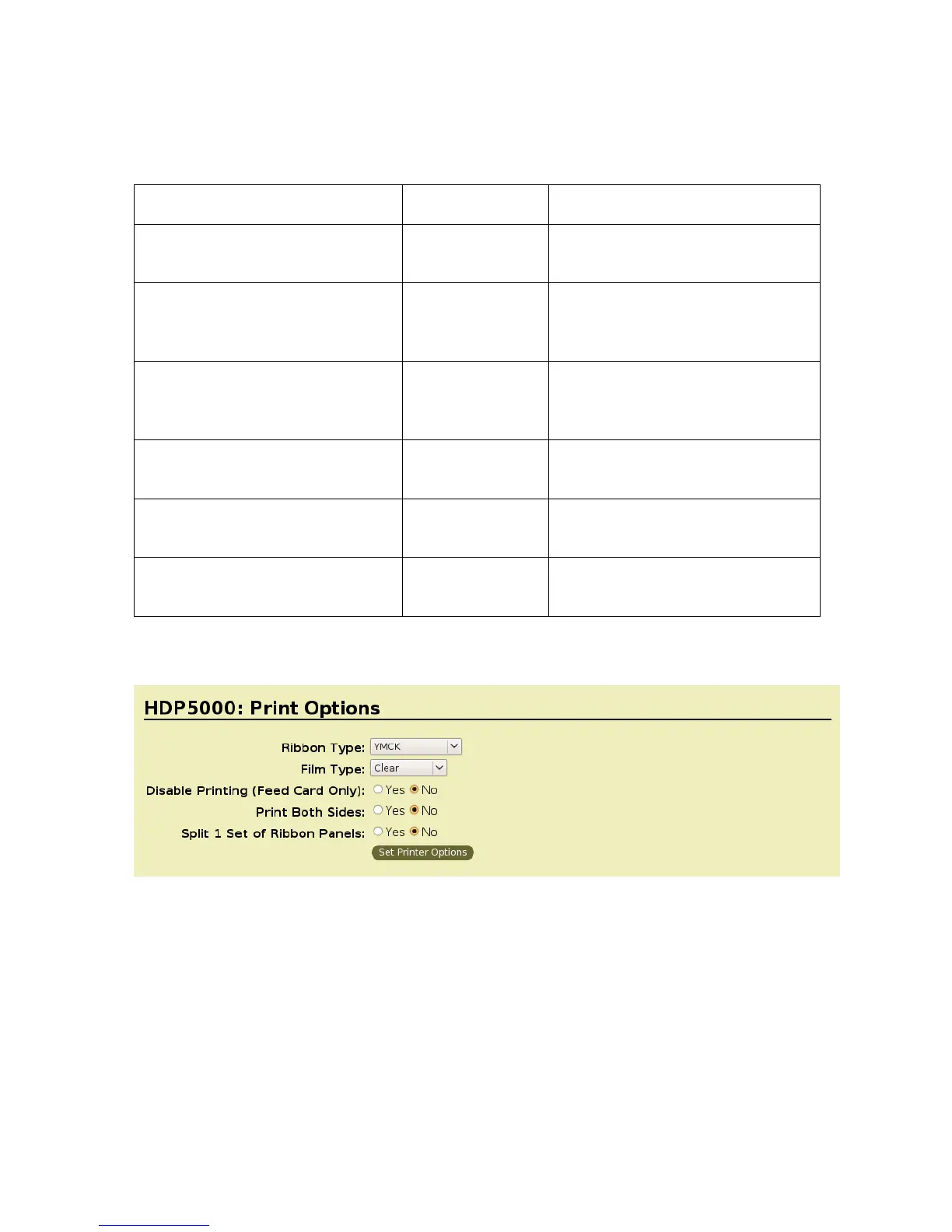
Selecting the Supported Ribbon Types
Command Line Usage CUPS option Description
Ribbon = YMC Ribbon Type =
YMC
Sets the Ribbon type for the print
job to YMC – Full Color
Ribbon = YMCK Ribbon Type =
YMCK
Sets the Ribbon type for the print
job to YMCK – Full Color/ Resin
Black.
Ribbon = YMCKK Ribbon Type =
YMCKK
Sets the Ribbon type for the print
job to YMCKK – Full Color/Two
Resin Black.
Ribbon = YMCKH Ribbon Type =
YMCKH
Sets the ribbon type for the print
job to YMCKH – Heat seal.
Ribbon = K Ribbon Type = K Sets the Ribbon type for the print
job to Premium Resin.
Ribbon = PremiumResin Ribbon Type =
Premium Resin
Sets the Ribbon type for the print
job to Premium Resin.
HDP5000 Cups (Linux & MAC OS) User Guide Rev1.1
12



 To Next Page