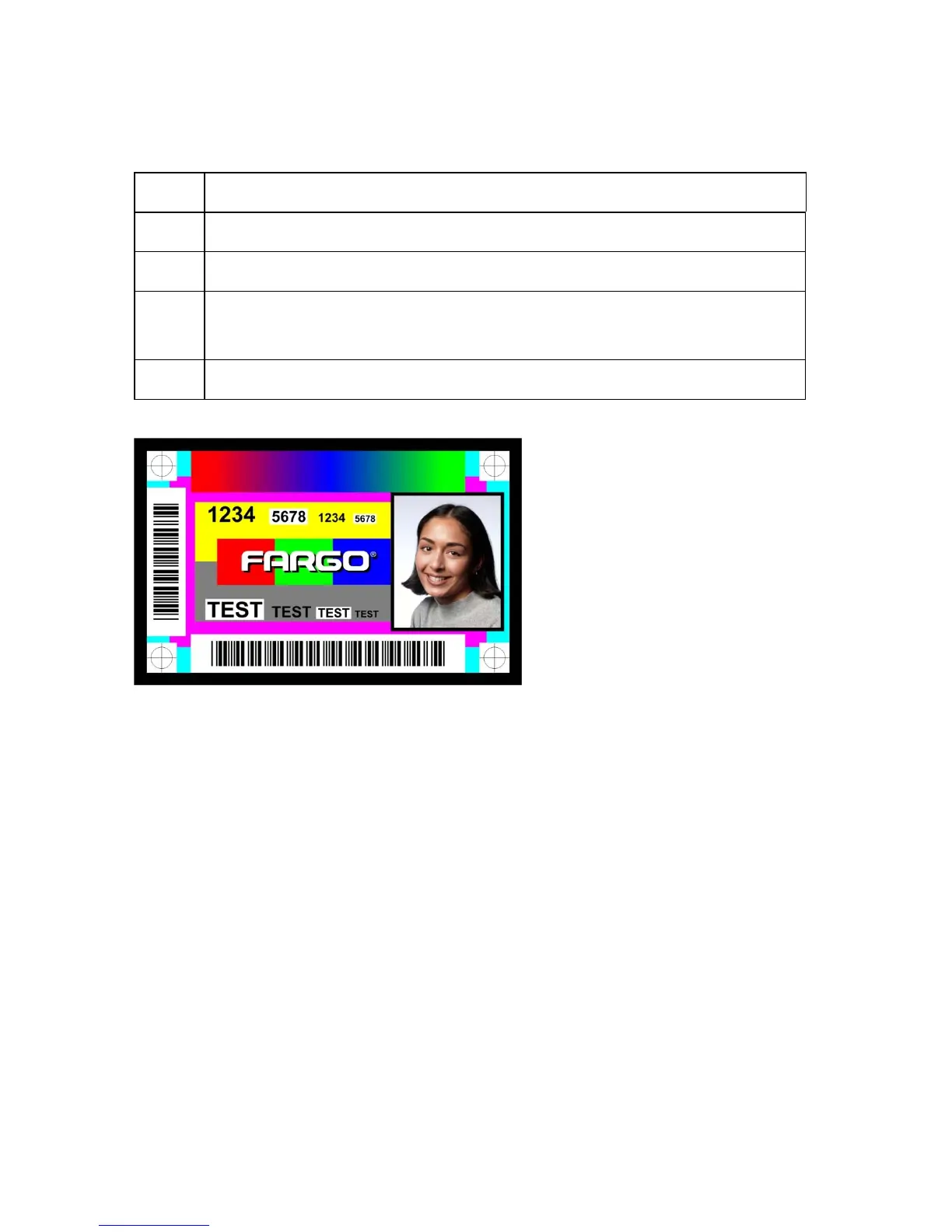
Printing a Test Card
Step Description
1 Ensure that the cards are in the hopper.
2 Ensure that YMCK ribbon is installed in the printer.
3 From a terminal window enter:
lpr -l “/usr/share/fargo/HDP5000/HDP5000Tst.prn”
4 The test card should print.
HDP5000 Cups (Linux & MAC OS) User Guide Rev1.1
44



 To Previous Page