Determining the Printer IP Address
Use this procedure to determine the IP address of a Printer.
Step Procedure
1 Apply power to the Printer.
2 Ensure that the Printer is connected to the network via the RJ45 jack on the
back of the Printer.
3 Wait up to one minute for the Printer to allow the Printer to obtain an IP
address from DHCP.
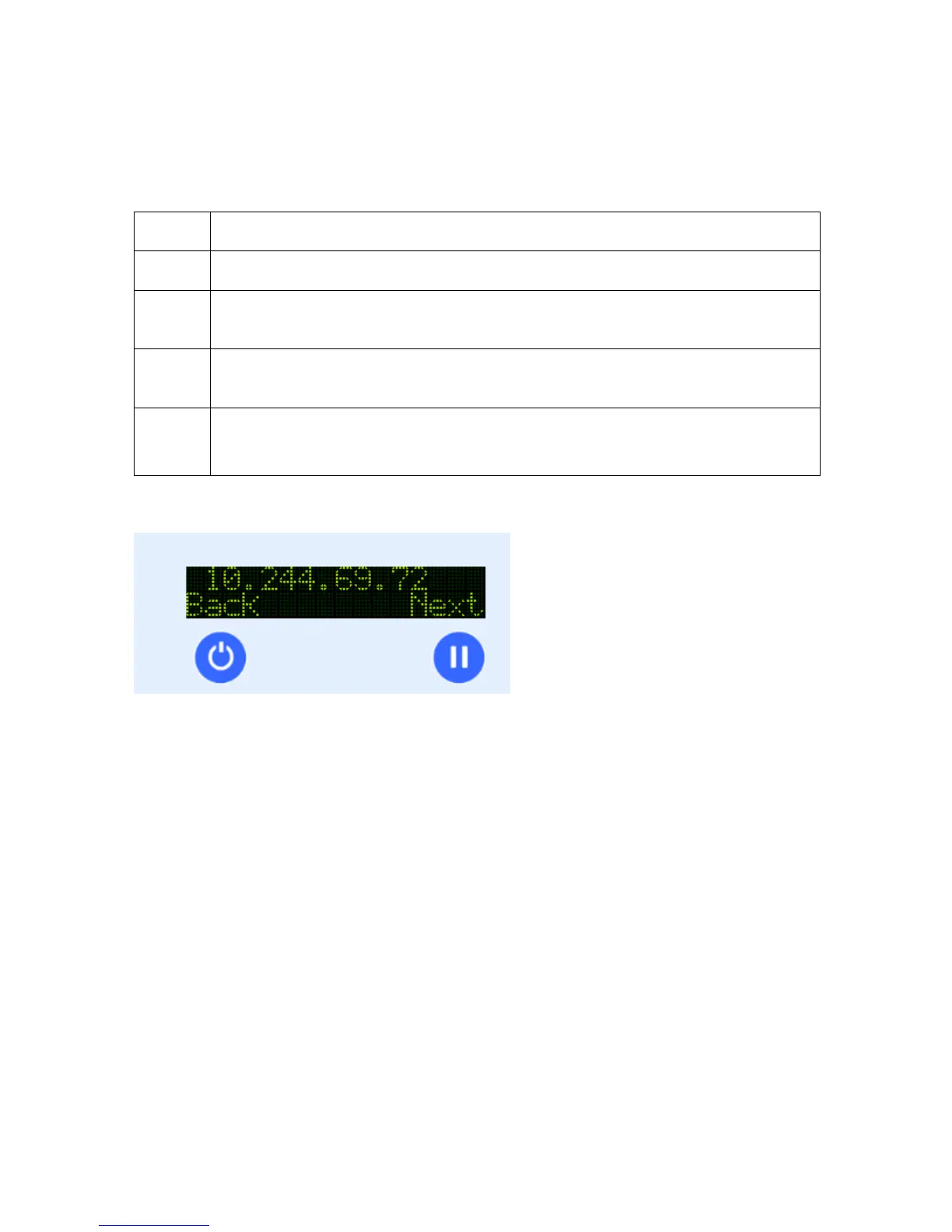
4 Press Info
Then hit Next until you get to the IP: prompt.
Display: IP Address Card
HDP5000 Cups (Linux & MAC OS) User Guide Rev1.1
32



 To Next Page