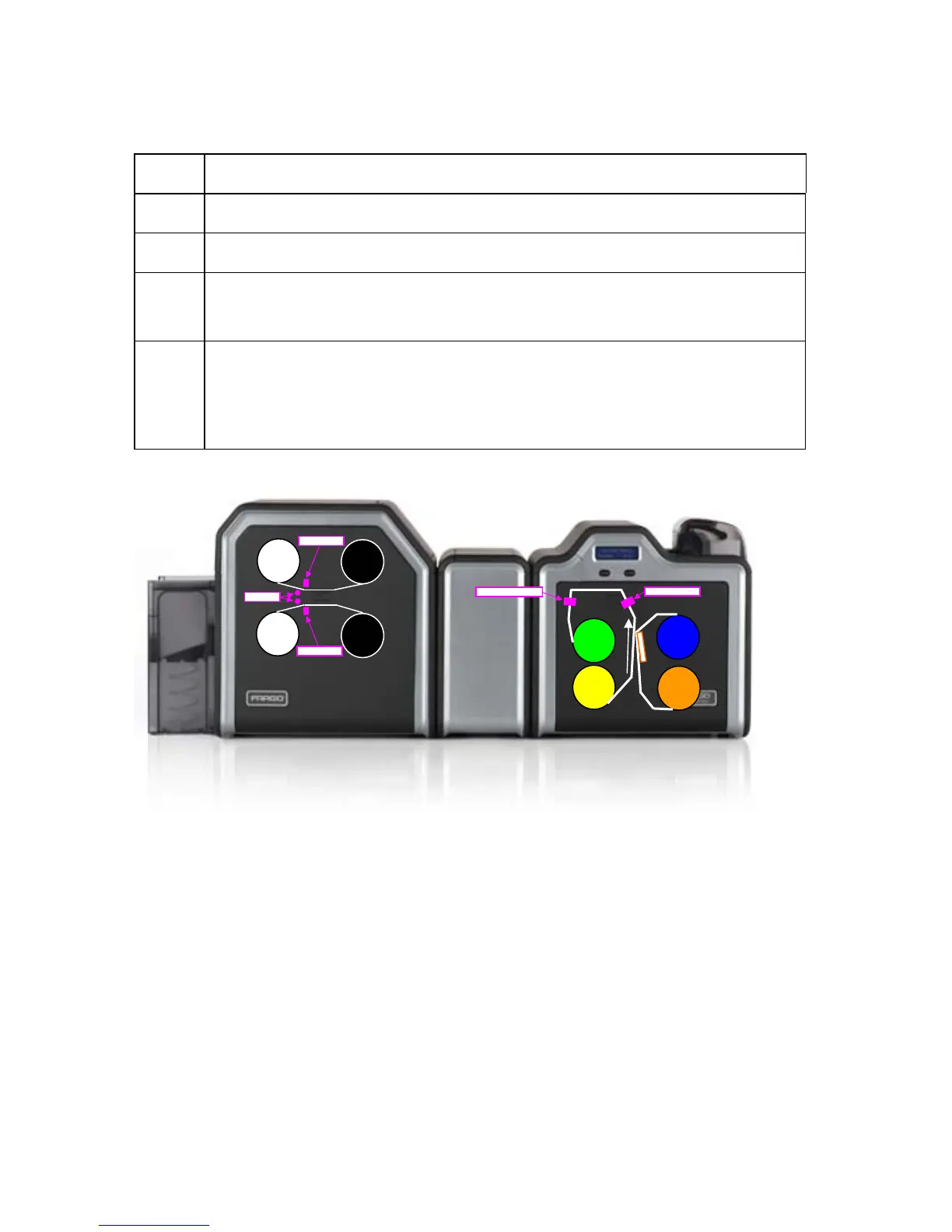
Performing a Lamination Sensor Calibration
Step Description
1 Ensure that the cartridges are out of the Laminator.
2 Ensure the Laminator cover is closed.
3 From a terminal window enter:
fargo-sendprn “/usr/share/fargo/HDP5000/LaminatorCalibration.prn”
4 The Printer’s LCD will display CALIBRATE PASSED. Click on the OK
button on the LCD display to complete the procedure.
Please note that the laminator will only complete the calibration sequence
when it has reached operating temperature.
Fil
Fil
Ri
Ri
Printing
Directio
n
La
La
La
La
HDP5000 Cups (Linux & MAC OS) User Guide Rev1.1
42



 To Next Page