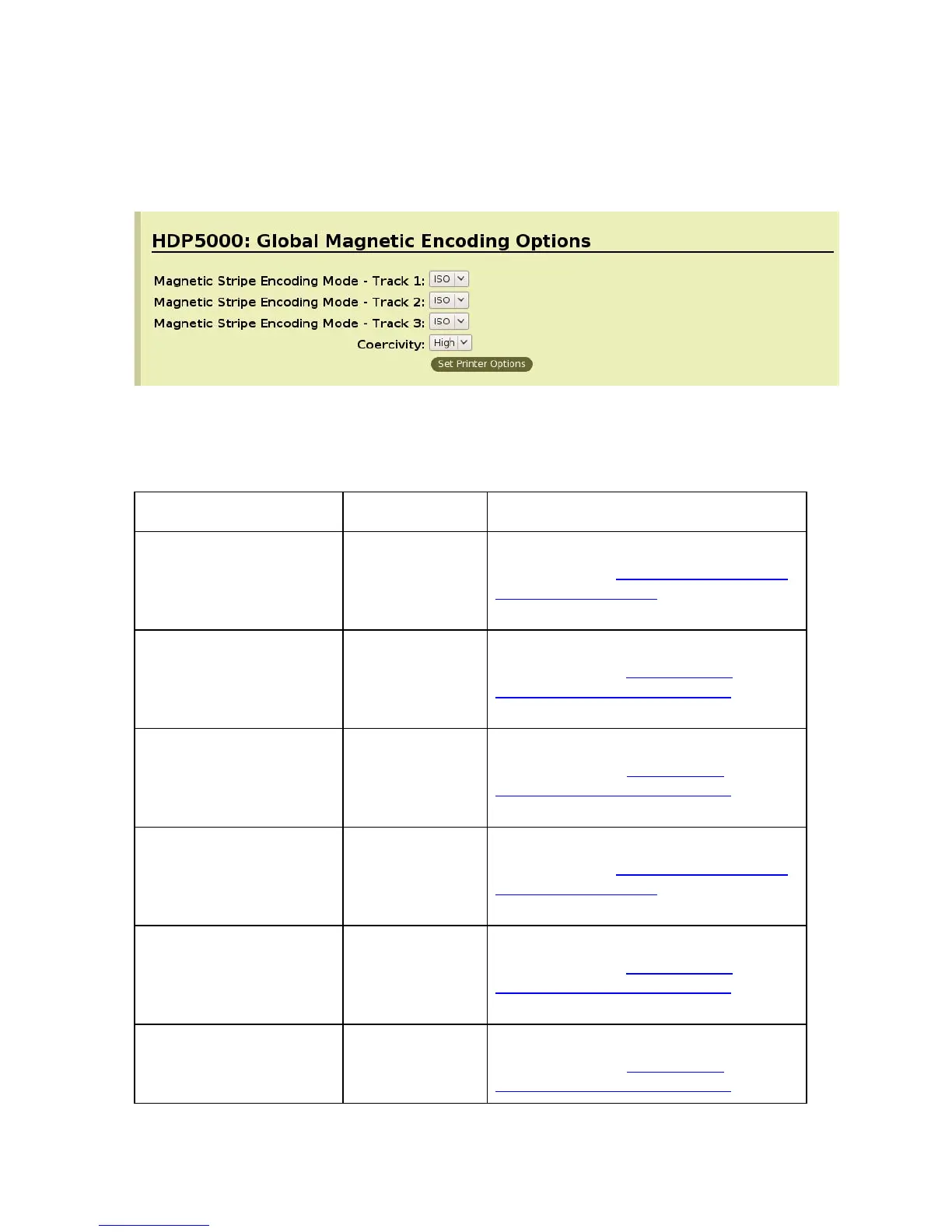
Magnetic Encoding Options
Setting the Encoding Mode
Command Line Usage CUPS option Description
MagEncodingMode1 =
ISO
Magnetic Stripe
Encoding Mode
= ISO
Sets the Encoding Mode for the Print
job to ISO. See Sending ISO Magnetic
Encoding Information for additional
information.
MagEncodingMode1 =
JIS2
Magnetic Stripe
Encoding Mode
= JIS II
Sets the Encoding Mode for the Print
job to JIS II. See Sending JIS II
Magnetic Encoding Information for
additional information.
MagEncodingMode1 =
Raw
Magnetic Stripe
Encoding Mode
= Raw
Sets the Encoding Mode for the Print
job to RAW. See Sending ISO
Magnetic Encoding Information for
additional information.
MagEncodingMode2 =
ISO
Magnetic Stripe
Encoding Mode
= ISO
Sets the Encoding Mode for the Print
job to ISO. See Sending ISO Magnetic
Encoding Information for additional
information.
MagEncodingMode2 =
JIS2
Magnetic Stripe
Encoding Mode
= JIS II
Sets the Encoding Mode for the Print
job to JIS II. See Sending JIS II
Magnetic Encoding Information for
additional information.
MagEncodingMode2 =
Raw
Magnetic Stripe
Encoding Mode
= Raw
Sets the Encoding Mode for the Print
job to RAW. See Sending ISO
Magnetic Encoding Information for
HDP5000 Cups (Linux & MAC OS) User Guide Rev1.1
24



 To Next Page