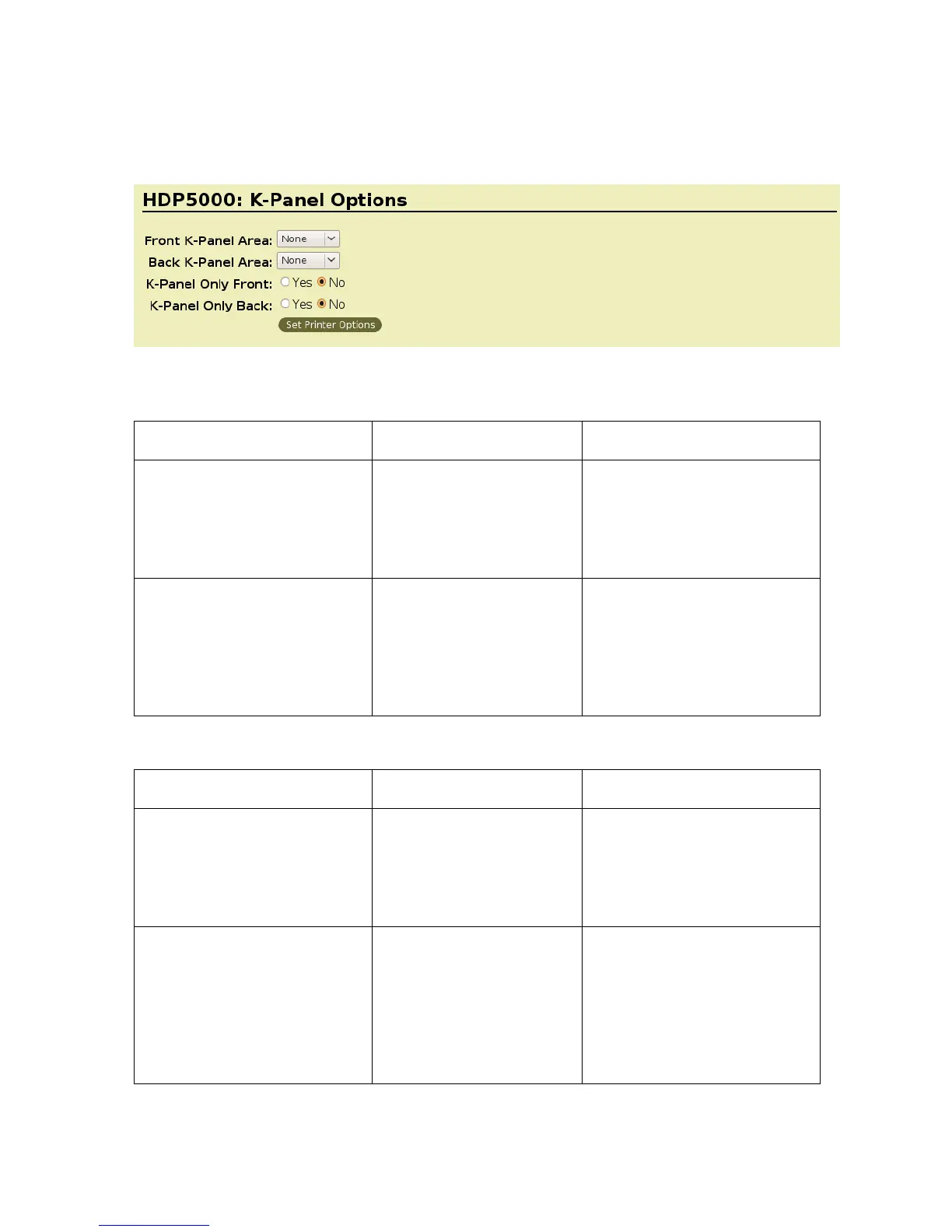
K-Panel Options
Selecting the Front K-Panel Area
Command Line Usage CUPS option Description
KPanelAreaFront = None Front K-Panel Area =
None
Select None to have any
graphics objects that are
black in color to be printed
using composite colors
(YMC)
KPanelAreaFront = FullCard Front K-Panel Area =
Full Card
Select Full card to print any
black graphic objects on the
card in resin. Note: If using a
YMCK Ribbon, Split 1 Set of
Ribbon Panels must be set
to No.
Selecting the Back K-Panel Options
Command Line Usage CUPS Options Description
KPanelAreaBack = None Back K-Panel Area =
None
Select None to have any
graphics objects that are
black in color to be printed
using composite colors
(YMC)
KPanelAreaBack = FullCard Back K-Panel Area = Full
Card
Select Full card to print any
black graphic objects on the
card in resin. (Note: If using
a YMCK Ribbon, Split 1 Set
of Ribbon Panels must be
set to No. It requires Print
Both Sides be set to True.)
HDP5000 Cups (Linux & MAC OS) User Guide Rev1.1
19



 To Next Page