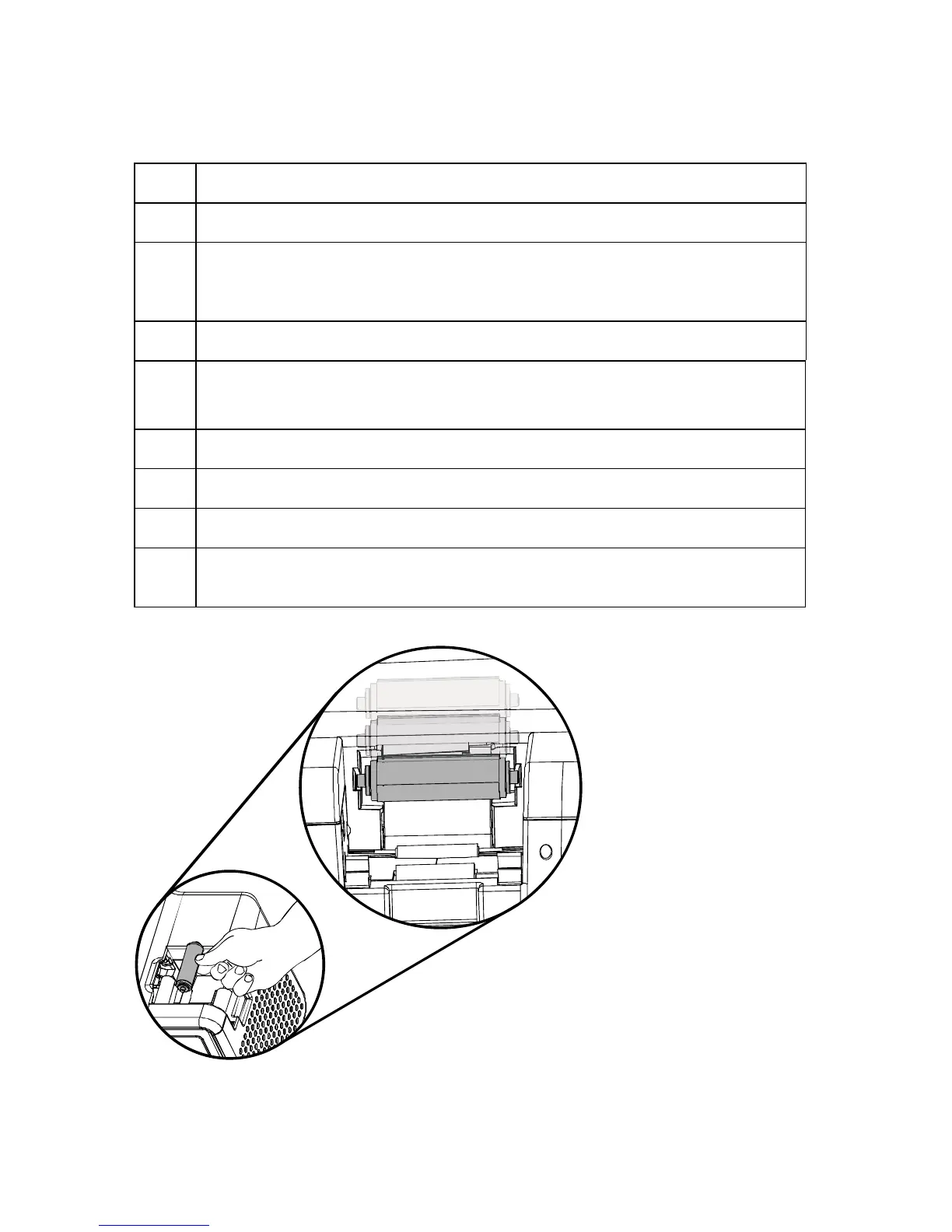
Cleaning the Printer
Step Description
1 Remove Card, Film and Laminate cartridges and close the covers.
2 Remove the paper backing from both sides of the Cleaning Card. *Note: (DO
NOT remove left liner if a magnetic encoding module is installed in your
printer)
3 Insert the Cleaning Card into the Card Hopper’s infeed rollers.
4 From a terminal window enter:
fargo-sendprn “/usr/share/fargo/HDP5000/CleanPrinter.prn”
5 Guide the Cleaning Card into the printer if necessary.
6 When the Cleaning routine is complete, the Cleaning Card will exit the Printer.
7 Reinstall the Card, Film and Laminate cartridges.
Note: The Cleaning routine will begin after all current print jobs have
completed.
HDP5000 Cups (Linux & MAC OS) User Guide Rev1.1
43



 To Next Page