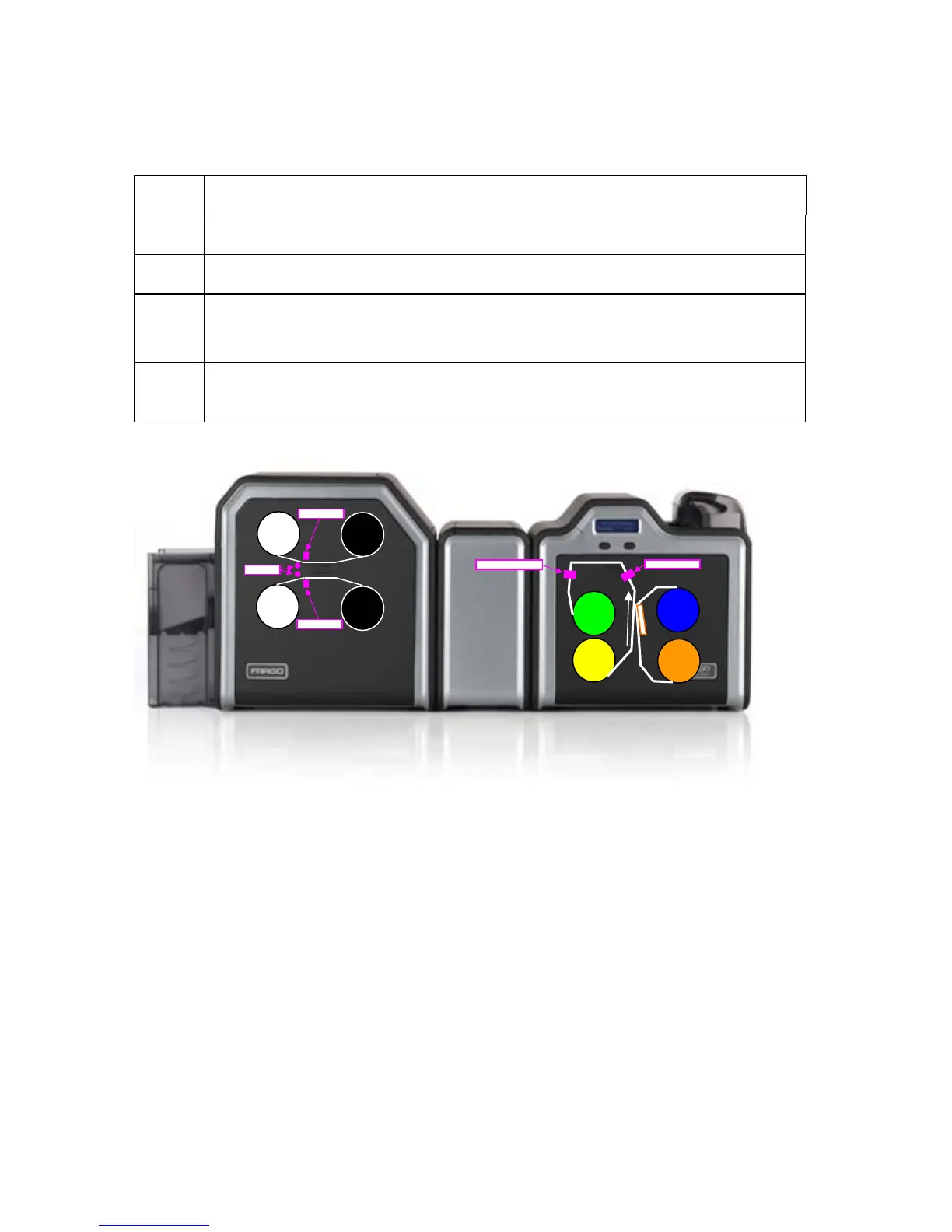
Performing a Film Sensor Calibration
Step Description
1 Ensure the film cartridge is installed.
2 Ensure the printer cover is closed.
3 From a terminal window enter:
fargo-sendprn “/usr/share/fargo/HDP5000/FilmCalibration.prn”
4 The Printer’s LCD will display CALIBRATE PASSED. Click on the OK button
on the LCD display to complete the procedure.
Fil
Fil
Ri
Ri
Printing
Directio
n
La
La
La
La
HDP5000 Cups (Linux & MAC OS) User Guide Rev1.1
41



 To Next Page