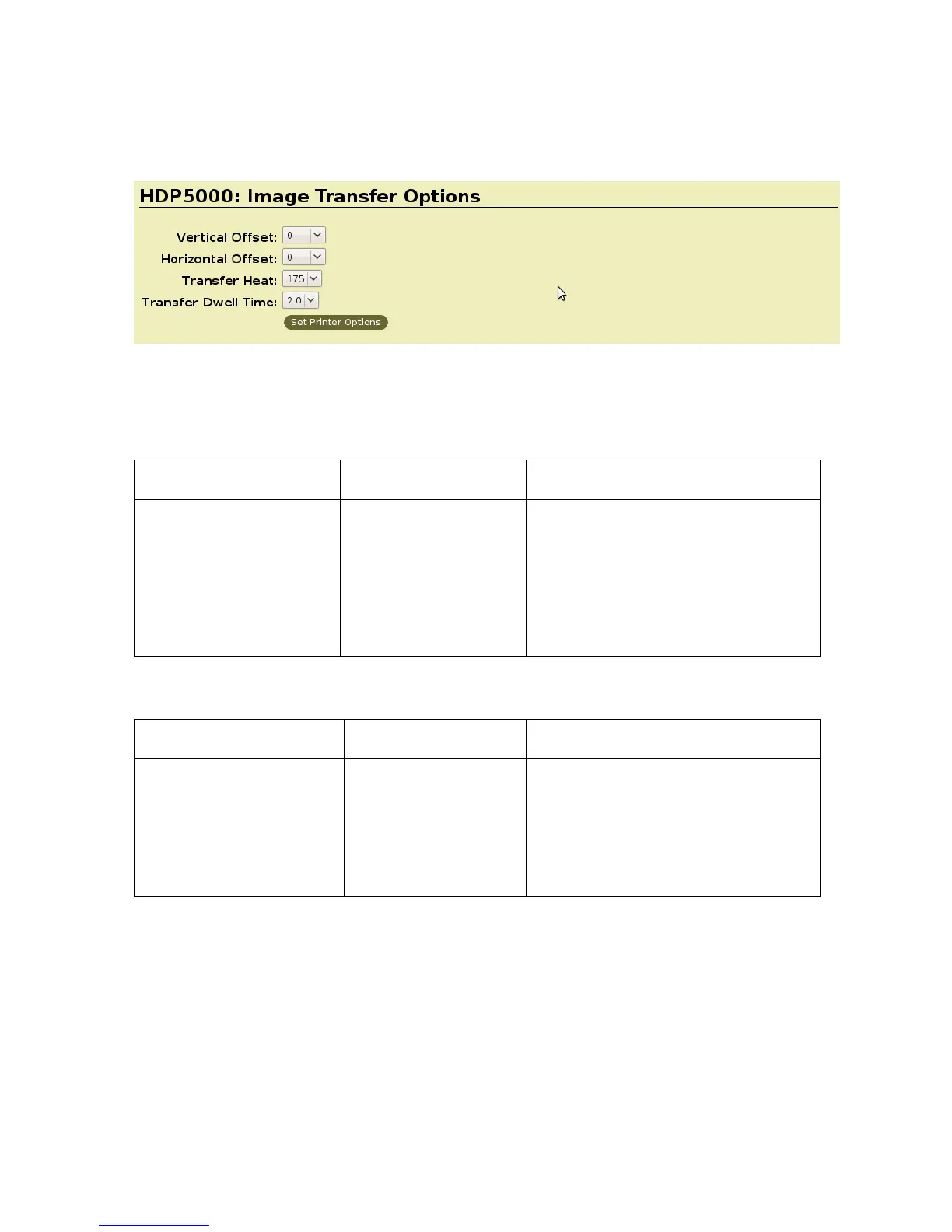
Image Transfer Options
Selecting the Horizontal Option
Note: Over adjusting the Horizontal offset may result in ribbon breaking.
Command Line Usage CUPS option Description
HOffset=0
<-100 to 100>
Horizontal Offset = 0 Use the Horizontal adjustment to
move the image toward the card
output side of the Printer (if a
positive number is entered) and
toward the card input side of the
Printer (if a negative number is
entered).
Selecting the Vertical Option
Command Line Usage CUPS option Description
VOffset=0
<-100 to 100>
Vertival Offset = 0 Use the Vertical adjustment to move
the image toward the front of the
Printer (if a positive number is
entered) and toward the rear of the
Printer (if a negative number is
entered).
HDP5000 Cups (Linux & MAC OS) User Guide Rev1.1
17



 To Next Page