© 2010 HID Global Corporation All rights reserved
DTC1000/DTC4000 Card Printer/Encoder User Guide (L001398, Revision 1.2)
37
Printer Installed On Network
Step Procedure
5 a. Open up a Web Browser.
b. Type the IP Address followed by /SwiftID.html to access the Swift ID
badging application.
• For example: 10.244.69.70/SwiftID.html
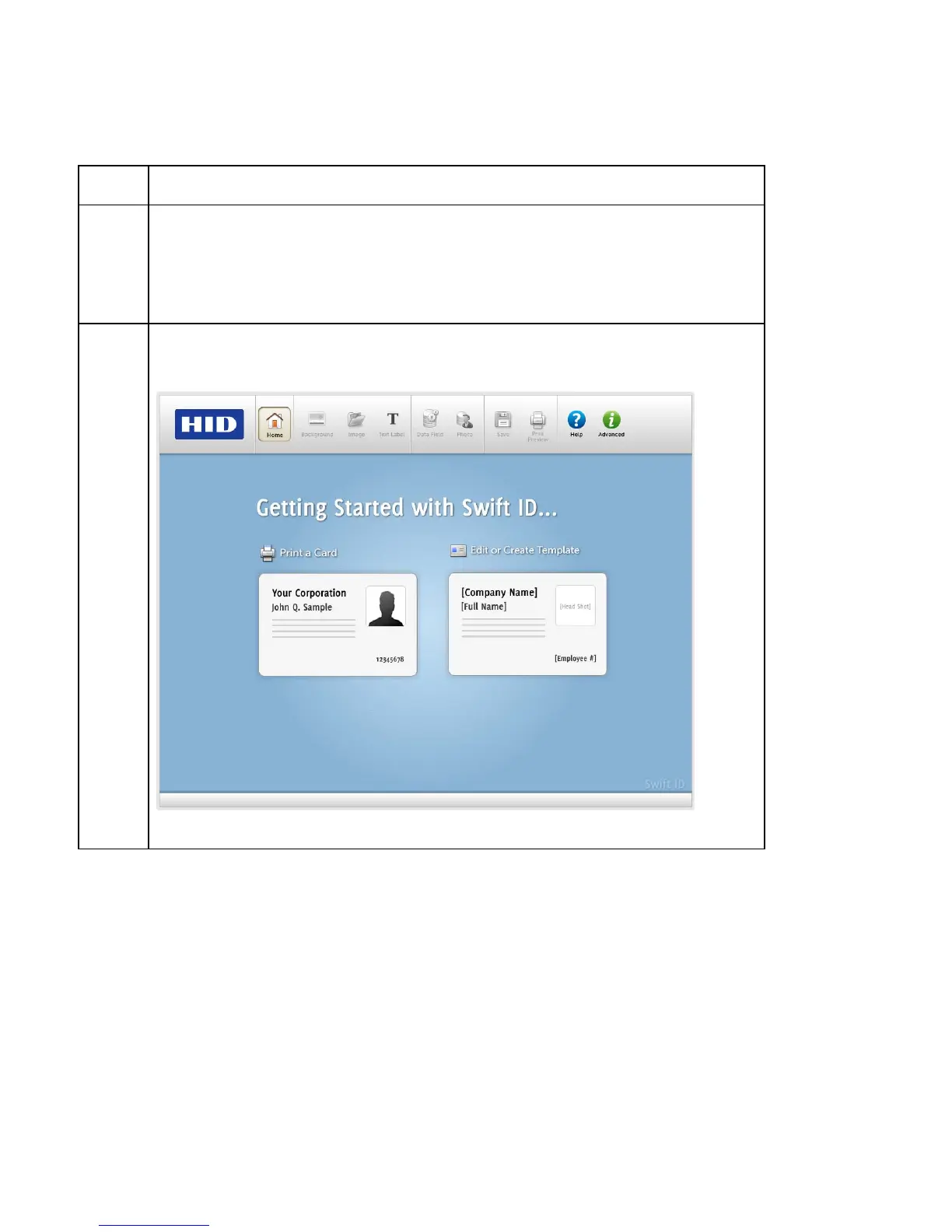
6 You should see this page by using the Browser.



 To Next Page