10 / 92 0259-1060 - FA-15 User Manual - Rev03 - FAVERO ELECTRONICS
ENGLISH
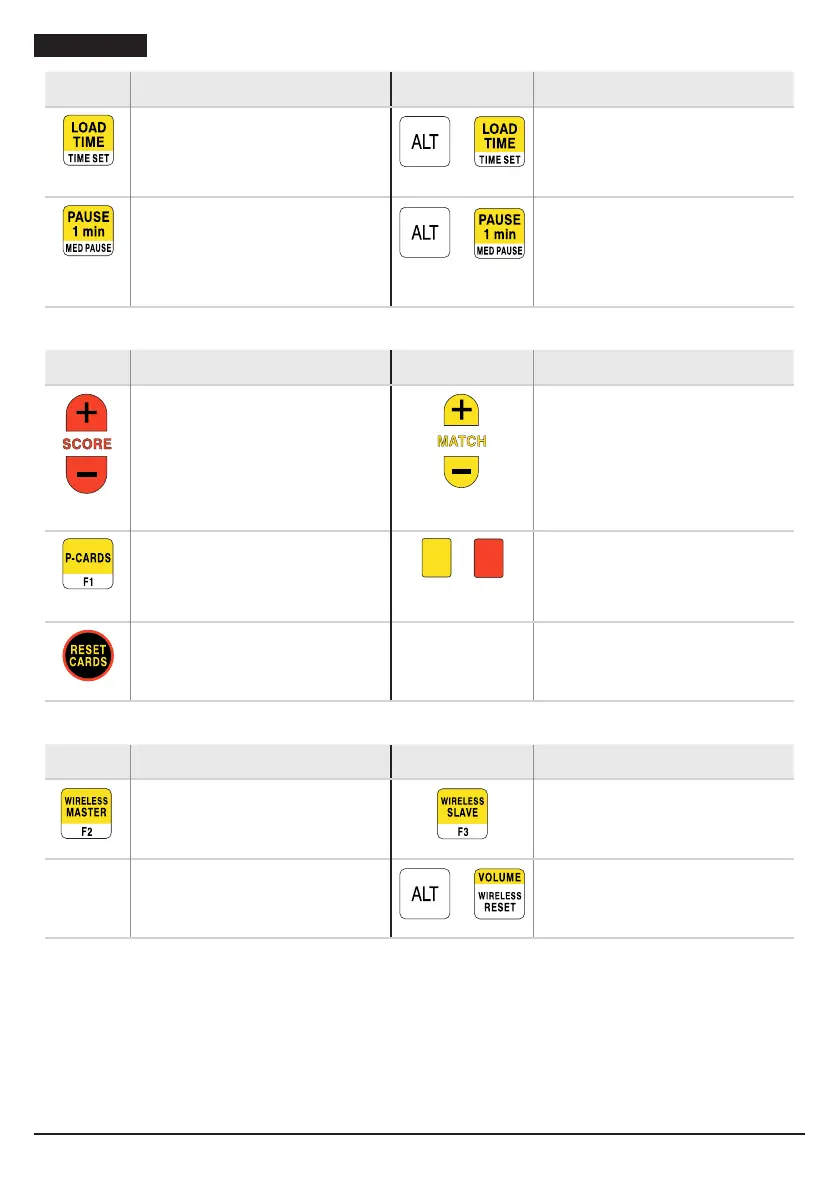
Key Action/effect Key Action/effect
Loads the time with the initial
match time value.
Pressing twice consecutively
loads 1 minute.
+
Sets the match time from 1 to 9
minutes.
Loads pause time of 1 minute on
the timer.
Compared to when counting
match time, the two lights ash
more quickly during the pause.
+
Loads pause time of 5 minutes on
the timer, for medical
interventions. The count restarts
automatically.
Keys for points, cards and penalties
Key Action/effect Key Action/effect
Increase/decrease score. Increase/decrease match number
from 0 to 9 and “E” to indicate an
extra match. When the match
number is 0, a line will appear “—”
and the timer and scores will
switch off: the device will only
indicate hits.
Automatic assignment of
penalties for passivity.
Setting yellow and red cards
(these automatically increase the
opponent’s
score).
Resets all cards: red, yellow and
passivity.
Keys for Master and Slave wireless functionality (radio repetition)
Key Action/effect Key Action/effect
Sets device as “MASTER”. Sets device as “SLAVE”.
+
Returns the device to stand-alone
operation.
Charging the battery of the remote control
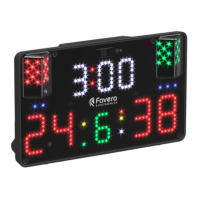
Connect the USB socket of a standard smartphone charger or PC to the micro-USB connector (“Fig. 3” on
page 8) positioned on the front of the remote control. When charging begins, the relative LED will light
up (“Fig. 3” on page 8), and when charging is complete this LED will switch off.
Low battery is indicated by FA-15 via the message “ir batt” appearing for a few seconds and the yellow
infrared remote control signal LED blinking 10 times.


 To Next Page