18
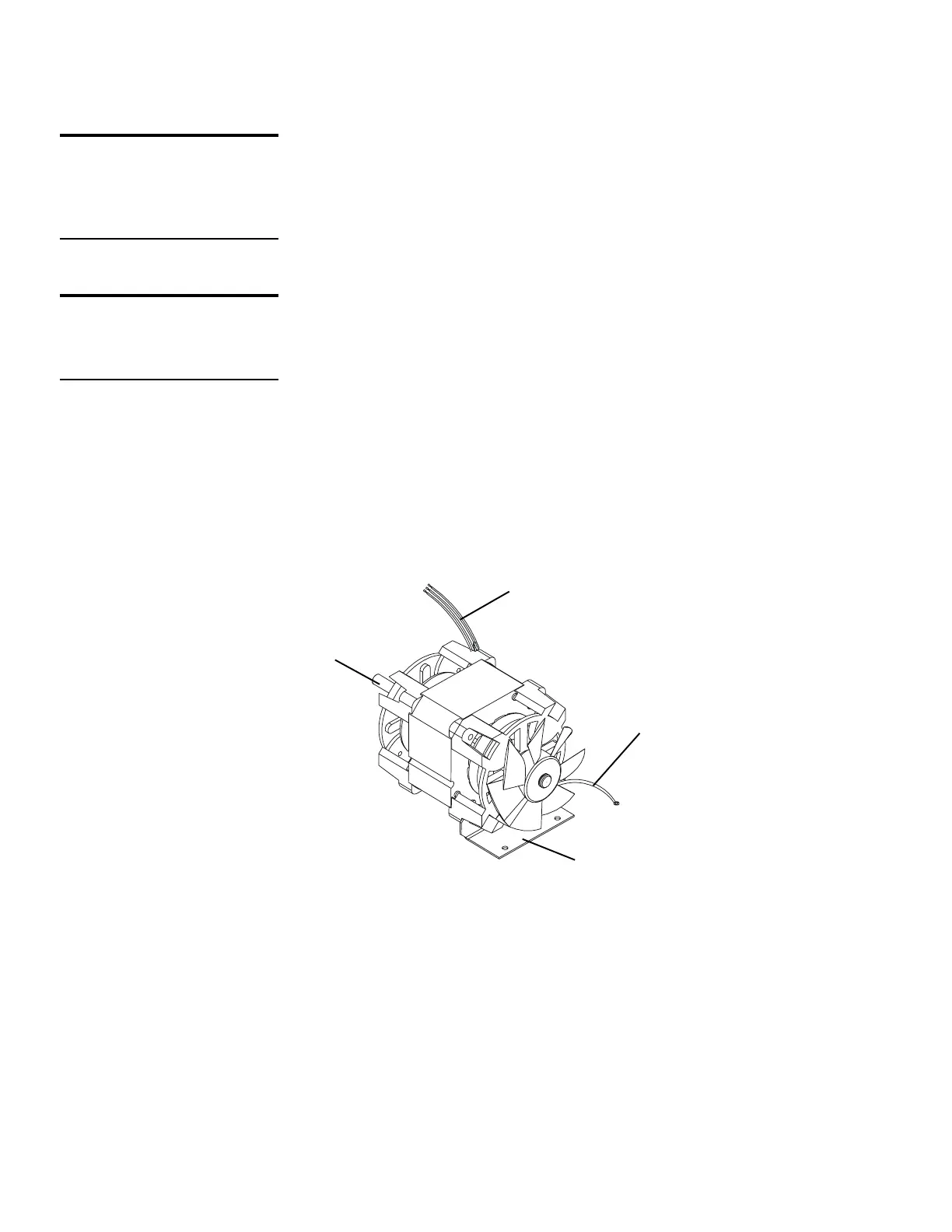
Remove Motor
The motor is supplied as a complete assembly. If any
part of the motor is defective, the entire motor must be
replaced.
To remove the motor:
1 Make sure the motor wires are disconnected from
the PC board.
2 Make sure the ground wire is disconnected from
the cabinet shelf.
3 Remove the small drive gear from the motor shaft.
4 Remove the 3 bolts and washers that hold the
motor to the left bearing plate.
5 Support the bearing plate and cutting assembly as
you remove the motor.
Note: Go to the cutting assembly proceduresfor the
model you are servicing.
DO THIS FIRST
Remove Cutting Assembly
Gears
TOOLS
Philips screwdriver
Motor
motor drive shaft
ground
wire
motor
mounting
bracket
motor
wires






 To Next Page