31
Current Limit Adjustment
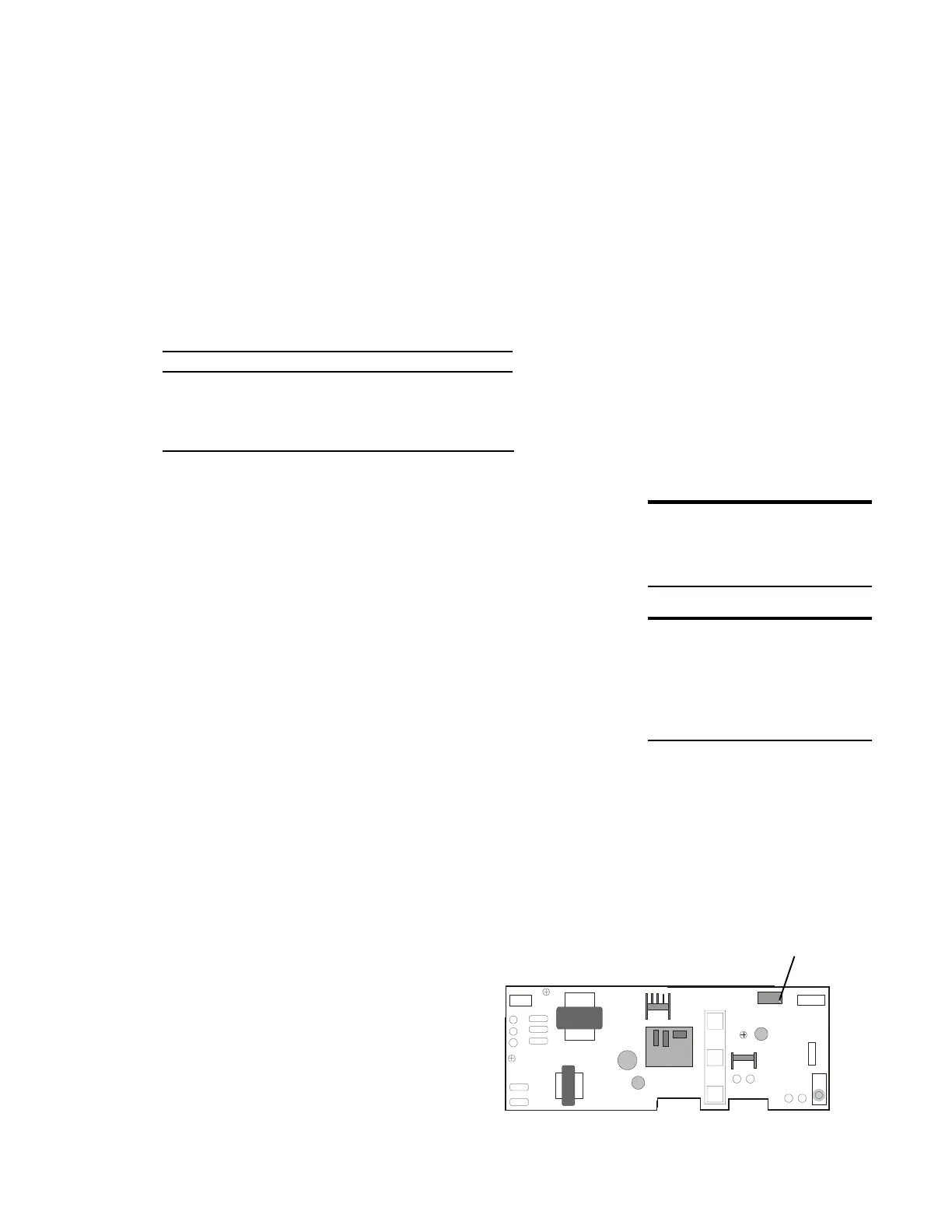
The current limit adjustment is preset at the factory.
When a PC board is replaced, this setting may need to
be checked and adjusted. The current limit adjustment
screw is located on the PC board. When adjusted
properly, feeding more than the maximum
recommended quantity of paper may cause a paper
jam.
Table 1: Minimum/Maximum Jam Quantity
Sheet (20 lb, letter) Capacity
Shredder Rated Minimum Maximum
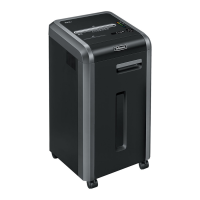
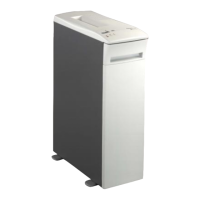
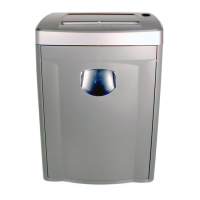
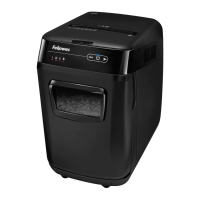
5.8 mm strip cut 19 21 22
3.9 mm strip-cut 17 19 20
confetti-cut 13 15 16 a
Note: For more information see the Technical
Instruction Bulletin: 220-2 Current Limit
Adjustment.
To check and adjust the current limit setting:
1 Attempt to shred the minimum jam quantity listed
on Table 1.
a If the machine shreds without jamming,
turn the current limit adjustment screw on
the PC board counterclockwise. Repeat
step 1.
b If the machine jams (the red paper jam light
goes on and the shredder runs in reverse
for one second to clear the jam) go to
step 2.
Note: Turn the current limit adjustment screw
clockwise to increase the capacity. Turn it
counterclockwise to decrease the capacity.
Note: Based on Table 1, the paper jam should
occur after shredding 1/2 to 3/4 of the
minimum jam quanity.
DO THIS FIRST
Replace the PC Board
TOOLS
Flat blade screwdriver
Loctite
Tape
PC Board
(version 3)
current limit
adjustment screw






 To Next Page