25
Electrical Assemblies
Replace Capacitor
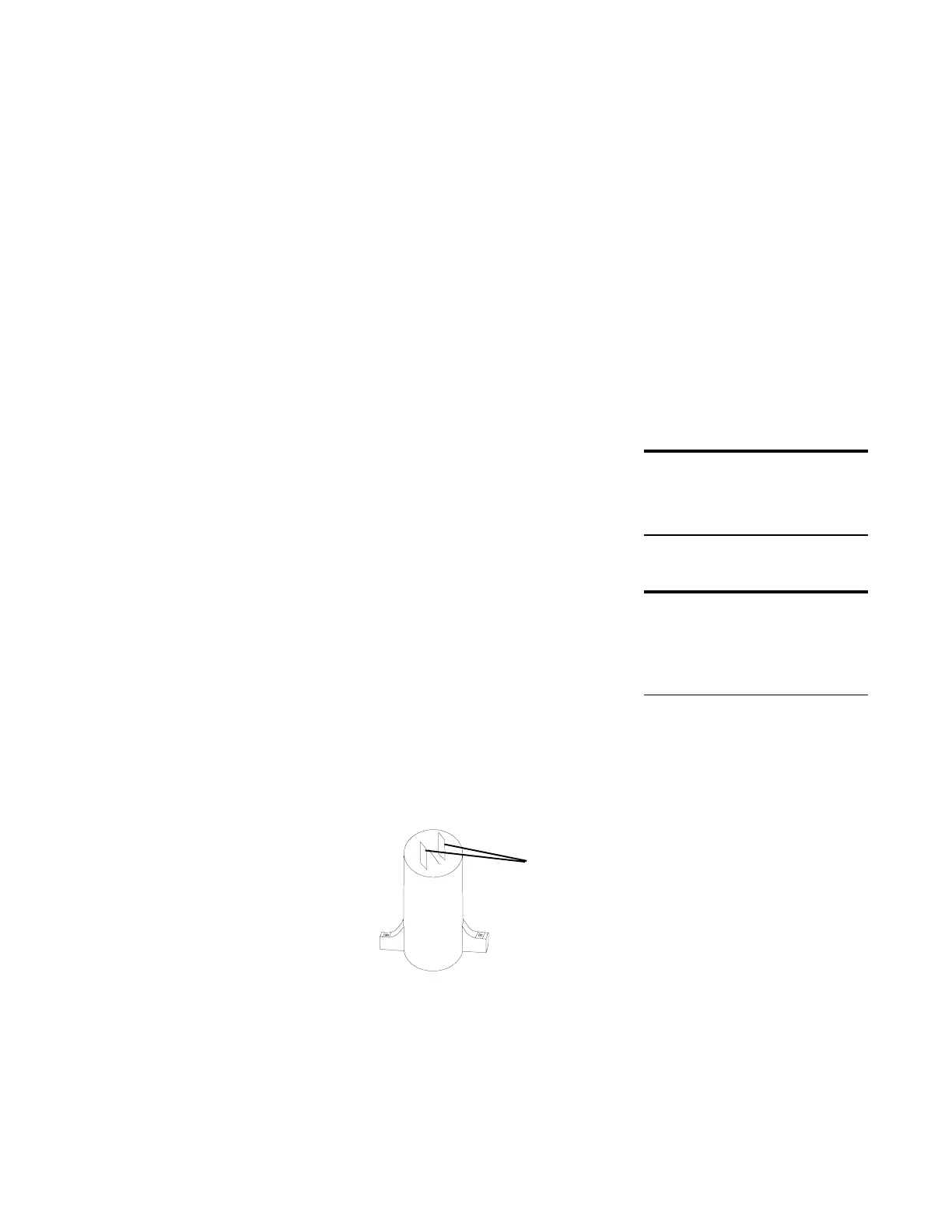
The capacitor is attached to the cabinet shelf. Two wires
connect the capacitor to the PC board.
Typical problems that may be caused by a defective
capacitor are that the motor runs but with no power, or
the motor runs but with no direction.
CAUTION!
To prevent electrical shock, make sure the
shredder is disconnected from the power
source.
To replace the capacitor:
1 Disconnect the 2 wires that connect the old
capacitor to the PC board. Note the color and
location of these wires.
Note: Be careful not to damage the PC
board or the wires connected to it.
2 Remove the 2 screws that hold the capacitor to the
cabinet shelf. Remove the old capacitor.
3 Attach the new capacitor to the base plate with the
screws.
4 Connect the 2 wires that lead from the new
capacitor to the PC board.
DO THIS FIRST
Remove Housing Cover
TOOLS
Long nose pliers
Phillips screwdriver
wire
connectors
Capacitor






 To Next Page