20
Repair 220-2 and C-220 Cutting
Assembly
To remove or replace the stripper shrouds, strippers,
and cutting shafts:
1 Remove the 4 screws and lock washers that hold
the distance shafts to the right bearing plate.
2 Remove the 4 screws and washers that hold the
distance shafts to the left bearing plate.
3 Remove the right bearing plate.
4 Slide the distance shafts out of the cutting
assembly.
5 Pull up and out on the stripper shrouds and
remove them from the cutting shafts.
6 Remove the 2 screws that hold the journal bearing
insert to the right bearing plate.
7 Push the cutting shaft assmblies toward the right
bearing plate and push the journal bearing inset
out of the opening.
8 Remove the strippers from the cutting shafts.
9 Slide the cutting shaft assemblies through the
opening in the left bearing plate.
10 Replace cutting assembly components as needed.
DO THIS FIRST
Remove Cutting Assembly
Gears
TOOLS
Philips screwdrivers
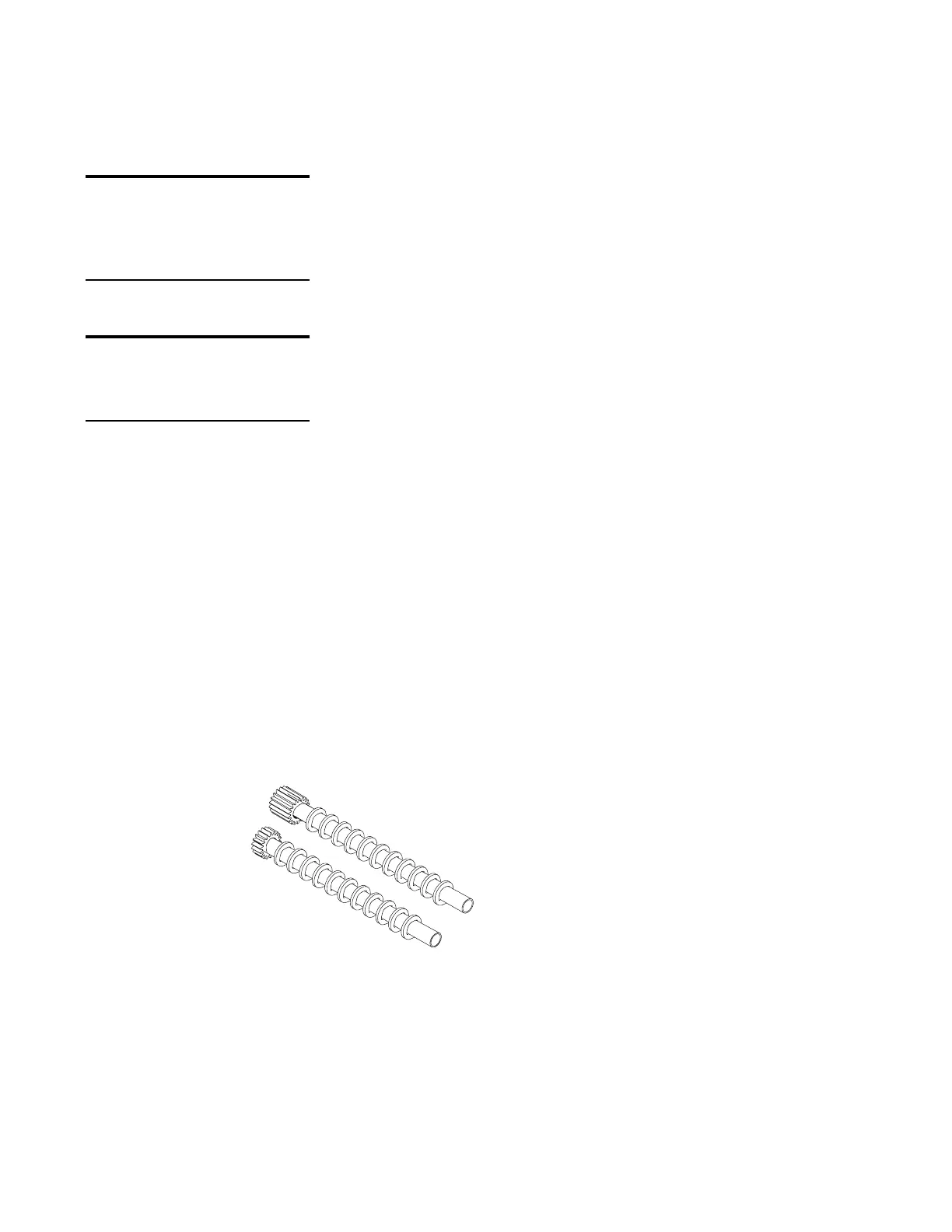
220-2 and C-220 cutting
shaft assemblies






 To Next Page