40
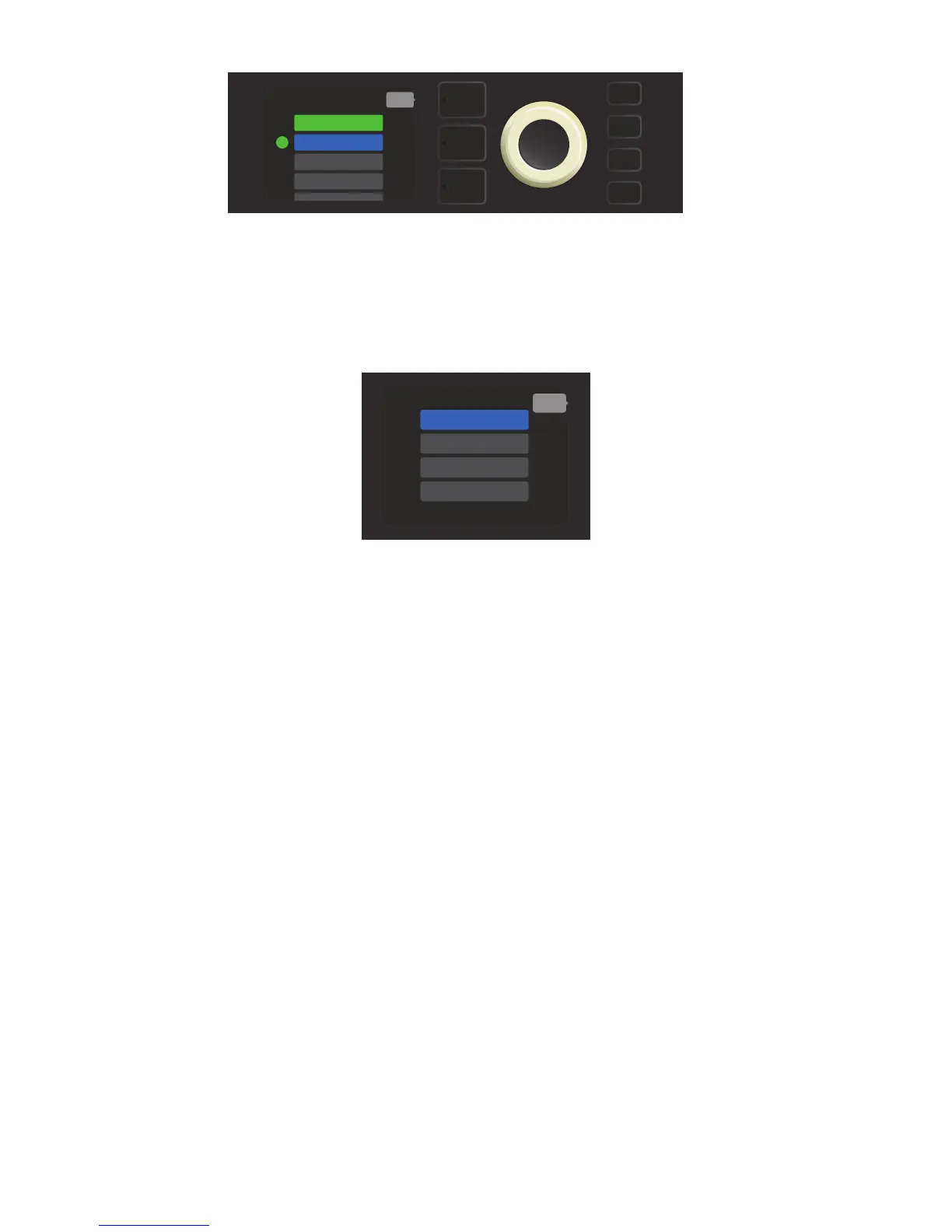
When the amp’s WiFi is turned on, there are other network menu options in addition to “CONNECT.” These are
labeled “FORGET,” “MODIFY” and “INFO” (see illustration below). Use the ENCODER to scroll through and select
one of these options, which are described below.
FORGET: For disconnecting a network and removing it from the amp’s memory. To re-establish a connection
with a “forgotten” network, follow the steps for “ADD HIDDEN NETWORK” (pages 38-39).
MODIFY: For modications to the current network’s displayed “SSID,” “PROTOCOL” and “PASSWORD” param-
ters. Use the ENCODER to scroll to and select one of these parameters, then turn and press the ENCODER to
enter individual characters until modications are complete.
INFO: Displays the current network’s name (SSID), signal description, protocol, and connection status. This
information can not be modied by the user.
Close-up detail of DISPLAY WINDOW showing additional WiFi network options “FORGET,” “MODIFY” and “INFO”.
A green dot to the left of the network name indicates successful network connection.
In addition to connecting to a WiFi network from Rumble Studio 40 or Rumble Stage 800 itself, WiFi can also
be accessed using the Fender Tone app.
To do so, open the Fender Tone app on a mobile device and go into “Settings.” Then connect to Bluetooth
and select the “WIFI” option. From the “CHOOSE A NETWORK” screen, select “MANUAL SETUP.” The “MANUAL
SETUP” screen displays a list of three items from which the user can make a selection:
• NETWORK NAME: Use ENCODER to enter network name here.
• SECURITY WPA/NONE: Use ENCODER to select “WPA” if a password is needed; select “NONE” if not.
• PASSWORD: Use ENCODER to enter password and select “CONNECT” to initiate WiFi access.
WIFI CONNECTION USING FENDER TONE™ APP
MENU
WIFI ON
NETWORK 3
NETWORK 2
back
NETWORK 1
CONNECT
FORGET
INFO
MODIFY
back















 To Next Page