46
The MGT-4 Footswitch oers four special Rumble Studio 40/Stage 800 modes—QUICK ACCESS (“QA”), PRESETS,
EFFECTS and LOOPER. To choose one, cycle through them by stepping on the MODE button (A) at the far left of
the footswitch repeatedly until the desired mode is reached, as indicated by its illuminated MODE LED (D).
QUICK ACCESS MODE
QUICK ACCESS mode(“QA”) enables the user to select three presets and assign them to each of the three
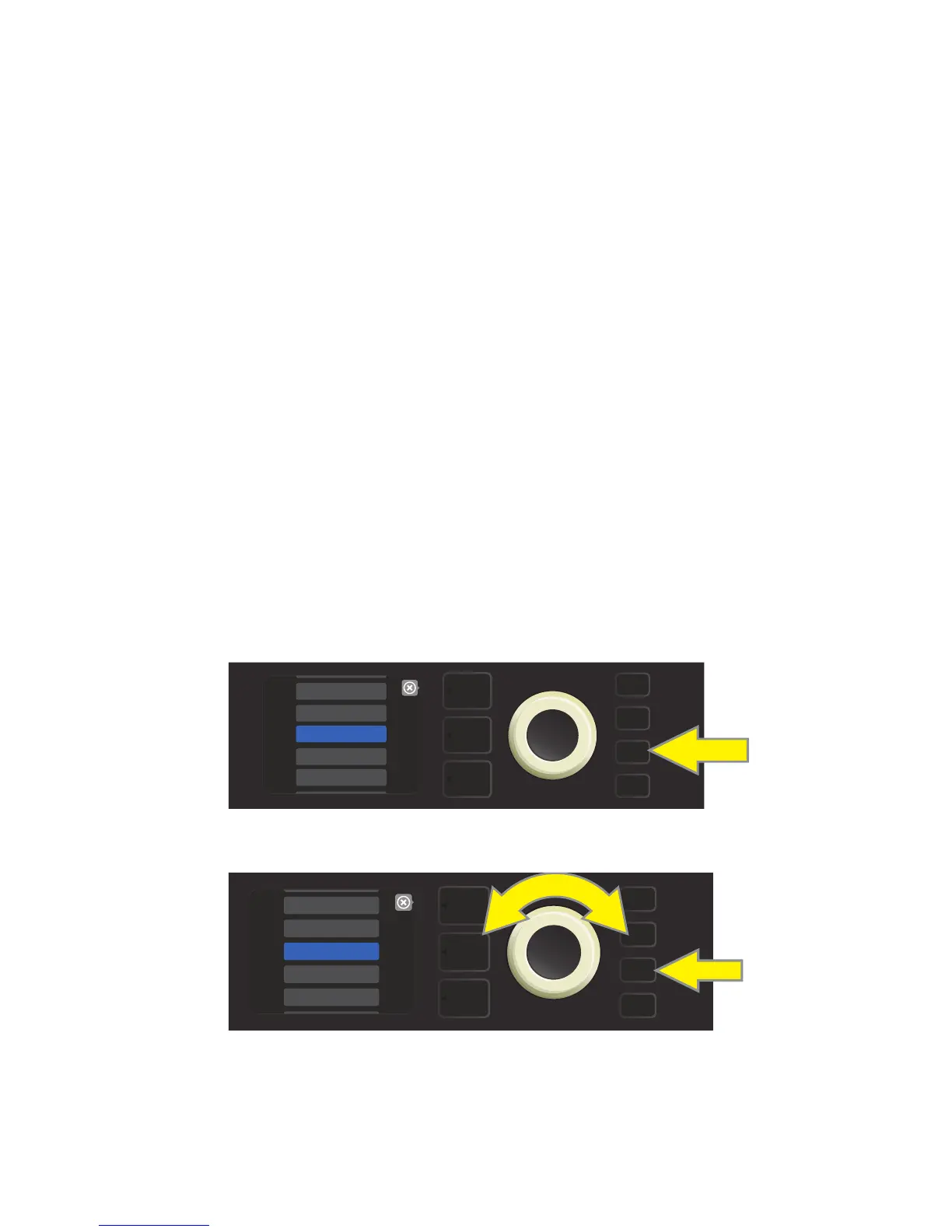
FUNCTION buttons. To do this, rst press the MENU utility button, then use the ENCODER to scroll to and
select the “FOOTSWITCH” menu option.
Use the ENCODER to scroll to and select “MGT-4 (4-BUTTON)” from the FOOTSWITCH menu shown; then
scroll to and select “QUICK ACCESS” to initiate Quick Access mode.
The rst three Rumble Studio 40/Stage 800 presets are the default QUICK ACCESS presets. To assign a dier-
ent preset to any of the three QUICK ACCESS positions, use the ENCODER to scroll to and select the desired
QUICK ACCESS slot (1, 2 or 3). Once a slot is selected, scroll through the list of presets shown and press the
ENCODER on the desired preset for that QUICK ACCESS slot. Repeat these steps to ll the other two slots.
Once three presets are assigned in QUICK ACCESS mode, they are accessible using the MGT-4 footswitch. Step
on the MODE button until “QA MODE” is activated, as indicated by the illuminated red MODE LED at upper far
left. The three QUICK ACCESS presets are now assigned to footswitch FUNCTION buttons 1, 2 and 3 respectively.
When a FUNCTION button is activated by stepping on it, its corresponding red FUNCTION LED will also illumi-
nate, and the DISPLAY WINDOW will show the QUICK ACCESS preset in use (see illustrations below and on next
page).
MGT-4 FOOTSWITCH: MODES
To set up QUICK ACCESS mode, rst press the MENU utility button.
Use the ENCODER to scroll to and select “FOOTSWITCH.”
MENU
GLOBAL EQ
FOOTSWITCH
SETLIST
CLOUD PRESETS
TUNER
MENU
TUNER
GLOBAL EQ
AMP SETTINGS
FOOTSWITCH
ABOUT THIS AMP















 To Next Page