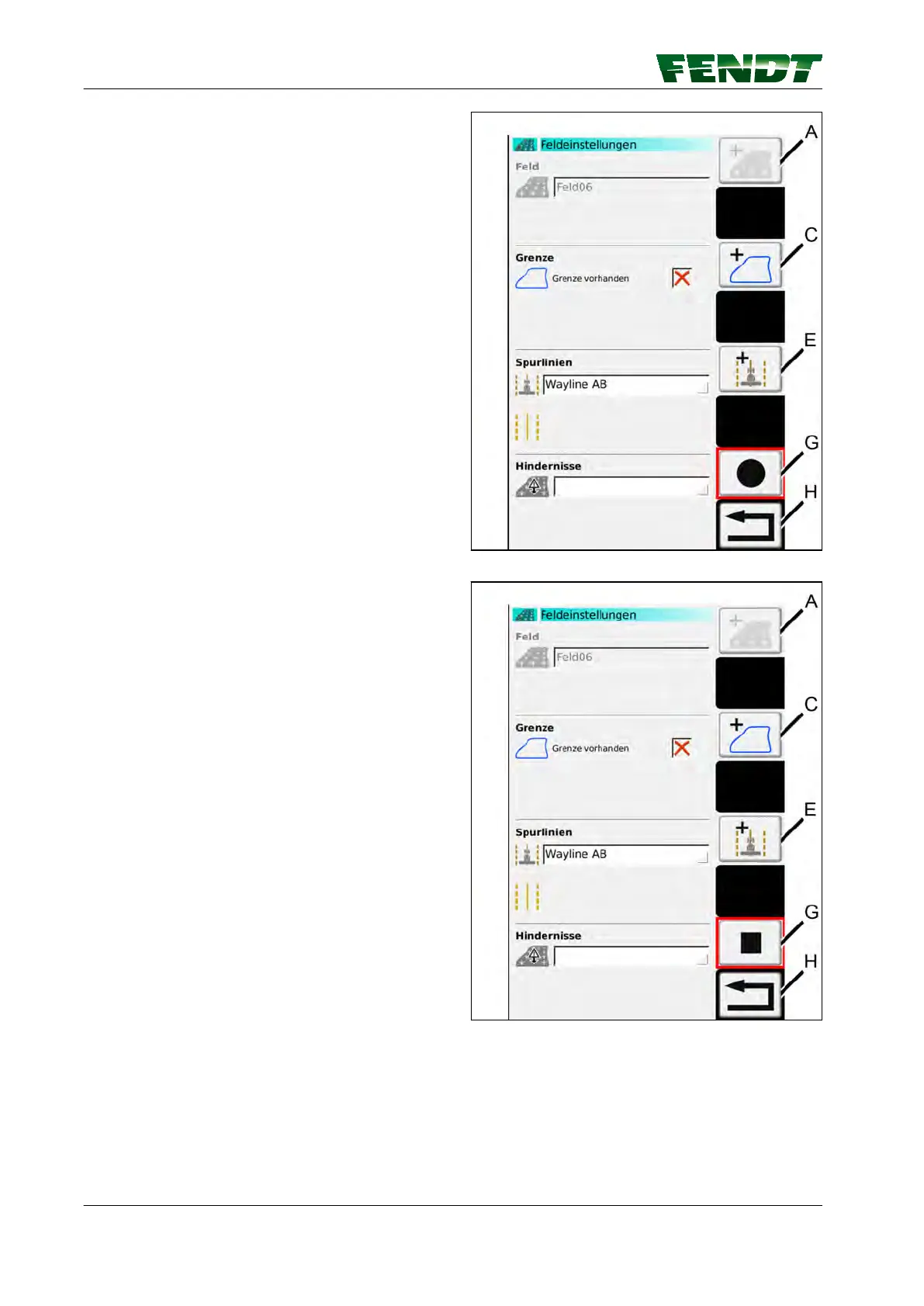
Start area recording
To start area recording, press softkey (G). The
image shown opposite appears with modified
softkey (G); drive around the large obstacle.
NOTE:
Large obstacles are recorded in the same way as
boundaries.
Fig. 69
End and save the area recording
To end the area recording, press softkey (G); the
image shown opposite appears.
Fig. 70
7. Start-up
116 VarioGuide
438.020.070.012



 To Next Page