Go to fetco.com for the latest versions of all information Page 6 User Guide & Operator instructions P211e0November 2021
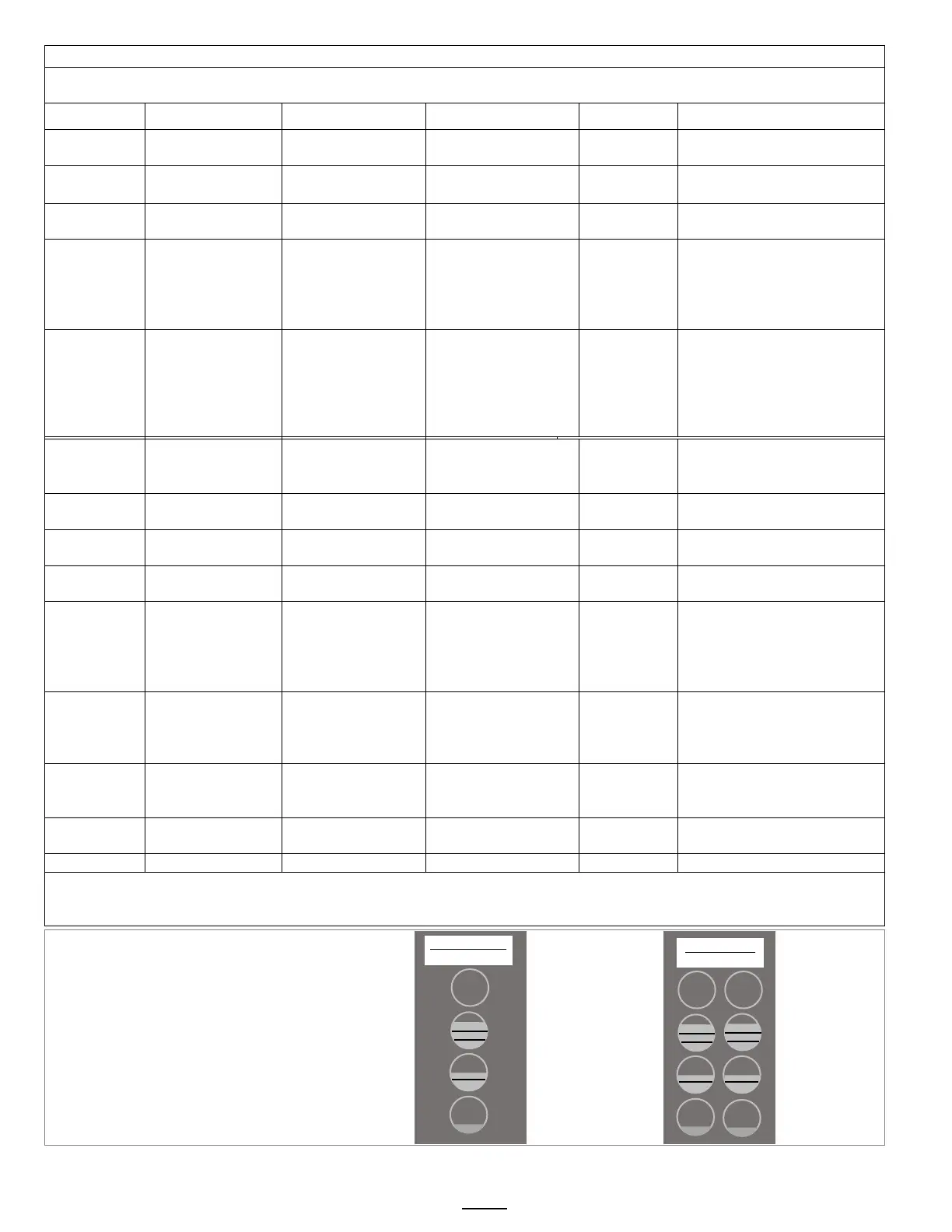
Menu Features: Batch Parameters
The settings below are shown for the top batch on a single brewer top left button on a twin brewer.
See how to access all A menus on the previous page. Below are the brew settings for default A1 & A2 batches
POSITION Program Items Factory set Default
Programming Range
Increments Notes
A1.10 Batch Volume
0.95 to 4.75L
0.25 to 1.25 gal
Unit software is in L;
converts to gallon
A1.20 Brew Time 4:00 minutes 2:00 – 12:00 0.30
Default total brew time is
5:30 minutes
A1.30 Prewet Perc. 0% 0.00 – 25.0% 1%
Percentage of total brew
volume
A1.40
Prewet Delay
(Pause after prewet
completes)
0% [1:00 Min] [0:10 – 5:00] 1:00 min
prewetting and start of
brew cycle.
This feature appears
A1.60
This is a
Safety
Feature
Drip Delay 1:30 mm:ss 0:30 – 6:00 Min.
remains locked during final
drip-out
Drip delay remains “ON”
for 1:30 minutes if STOP
A2.00
BATCH
ENABLED
YES
(Active)
Middle and Bottom
batches A2,3,5,6
Batch on or
off
individually enabled,
A2.10 Batch Volume
0.95 to 4.75L
0.25 to 1.25 gal
Unit software is in L;
converts to gallon
A2.20 Brew Time 3:30 minutes 2:00 – 12:00 0.30
Default total brew time is
5:30 minutes
A2.30 Prewet Perc. 0% 0.00 – 25.0% 1%
Percentage of total brew
volume
A2.40
Prewet Delay
(Brew pause after
prewet completes)
0% [1:00 Min] [0:10 – 5:00] 1:00 min
prewetting and start of
brew cycle.
This feature appears
Safety
Drip Delay 1:30 mm:ss 0:30 – 6:00 Min.
Time that brew basket
remains locked during final
drip-out
A30
A30 YES -
(defaults to recipe
Middle and Bottom
batches A2,A3
Batch
on or off
individually enabled,
Copy From Batch A90 A90 1 (1-6)
Single Topmost Batch cannot be disabled. TWIN Topmost Batch LEFT & RIGHT cannot be disabled.
Middle and bottom batches may be disabled for single and twin brewer (CBS-1231 and CBS-1232 )
† DRIP DELAY will not activate when STOP is pressed within 5 seconds of starting a brew time
.
RECIPE Location map
Viewing and changing settings for the brew
recipes is from the “A” screens with the controls in
PROGRAMMING.
The uppermost button positions are permanent
and will not display programming step A_0. The
table above shows in position A20 that a button
position can be made active or inactive.
Position A1 does not display this step
DISPLAY
DISPLAY
STOP
STOP
BATCH A1
(permanent)
BATCH A4
(permanent)
BATCH A2
(enabled by factory)
BATCH A5
enabled by factory)
BATCH A3
(disabled by factory)
BATCH A6
disabled by factory)
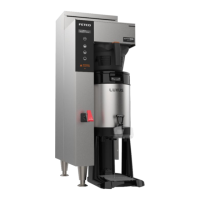
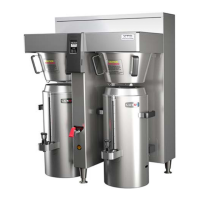
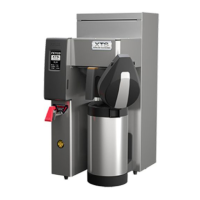
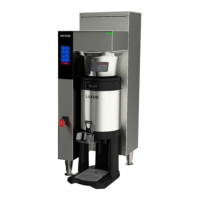
CBS-1231 Plus
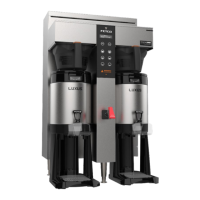
CBS-1232 Plus


 To Next Page