Go to fetco.com for the latest versions of all information Page 8 User Guide & Operator instructions P211e0November 2021
Brewer Sensors and Keypad
POSITION
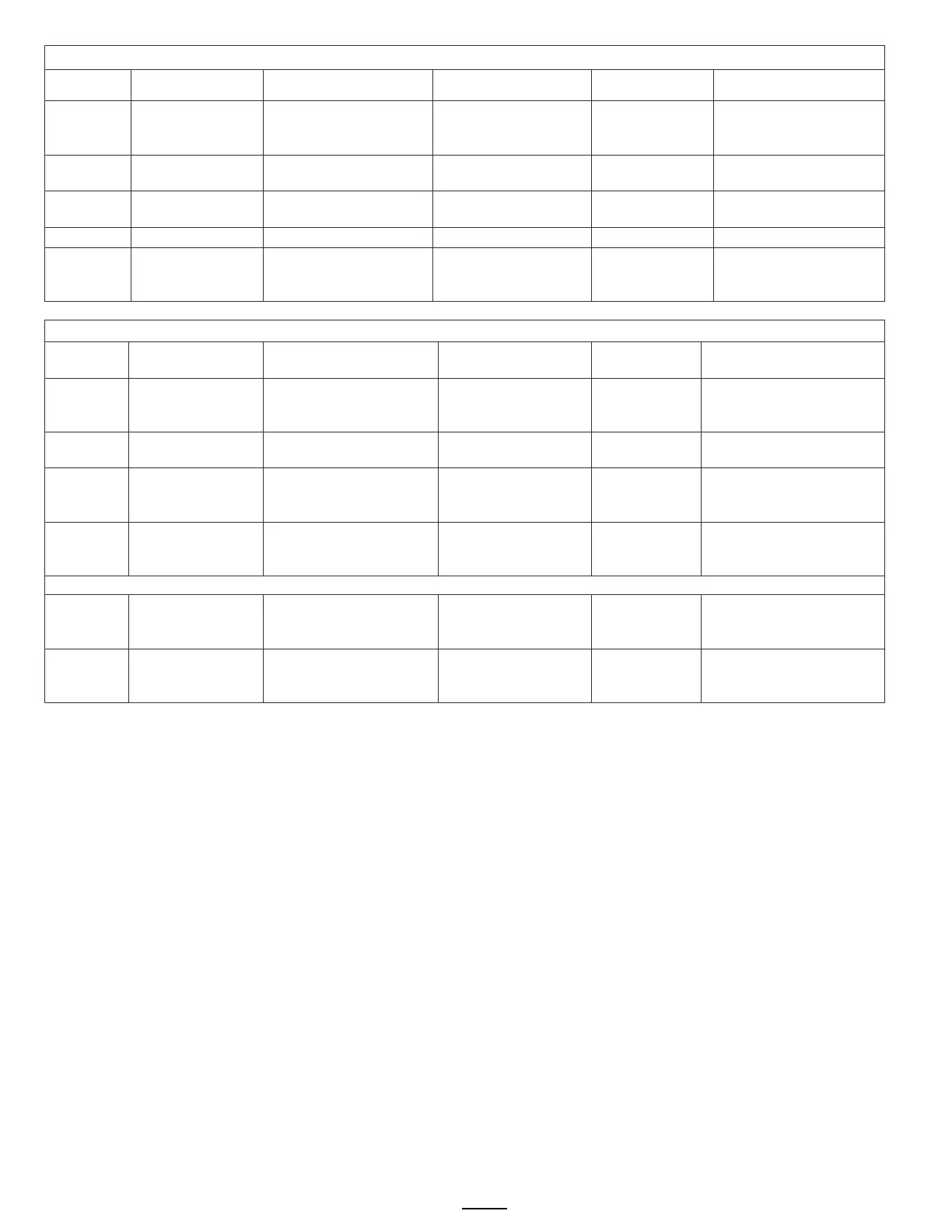
Program Items Factory set Default Programming Range Increments Notes
C1
LLC Probe
continuity
Direct read
water resistance in
≈850- LOW
≈1600-HIGH
Nominal values
C2
L-YES R-YES YES or NO
C3
Direct read
Hot water tank
temperature
Actual values
C6 Keyboard Test Calibrate
under membrane
YES/NO
Follow directions on
the touch screen
Test Valves and Heaters; Set screen brightness
POSITION
Program Items Factory set Default
Increments Notes
D1 Heater SSR Test
Press button 2 to test
(button 1 stops test)
Activates heater
Default is 10 sec..
Toggle +/-
OFF or ON
WARNING!
D2 Fill Valve Test
Press button 2 to test
(button 1 stops test)
Activates valve
Default is 10 sec.
Press To Test
D3
LT (left)
Brew Valve Test
(Press to test)
Activates valve
Default is 10 sec.
Toggle +/-
OFF or ON
Runs valve to verify flow.
NOTE: Have container
D4
RT (right)
Brew Valve Test
(Press to test)
Activates valve
Default is 10 sec.
Toggle +/-
OFF or ON
Runs valve to verify flow.
NOTE: Have container
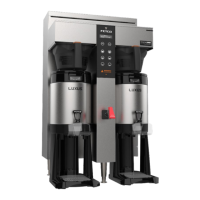
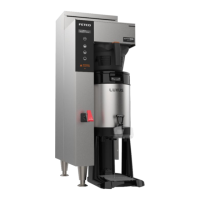
Single series displays right side only Left Valve display is only for twin side brewer.
D12 LCD Brightness Brightness=90% 20-100% 5%
brightness only-Not for
D13 LED Brightness Brightness=60% 20-100% 5%
brightness only-Not for


 To Next Page