FieldBee toolbox manual v.1.0
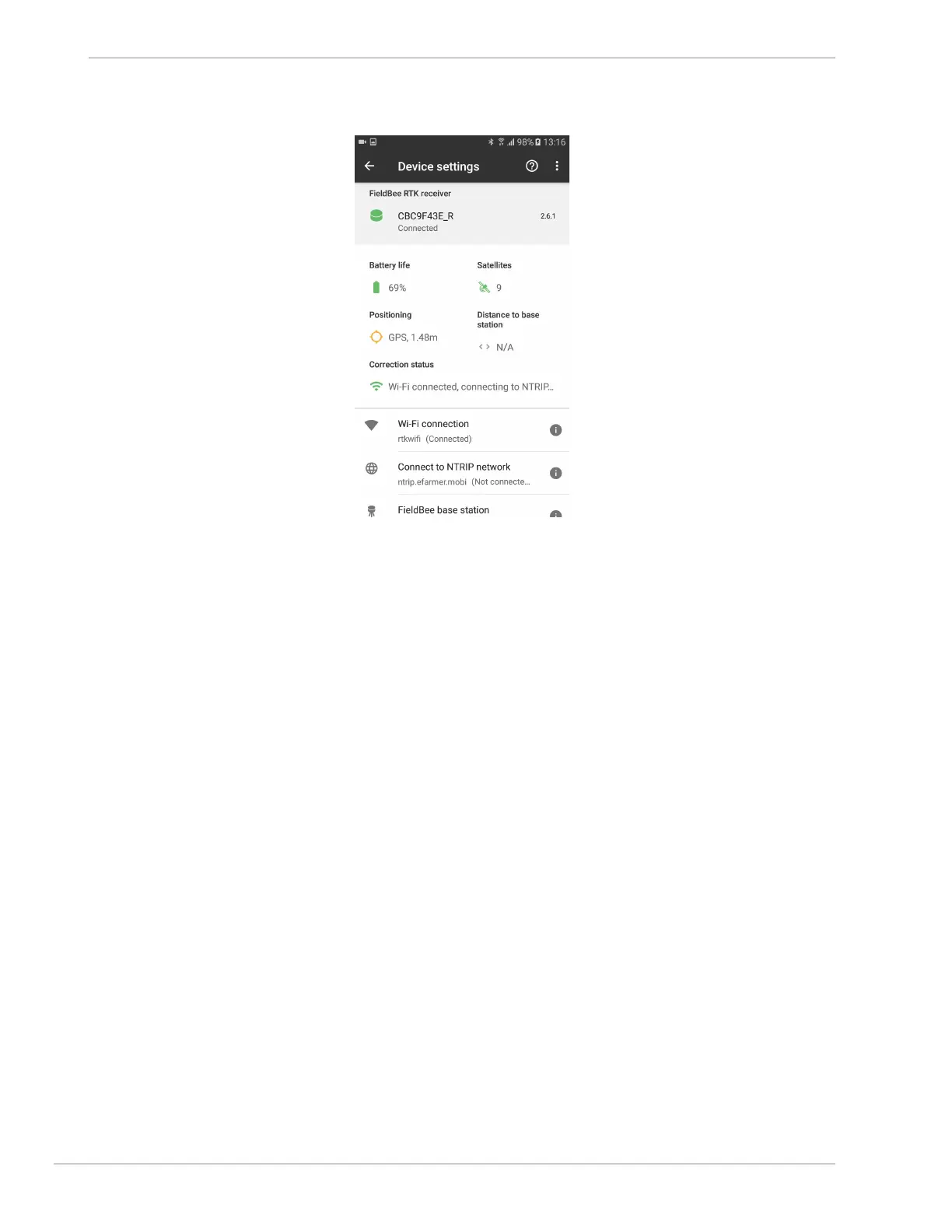
fig.2.7
● Connecting receiver to current device’s Hotspot:
1) tap Wi-Fi connection; (fig.2.1)
2) tap Open hotspot settings; (fig.3.1)
3) tap Mobile hotspot; (fig.3.2)
4) enable hotspot; (fig.3.3)
5) allow to turn on Mobile hotspot; (fig.3.4)
6) tap back; (fig.3.5, fig.3.6)
7) allow to turn off WiFi network while using hotspot; (fig.3.7)
8) tap Add a Wi-Fi network; (fig.3.8)
9) input name; (fig.3.9)
10) input password; (fig.3.10)
11) tap Connect button; (fig.3.11)
12) allow to turn off WiFi network while using hotspot; (fig.3.7)
13) *wait until FieldBee will become connected to hotspot network (fig.3.12)
FieldBee is connected to hotspot network. (fig.3.13, fig.3.14)


 To Next Page