FieldBee toolbox manual v.1.0
Feeder password: last 4 symbols of Base station serial number
Firmware update
Contact your dealer or our support to know does your FieldBee need to be updated.
Profiles
Profiles give you chance to set receiver to wit specific parameters for radio channel (EU or other World)
Reset
You can reset FieldBee modules separately without manual restarting antenna.
If you have no physical chance to restart antenna ( FieldBee is located at the roof or other place without possibility to
restart it manually) - Choose MCU and apply to restart FieldBee.
If there are any problems with satellites reception - choose GPS2 module and apply to restart GPS module.
Radio module and Wi-Fi module restart only by applying MCU restart.
Fix Status
Fix Status display current positioning ( Satellites amount in use, RMS( accuracy), distance to Base station and location)
You can tap Copy Location to get precise coordinates ( latitude, longitude, altitude) and use them furter for positioning.
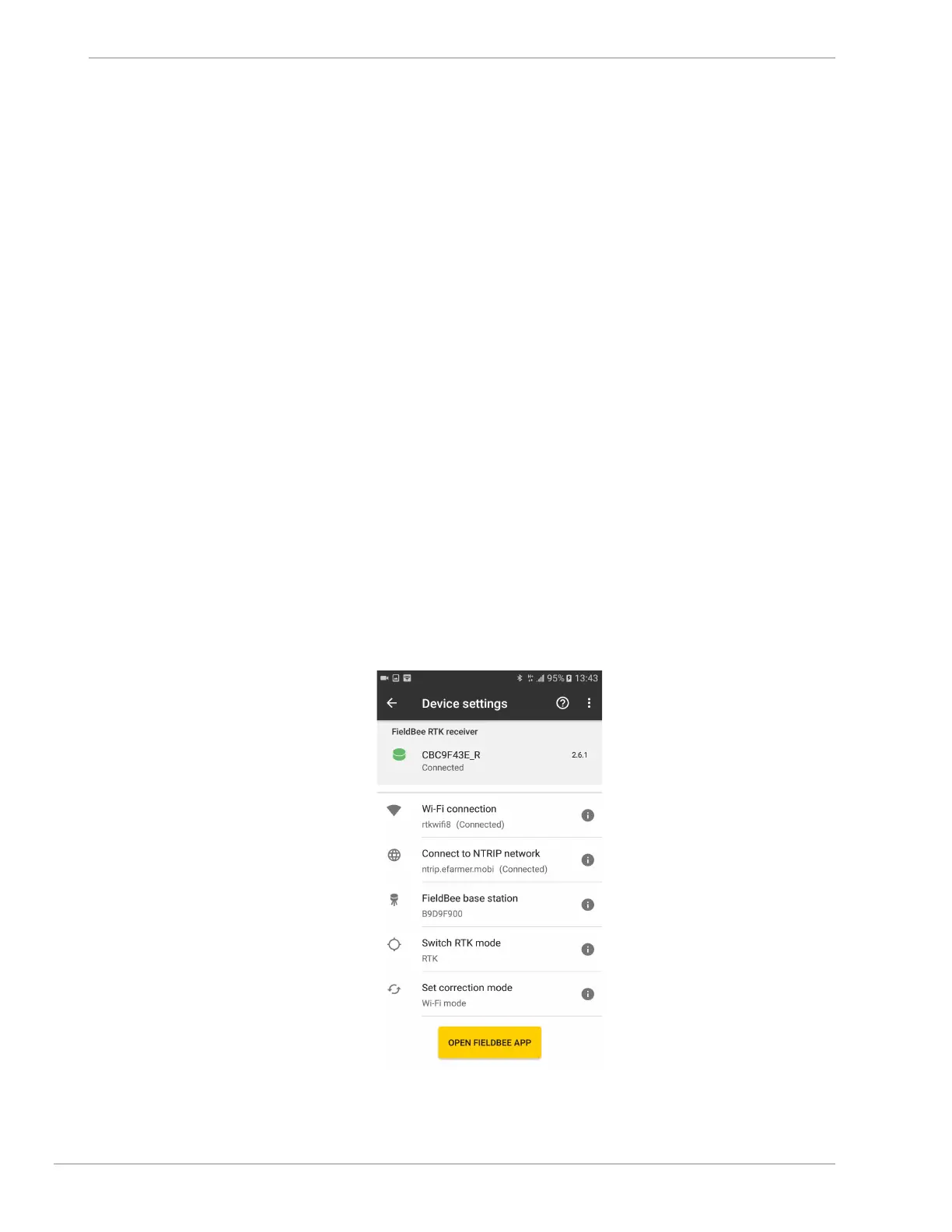
Start Navigation with FieldBee
When you have set up FieldBee receiver and Base station you can start your work with FieldBee app.
For this Tap Open FieldBee app button.


 To Next Page