Press and hold the power/lock button when the M3 Pro is off. Then it will start up in
about 2s. If it is turned on for the first time, there will be a language selection list which you
can choose for the system language. Click OK to enter the homepage. In addition, you can
also change the language in Settings->System settings->Languages as shown above.
Press and hold the power button when the M3 Pro is on. Click Yes in the power off
prompt page, and then it will be turned off.
(Notes: if you are unable to shut it down normally, press and hold the power button for 10s
to force a shutdown.)
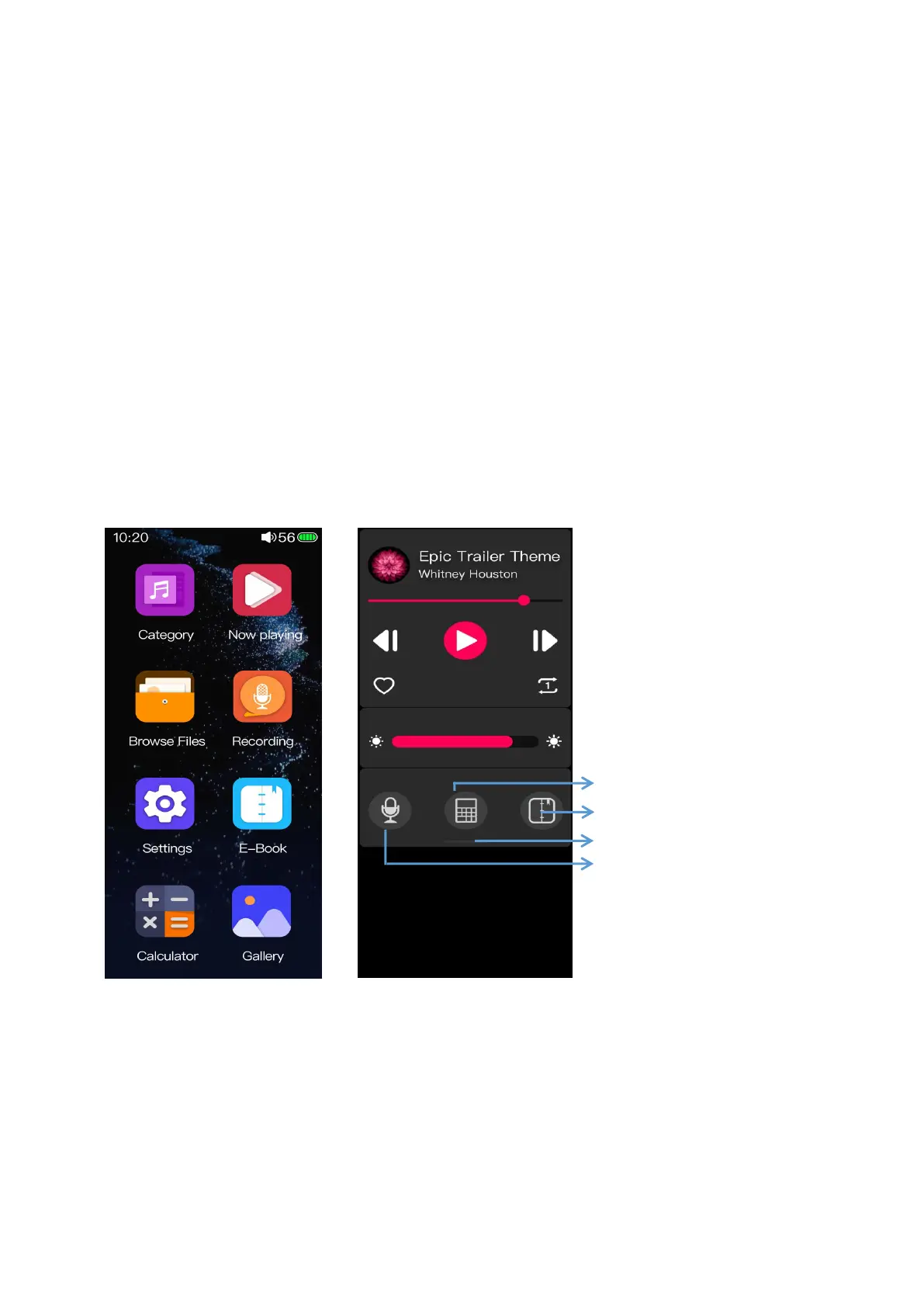
3.2 Main screen and drop-down menu
In the main screen page, click relating icons to enter into relating menu; swipe from the
top of the screen to the bottom for a drop-down menu. Swipe from the bottom edge to the top
or click the homepage icon in the upper right corner to directly return to the main screen.
(Notes: the homepage icon may not show up in certain pages.)



 To Next Page