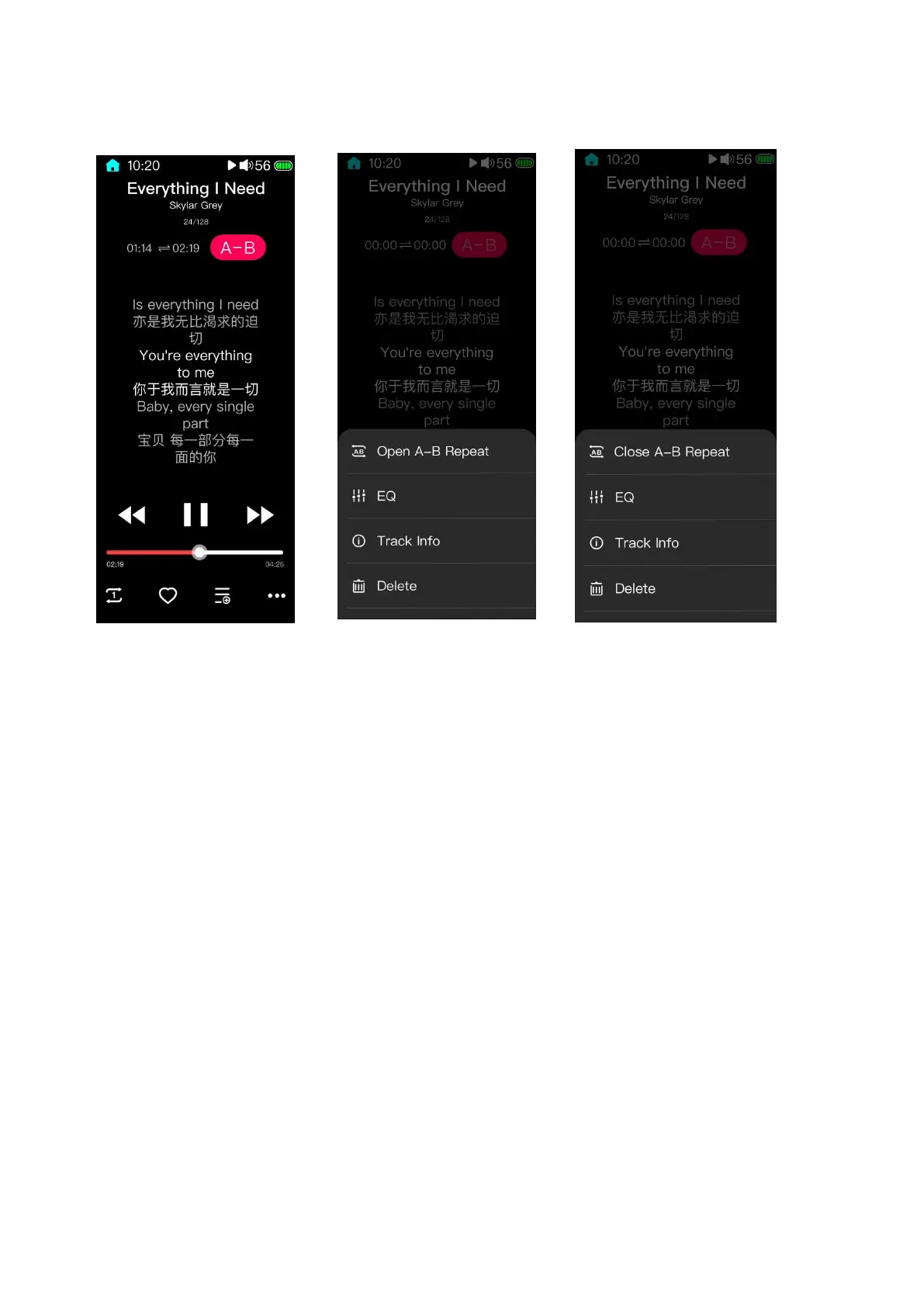
3.13 A-B repeat function operation guide
1. Enter the now playing menu (lyrics display page); tap the icon on the bottom right corner t
o pop up More Operations menu;
2. Tap “Start A-B Repeat”;
3. First tap the“A-B”icon on the upper right corner to confirm the beginning point A; tap th
e“A-B”icon again to confirm the ending point B, so that the A-B repeat range is chosen. Un
der this state, tap the“A-B”icon to cancel the AB repeat range, so that the playback will retu
rn to normal.
Notices:
① When the A-B repeat switch is on, the repeat range needs to be chosen so that the repeat f
unction can be enabled.



 To Next Page