With this function on, it can be set to any value with 0 to 60. Then every time you
restart the device, the volume will be at the set level.
3.9.6 Channel balance
If there is unbalance between the left and right sides, slide the central icon or click the
+&-icon of the virtual key to adjust the sound output of left and right sides.
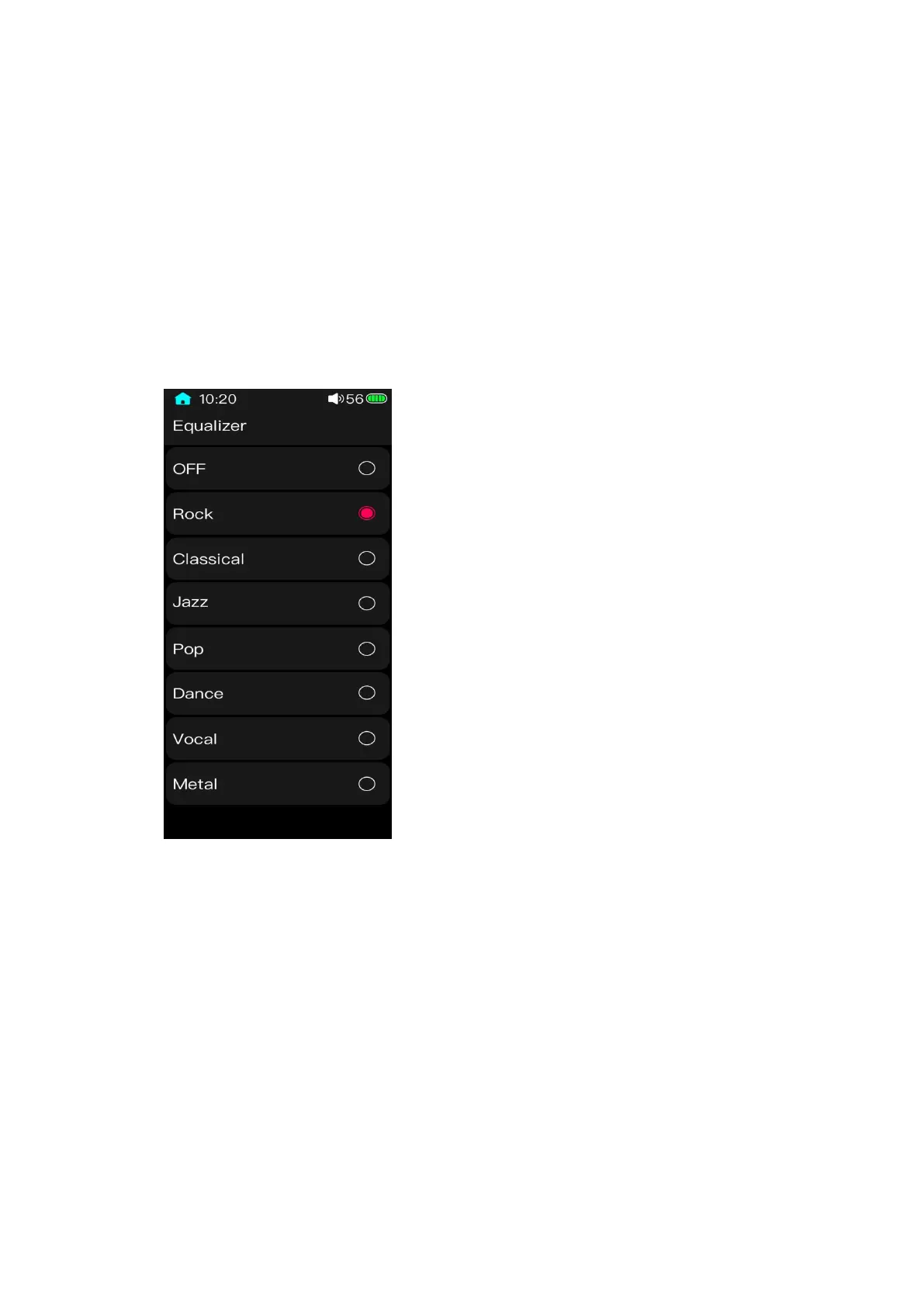
3.9.7 Equalizer
The default is off. At this moment, the signal output is an original one which will not be
extra processed by the system. Go to the Equalizer settings menu, sliding the touch bar
correspondingly to switch between preset equalizers for different output effects.
3.9.8 Play through folders
The default is on. If the song is played from the Browse file or the Categories list, in the
sequential play mode, list loop mode or shuffle play mode, the playback will automatically



 To Next Page