jump to the next folder or list to continue playing when the current list is over. It can be set
to off so that songs will only be played within the current folder or list.
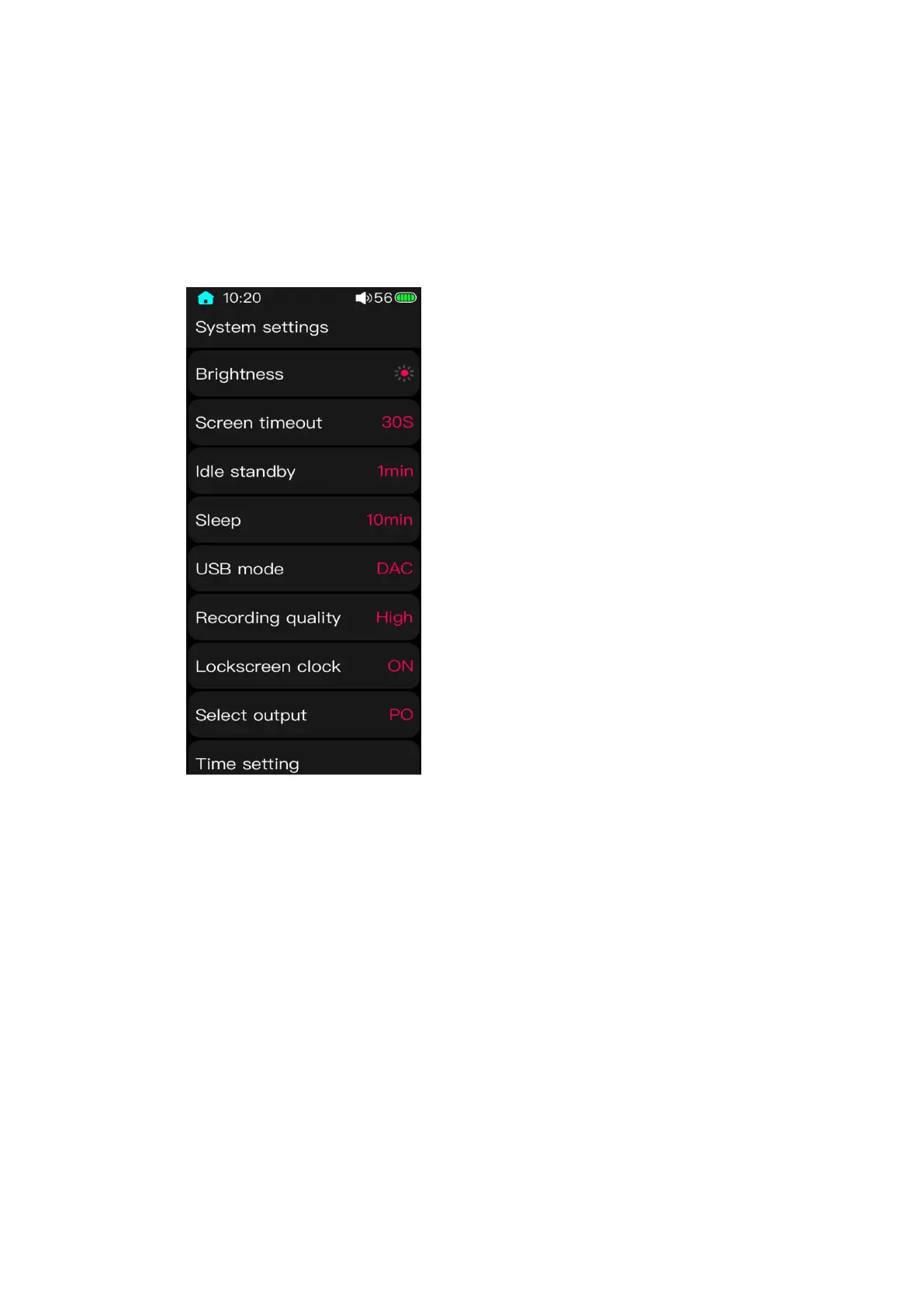
3.10 System settings
3.10.1 Brightness
Click it to enter the setting menu. Slide the screen up an down or click +& - of the
virtual key to adjust the brightness to any value within 1 to 10 level.
3.10.2 Screen timeout
Whether the M3 Pro is playing music or not, its screen will automatically turn off
once there is no operation and it reaches to the set time which can be set to 30s, 40s, 50s, 60s,
90s and 120s.



 To Next Page