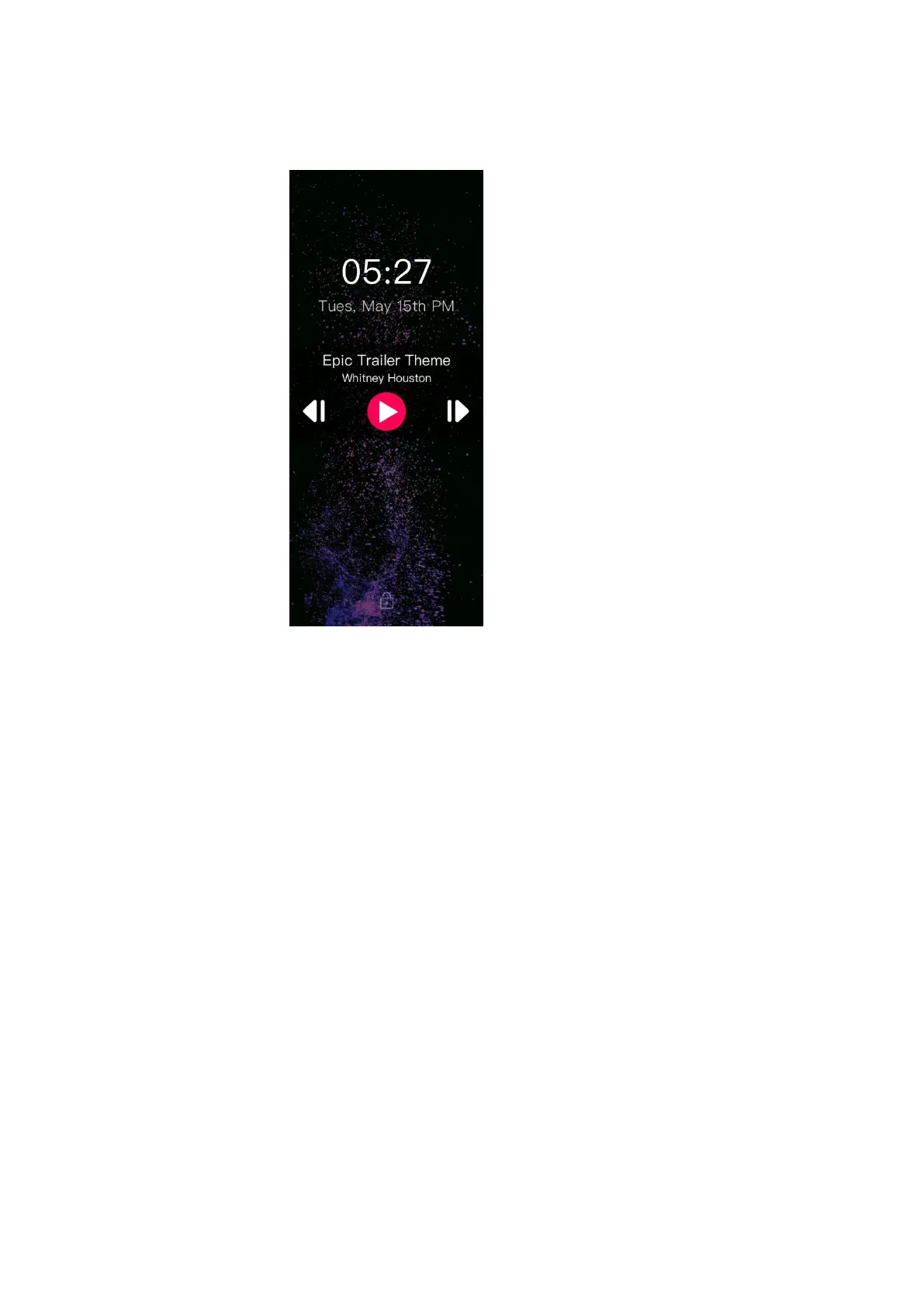
3.3 Lock screen clock
1)In the system setting, when the “lock screen clock” item is on and the screen is
locked, it would end up in the page showing above;
2)In this page, you can swipe to the top or to the right to unlock the screen;
3)The “Lock Screen Clock” function can be turned off in the System settings so
that it would not appear when you wake up the M3 Pro;
4)In the lock screen clock page, if the M3 Pro is playing tracks, long press the
volume up button to switch to the next track (short press to increase the volume); long
press the volume down button to switch to the previous track (short press to decrease
the volume); short press the play/pause to operate the playback.



 To Next Page