After updating the music library, there will be the last 50 songs added according to the
reverse sequence of the TF card copy file, which can help to quickly identify the recently
added songs.
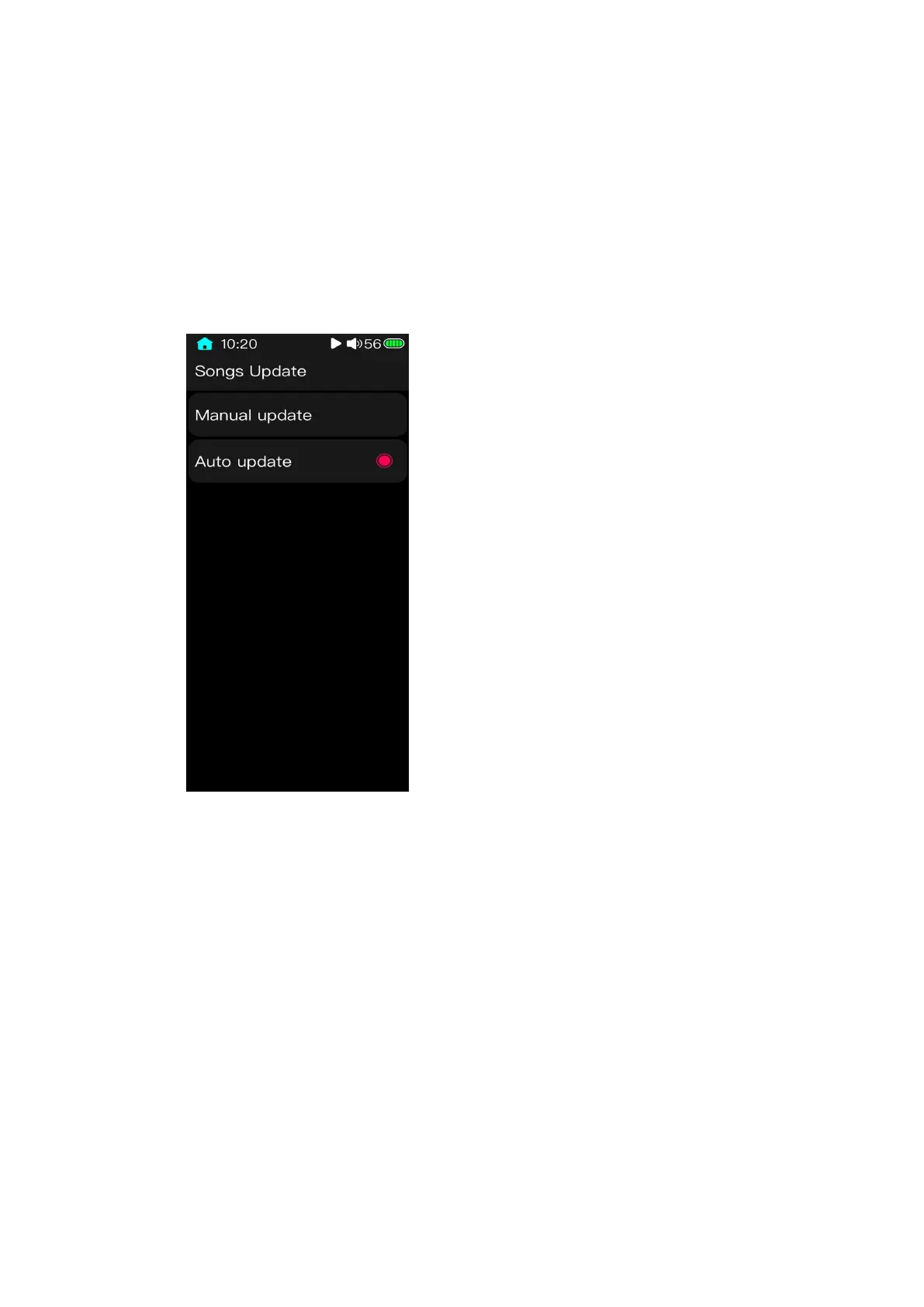
3.8 Update song library
There are manually update and automatically update. Manually update means that the
system would not make any refreshing operations to the song library. Only users click
updating can it be updated. Automatically update means that when connecting the M3 Pro
to a computer and transferring data, the song library would automatically be updated once
the connection is cut or the TF card is inserted.
During the process of song library updating, if the screen is locked or the device is
shut down, it would cause a failure to update. To cancel updating, you can swipe from the
left edge of the screen to the right. When finishing the update, there will be a prompt.



 To Next Page