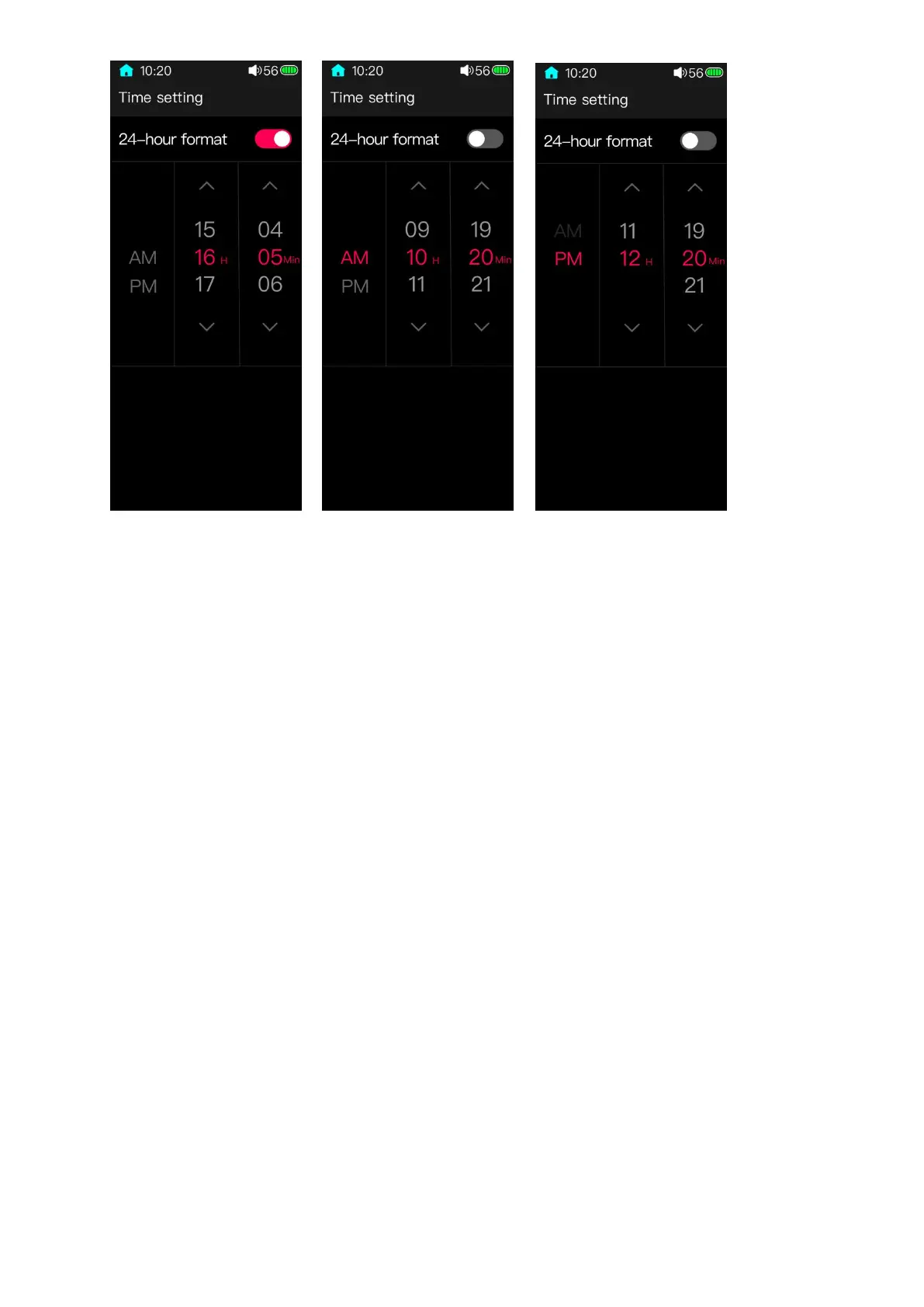
There are 24-hour mode and 12-hour mode for your options. The default mode is
24-hour. After entering the Time setting page, there will be a 24-hour mode item on the top
of the display which is default to ON. This means the time would be displayed as 24 hours. If
it is switched to OFF, the time would be displayed as 12 hours.
Slide the numbers or click them could adjust the time. After completing the setting,
swipe from the left edge of the screen to the right to exit the page, and it would save the
settings automatically.
3.10.10 Date setting



 To Next Page