5 E-book reader
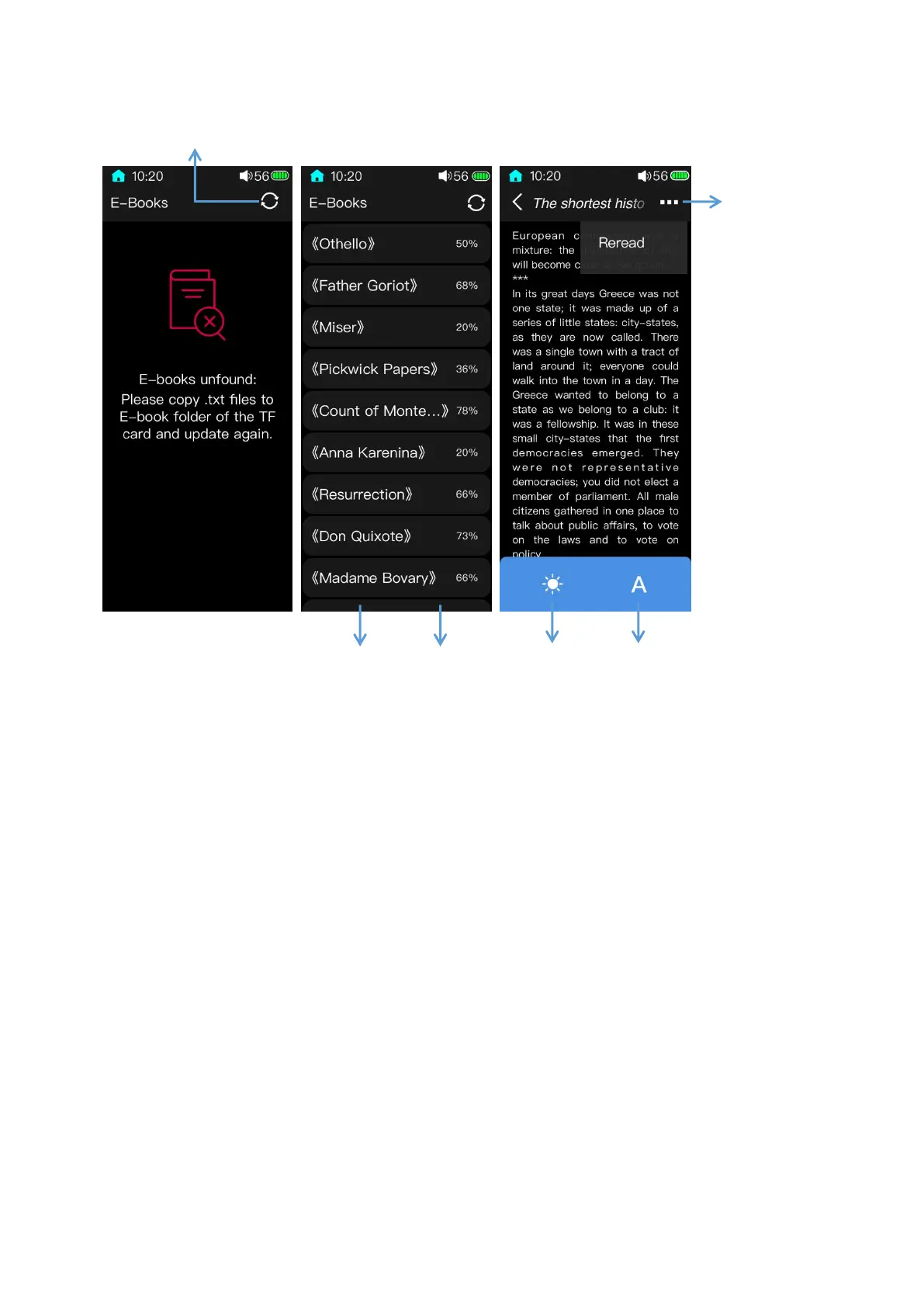
1.After inserted a TF card, a folder named “E-book”would be established in this card.
Before to read, the TXT files should be put in this TF card so that e-books can be updated
and showed up in the e-book reader.
2.In the reading page of the e-book reader, swipe left or click on the right side of the
screen to switch to the next page; swipe right or click on the left side of the screen to switch
to the previous page.
3.In the e-book list screen, swipe from the right edge of the screen to the left to pop up
the Bulk management menu where you can select and delete certain or all e-books; swipe
from the left edge of the screen to the right to return to previous pages step by step.



 To Next Page