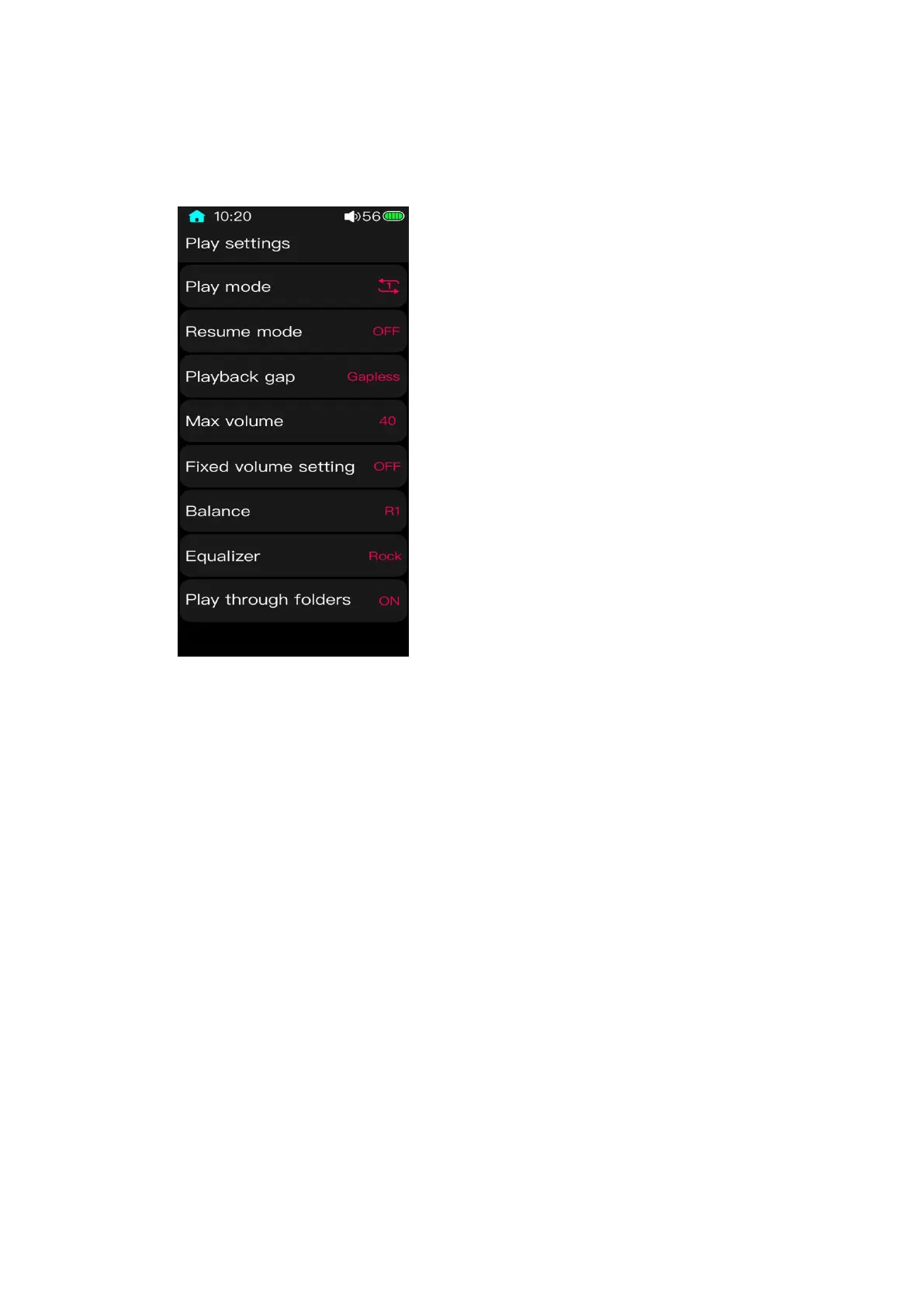
3.9 Play settings
3.9.1 Play mode
The default playing mode is Sequential playing. After the current list is over, there will
be no song playing anymore. (If “Play through folders” is ON, it will jump to the next list to
continue playing until the last list is over.) The play mode can be set as introduced below.
Loop list: songs will be played within the certain list all the time;
Shuffle play: songs will be played randomly in the current list.
Single play: it will stop playing after the current playing is over;
Single loop: the current song will be played time after time. (You can also manually switch
to other songs.)



 To Next Page