Swipe from the left edge of the screen to right to pop up the he recording stop
prompt. Select “Yes” and press OK to stop recording. These recording files will be
saved in the folder named Record in the root directory of the SD card.
(Notes:1Please insert a TF card before recording, and make sure that it has enough
available capacity to save the recording files. The recording function will not be working
without a TF card.
2 During the recording process, songs cannot be played at the same time, and the recording
screen cannot be exited before stopping recording. When you need to play the song, please
stop the recording first; if you play the song first and then enter the recording, the playing
will stop automatically after the recording is started.)
3.7 Category
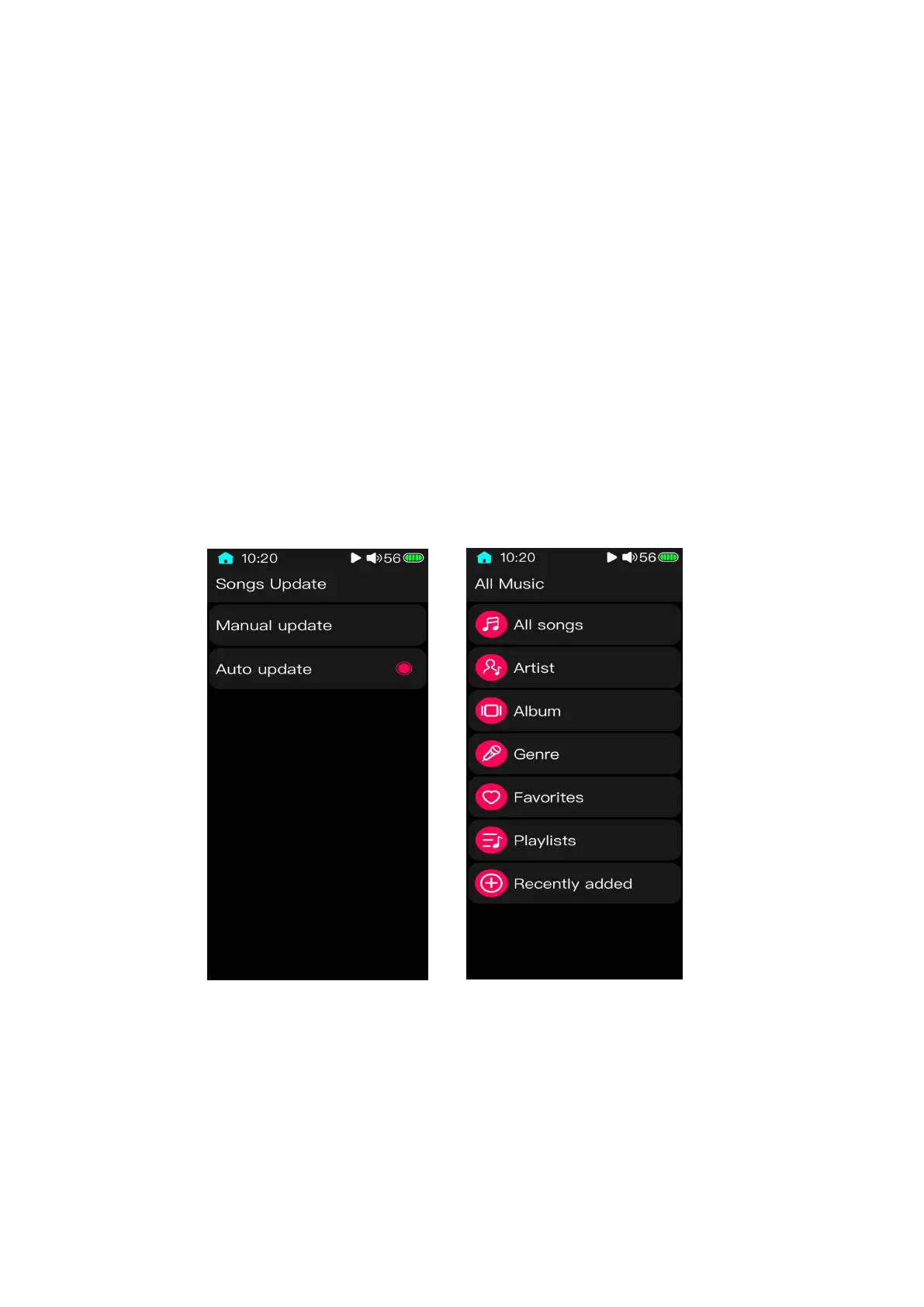
(Notes: before using the function of play by category, please update the media library
in"System Settings-Update. After that, the system will classify the songs according to the ID3
information of the songs itself.)
3.7.1 All songs



 To Next Page