Swipe from the left of the screen edge to right to return to previous page. Music
files would be defaulted to play in sequence following the folder.
3.6 Recording
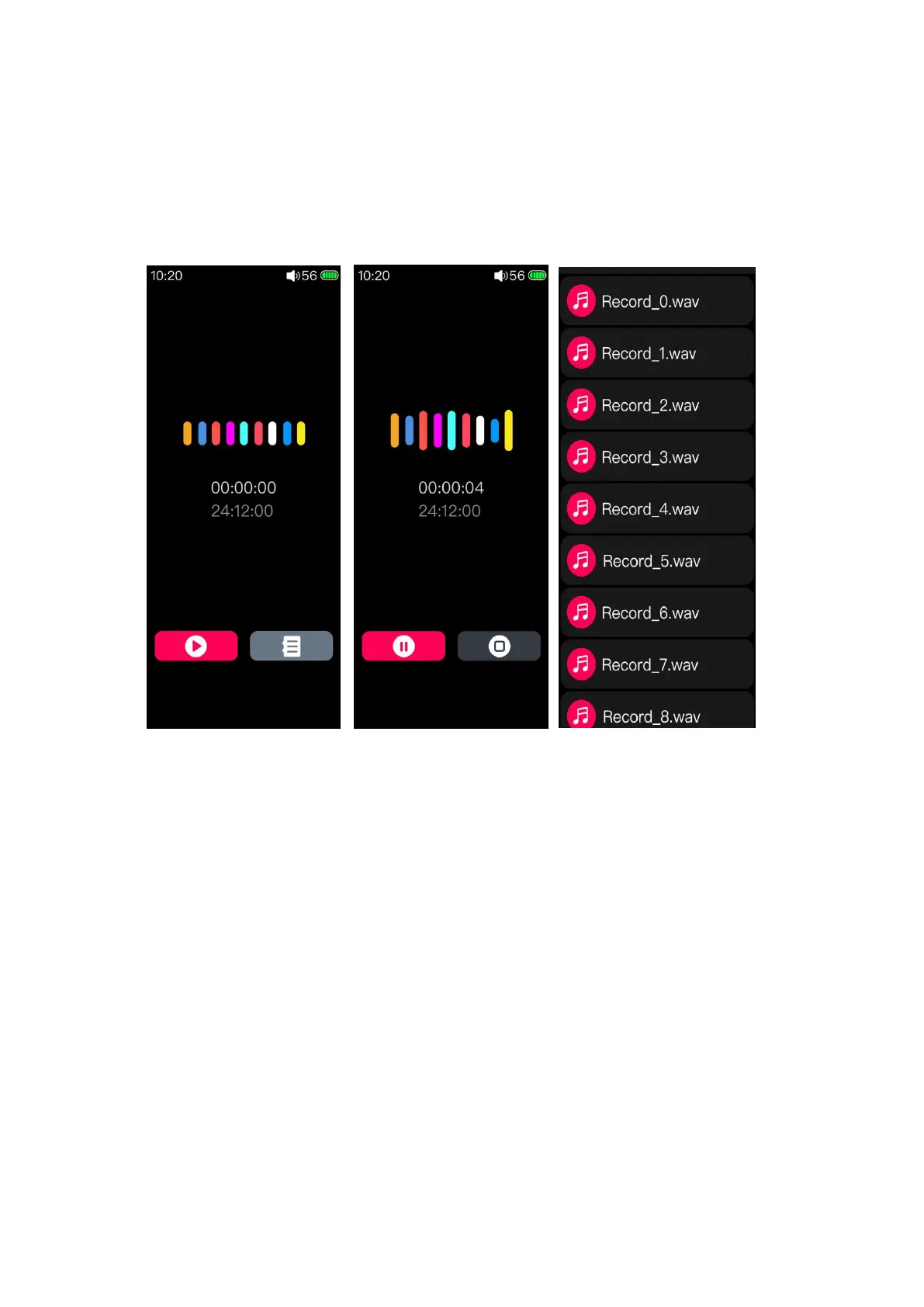
After clicking into the recording screen, the above picture will appear. Press the
red icon in this page to start recording.
The recording screen has two clocks. The upper clock is displayed as the
recording duration, that is, the time that has been recorded. The bottom one shows the
rest time of recording which is based on the available capacity of the TF card.
If it is recording, click the red icon in this page to pause the recording or the
pause button in the right side to save it. There will be relating prompts for your
operation. The recording files will be saved in the folder named Record in the root
directory of the SD card.



 To Next Page